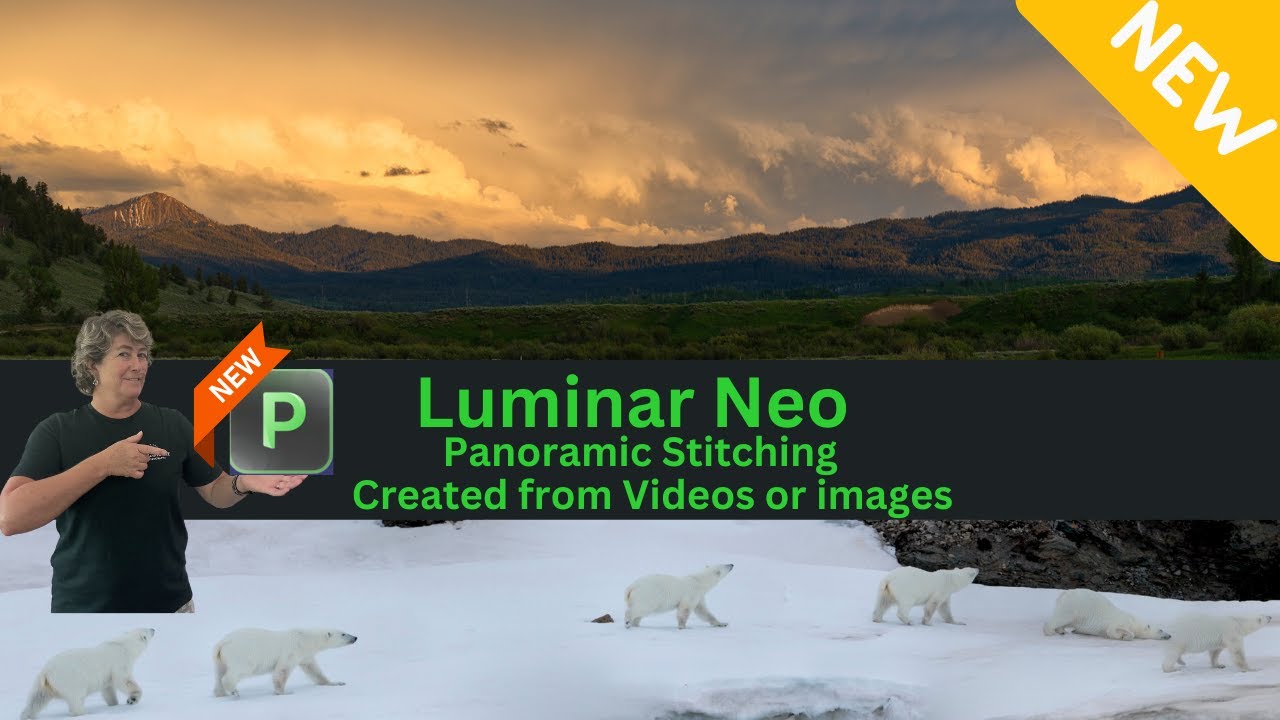
Angie Birmingham walks through Luminar Neo's new Panorama Stitch extension, showing how to turn video frames and handheld photos into seamless panoramas. She stitches a polar bear clip and a Grand Teton sunset, then cleans up the results with cloning and sky enhancement.
Chapters
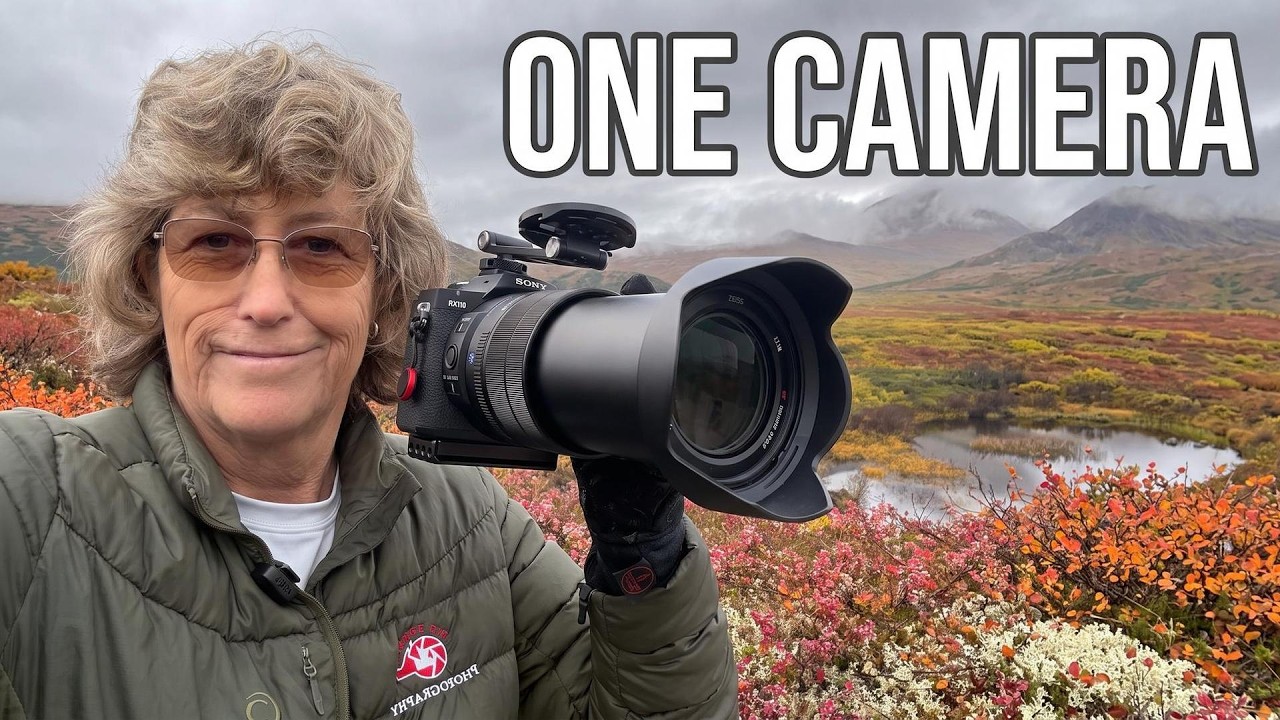
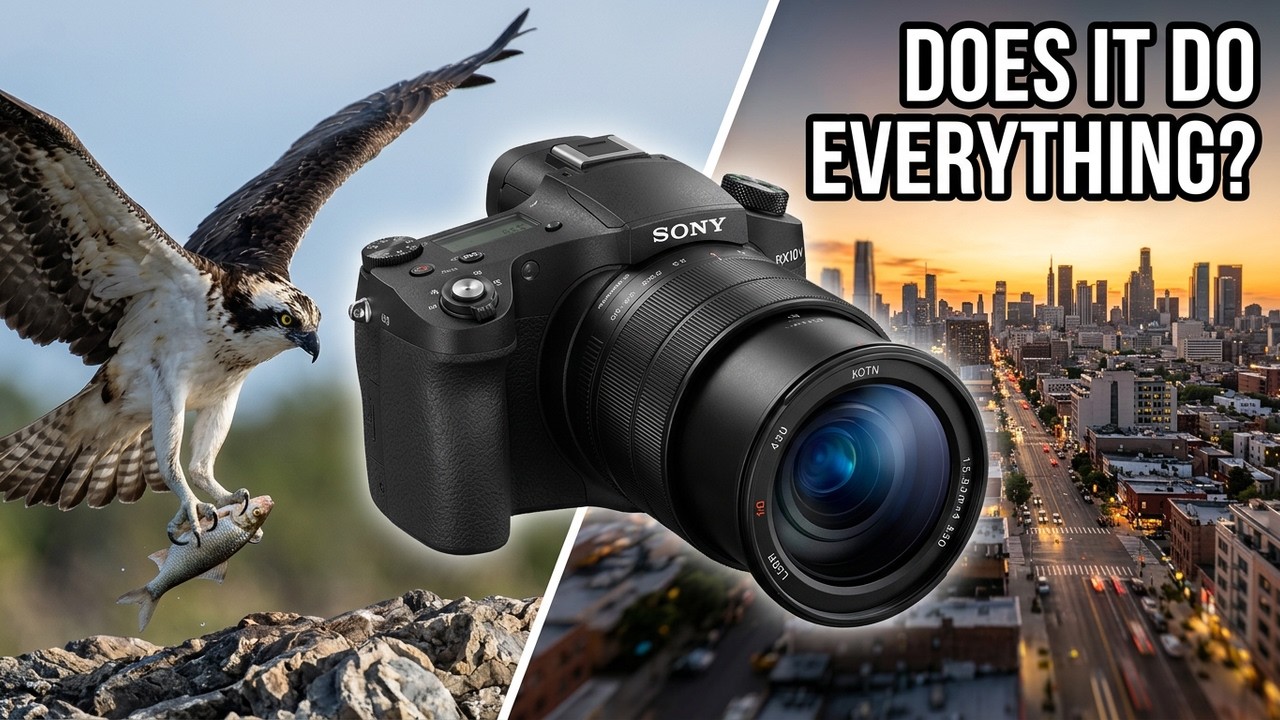
Hello and welcome to another episode of Jeff and Angie Photography. I am back. I was on vacation from a vacation, so, but I'm back and I have some exciting news. The panorama stitching is— will be available July 20th for you to start using, but right now I have a beta version That we can kind of play with, and I will show you how to use it. It's super easy. We can take a video and turn it into a panorama, or we can take images and turn them into a panorama. So stay tuned, and we will— or I will show you how to use it. All right, so before we get started, I wanted to show you that the Panorama is available for pre-order, and it has an early bird special right now. Uh, if you purchase it anytime between now and the 19th, you will get it delivered at the pre-order price. And the pre-order price is— with the lifetime license, you get the Panorama Stitching for free. Or if you get the Pro subscription, it'll be included in that along with some free stuff down here. You get all existing and future extensions. That's the advantage to the Pro subscription, is that everything is always up to date. You get all of the extensions, which is awesome. That's the, that's the one that I have. And then this time you're gonna get Drone Guide, 37 drone trips to get you flying like a filmmaker. I need to watch that because I need to practice more with my drone. But anyways, let's jump on over to Neo. And we'll go into this video here, polar bear video. You guys want to watch it before? It's kind of cool. It's kind of rocky because we were in a boat and I was trying to film her and the waves were kind of making me go up and down, up and down. Isn't she cute rolling around in the snow? Whoop, there she goes. All right, so that's the video that we are going to use. All right, so here we are in Luminar, and I'm going to show you something really cool. So we can take a video And we can turn it into a panorama by dragging the video, putting it in this Panorama Stitch extension, hit start, and there's my video that's processed and ready for me to start choosing the custom selections. So we just kind of drag this along till we get a view that we like, like that one there. You hit the little plus symbol and you outline your subject like so. Then you just continue on down till you find another view that you like. Oh, here you go. There's another one there. We can outline her again, and then we'll just kind of move along until we find another— oh, there we go. We'll add this view. Put that right around her. Oh, isn't that cute? But she's all in the same spot. Spot, so that won't work. You got to kind of get her in a different spot in the scene so that she doesn't overlap herself. There we go. And we'll do this last spot here. And then after you have all of your segments selected, you hit continue. Let it do its little process, and then you can go in here, you can zoom in, kind of see what your picture is going to look like. And then you just— to straighten it out and stuff, you can just grab it and you can move it like so, get it to where you want it, about like that. Of course, you can choose different perspectives, but this one here usually works the best for me out of all the things I've done. And then we just hit stitch, and then you drag your crop to where you want it. Something like that would probably work. And then you hit crop and then save. And keep in mind that this is still a beta program, so it's not 100%— oops— it's not 100% There, but it's real close. So yeah, there's our little bear walking along. Boom, boom. And then to edit this, to kind of fill in up there, you could go into Edit, go into Clone, just pick your area, and then just kind I'm just gonna clone across. Nope. Get a bigger area. Cover up this, the gap there. There you go. There you have it. A panorama from a video. So how cool is that? Alright, so next We will go in and we will get a pano. We'll grab some images here. Let's see, let's grab this one, this one, this one, and we will drag it on over. To pano stitch. Let it do its magic. And this was a handheld panorama. Kind of zoom in, see what it looks like. Looks pretty good. Alright, we'll tell it to stitch, and there we have a beautiful panorama of a beautiful sunset in the Grand Teton National Park. Okay, and then you can take that image and you can go over here to edit and Go in and do your usual development first. See how well this turns out. Just do a quick little edit. Add a little sharpness to it. Hmm, let's see, sky enhancement, see what that does. That's a little— there we go. And there you have it. Oh, wait a minute, we got some, some spots there on the lens. Let's see how well the dust spot removal works on this image. It worked pretty darn good. There we have it, quick and easy edit using the new extension Panoramic. All right, so thank you for watching, and don't forget to use my links below to purchase your Luminar Neo program or extensions. And don't forget to hit that like button and subscribe so you don't mix my— so you don't miss my next video. And ring my bell and you'll get notified the next time I post a video. So speaking of next video, my next video could very well be the review on the RX10 Mark IV camera. B&H sent this to me, and I am going to do a review on it. I will be taking a family trip, and this is the only camera I will be taking with me. to the Texas Hill Country. We'll see how well this camera performs, how well it does portraits, dog photography, maybe some nighttime pictures if the sky is cooperative, and who knows what else I'll come up with. But anyways, stay tuned, and if you need a new camera, make sure you go below for my links. I have a link there for B&H, and every little bit Helps. So don't forget to use my affiliate links below. That helps our channel do reviews and Luminar videos. Oh, and also I do have 3 spots left in my Caddo Lake fall photo workshop, so follow the link below to my website and I'll have that link there for you too. Thanks for watching. Have a great week.