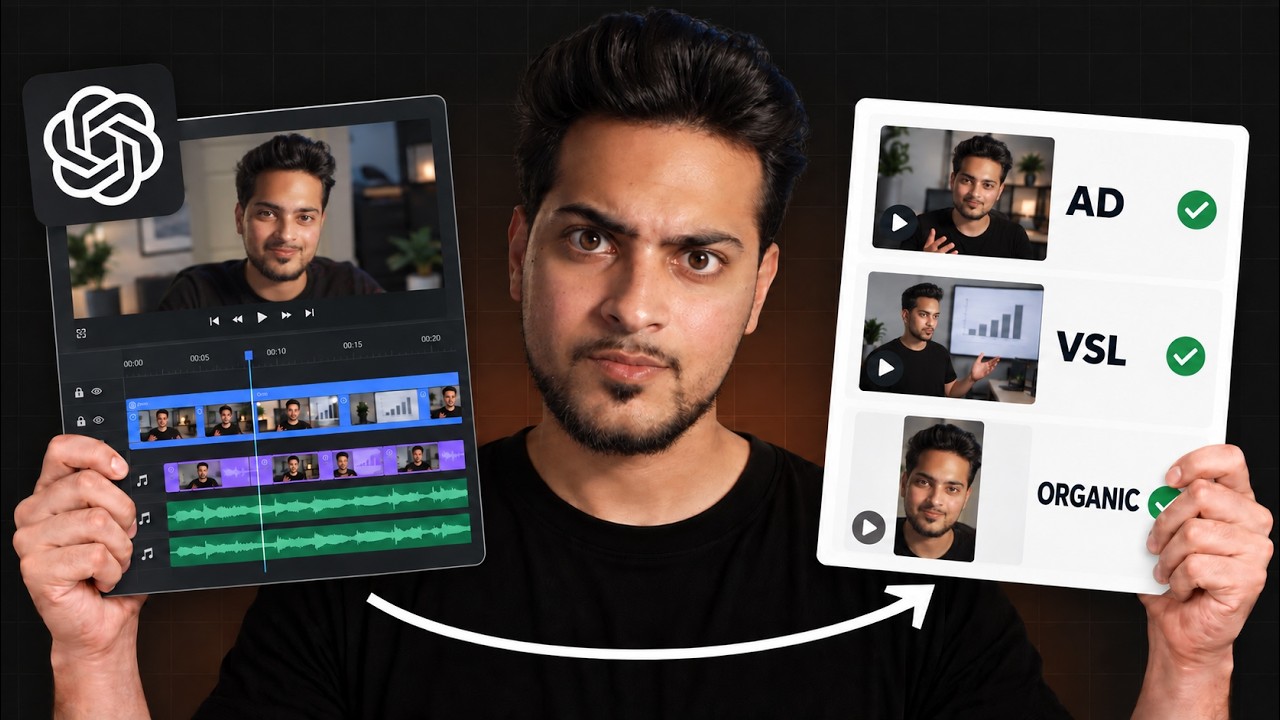
Areeb Mirza gives a short tutorial on recording video that works for both horizontal and vertical formats. Key recommendations: shoot horizontally in 4K, use camera grid/center framing, avoid excessive zoom, and use post-production keyframe position adjustments to reframe shots for vertical (1080p) outputs.
Chapters
Here's a real hack on how you can record both vertical and horizontal content at the same time. So number one, if you want to satisfy both horizontal and vertical, record horizontally in 4K. This is really important. So you're going to be editing the vertical footage in 1080p. So when you drag and drop the 4K footage, it's going to fit right on. Turn the grids on your camera. What this will do is allow you to frame your shots in a way that is also transferable to reels as well. Keep everything in the center and don't zoom in too much. I use the center lines to make sure that my subject or anything thing I'm focusing on is in the center. Using keyframes in post. This comes in handy when let's say you have multiple subjects in the video and you want to show something that you couldn't quite keep in the center. You can easily fix this by using the position X axis and just move the image to the middle for much accurate framing. A lot of your favorite travel creators do this as well. They always record horizontally, but they make sure their resolution is high enough so when they want to make sure they want to convert it to real, no quality is lost.