Remove Heavy Background Noise #shorts #audioediting #editing #learn
27 Apr 2023 · 0 min
0:01
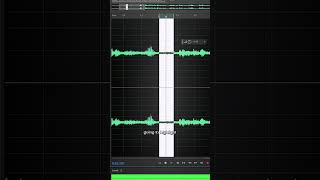
Short YouTube tutorial by Areeb Mirza demonstrating how to remove heavy background noise using Adobe Audition. The video walks through selecting audio in Premiere, opening the clip in Audition, capturing a noise print, applying Noise Reduction, using DeReverb when echo appears, and saving (Ctrl+S) to return the corrected file to the Premiere timeline.
Questions this video answers
Adobe Audition
Effect → Noise Reduction → Capture Print ("Capture print")
Effect → Noise Reduction → DeReverb (adjust percentage until echo is gone)
Ctrl+S