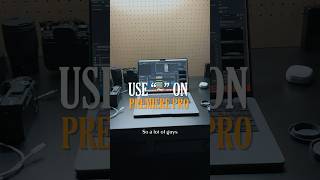
Areeb Mirza shows a Premiere Pro keyboard shortcut that toggles panels to fullscreen. Tap it after selecting a panel to expand the Program Monitor for framing, the Timeline for adjusting tracks, or the Media Browser for organizing files. Essential for editing on smaller screens.
Questions this video answers
Areeb Mirza
May 16, 2023
Chapters
So a lot of guys didn't know this, but if you use Premiere Pro to edit your videos and you use a smaller screen or smaller monitor, start using this key right over here. So let's look at this project. Looks pretty clustered. Let's say I want to view the program monitor more clearly. So what I'm going to do is just click it and just tap the button and I can see it in a full screen mode so I can like make minor adjustments, see if everything is centered, see if the grid is applied correctly. Press it again back to the screen. Let's say I want to view my time incorrectly. Press that again, we have my full timeline. This is practically useful for adjusting the tracks, make sure where the transition goes, sound effects and another thing I would use it for is viewing your browser media. It gets pretty useful so you can organize your files and make sure you know where everything is. Save this video and send it to a friend.