Stop Doing this, Use this instead #shorts #premiereprotips #videographer #tipsforvideo
1 Jun 2023 · 0 min
0:25
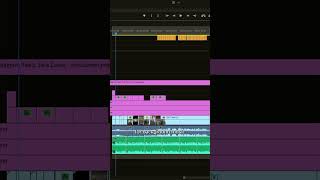
Areeb Mirza demonstrates how to make background music match any duration in Premiere Pro by using the Remix tool: select the Remix tool, stretch the music to the desired length, wait a couple seconds for Premiere to analyze, and the music will be adjusted. He notes the method works best for background tracks with a consistent beat and instrumentation and is less accurate when vocals or additional instruments are present. The short ends with a call-to-action to follow the creator.
Questions this video answers
Areeb Mirza
June 1, 2023
The Remix tool
A couple seconds