Así obtienes 12 meses de Perplexity Pro sin pagar
12 Sept 2025
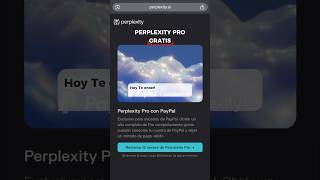
A short single-speaker YouTube tutorial explaining how to claim a free 12-month Perplexity Pro subscription by creating/using an unregistered email (or Google/Apple account), verifying via an emailed code, and connecting a PayPal account (the narrator says PayPal will not charge). The video walks through the on-screen steps and warns to use an account not previously registered or paid.
More from Laura





youtube.com
La verdad sobre las IAs chinas: ¿Gratis o estafa? #ia #tecnologia #noticias #kimik3 #deepseek
1mo ago

youtube.com
La Verdad de las IAs Chinas Que Nadie Te Cuenta: Gratis vs Realidad (Kimi K3, DeepSeek, Qwen y GLM)
1mo ago
youtube.com
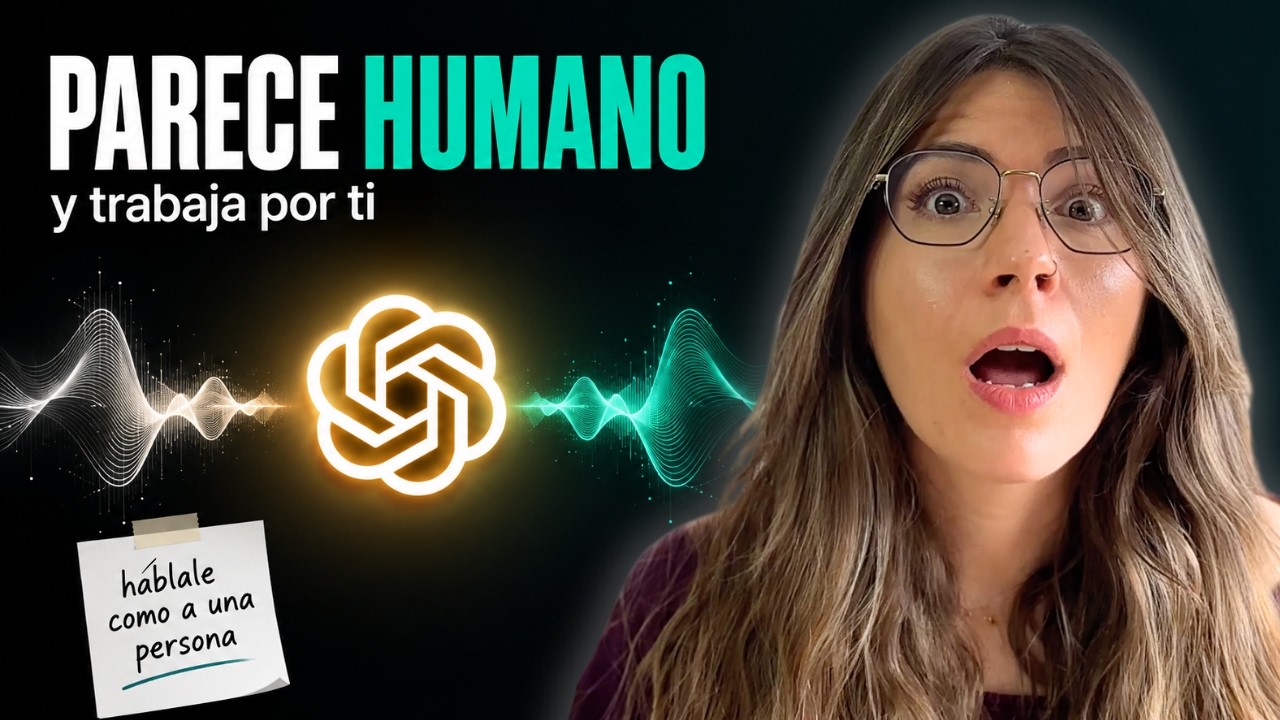
Hablo a ChatGPT y Trabaja Solo en Mi Ordenador: 3 Casos Reales (y Lo Que Nadie Te Cuenta)
2mo ago