SKPI + Genesys
J.C. Novoa demonstrates how SuccessKPI integrates with Genesys to automate customer interactions across channels. The platform detects topics and sentiment in calls, then triggers playbook actions like SMS or API calls. It combines conversation analytics, speech-text analysis, and workforce management into modular components that work together to improve both customer experience and agent performance.
Chapters
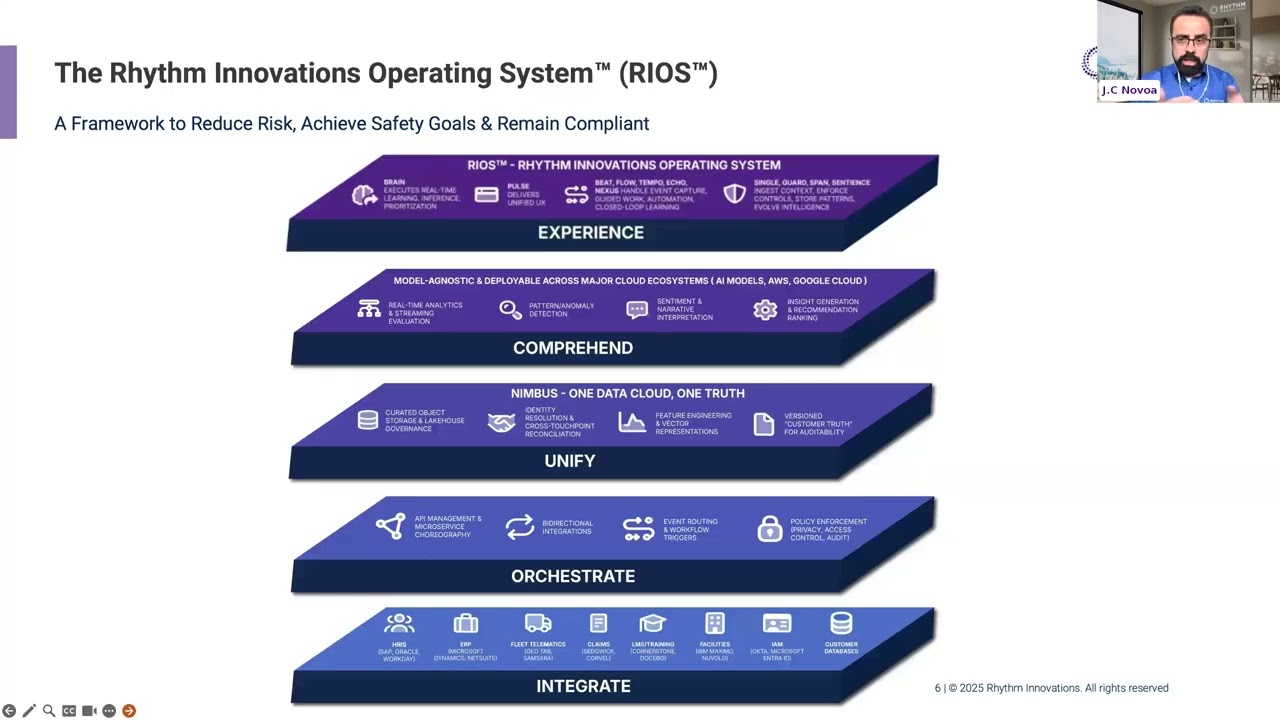
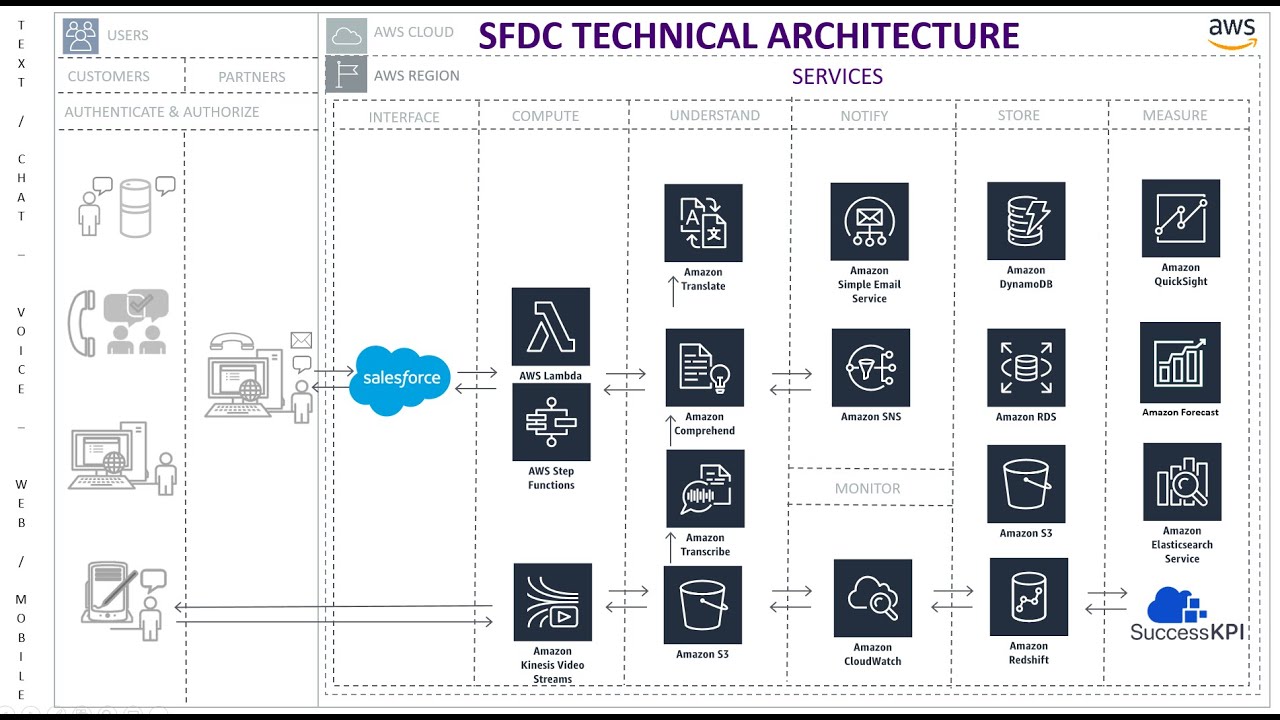
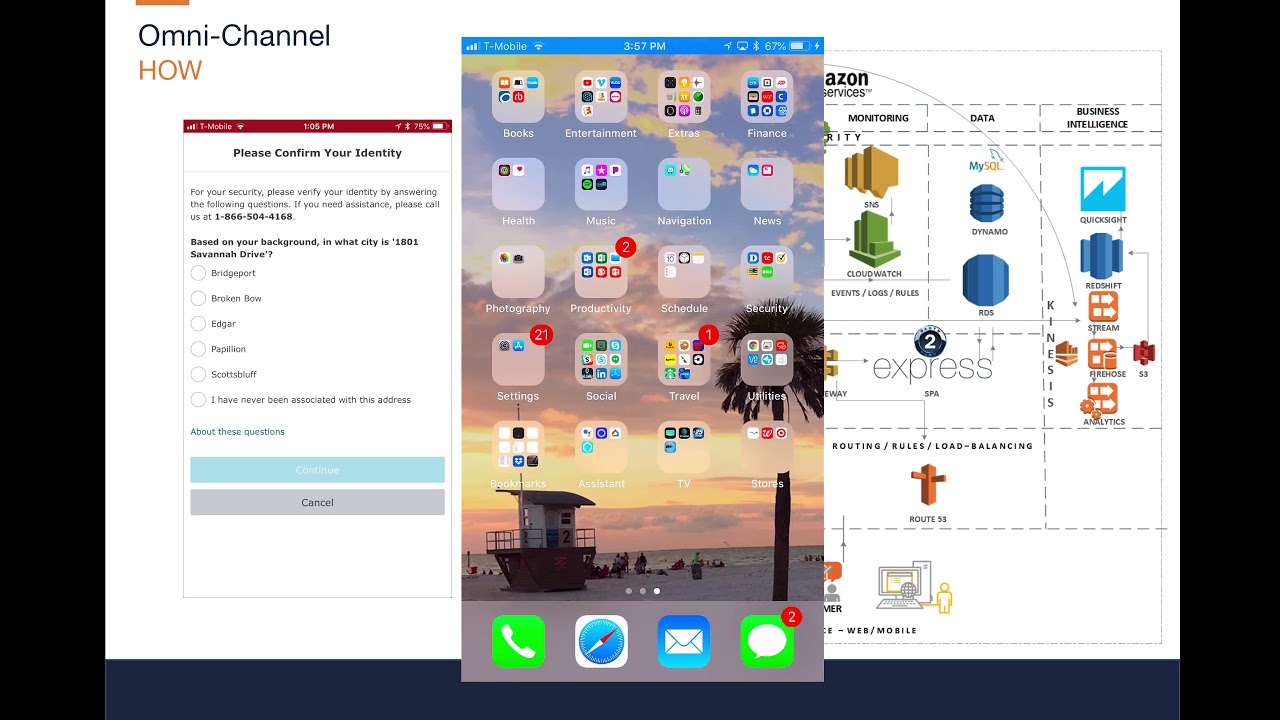
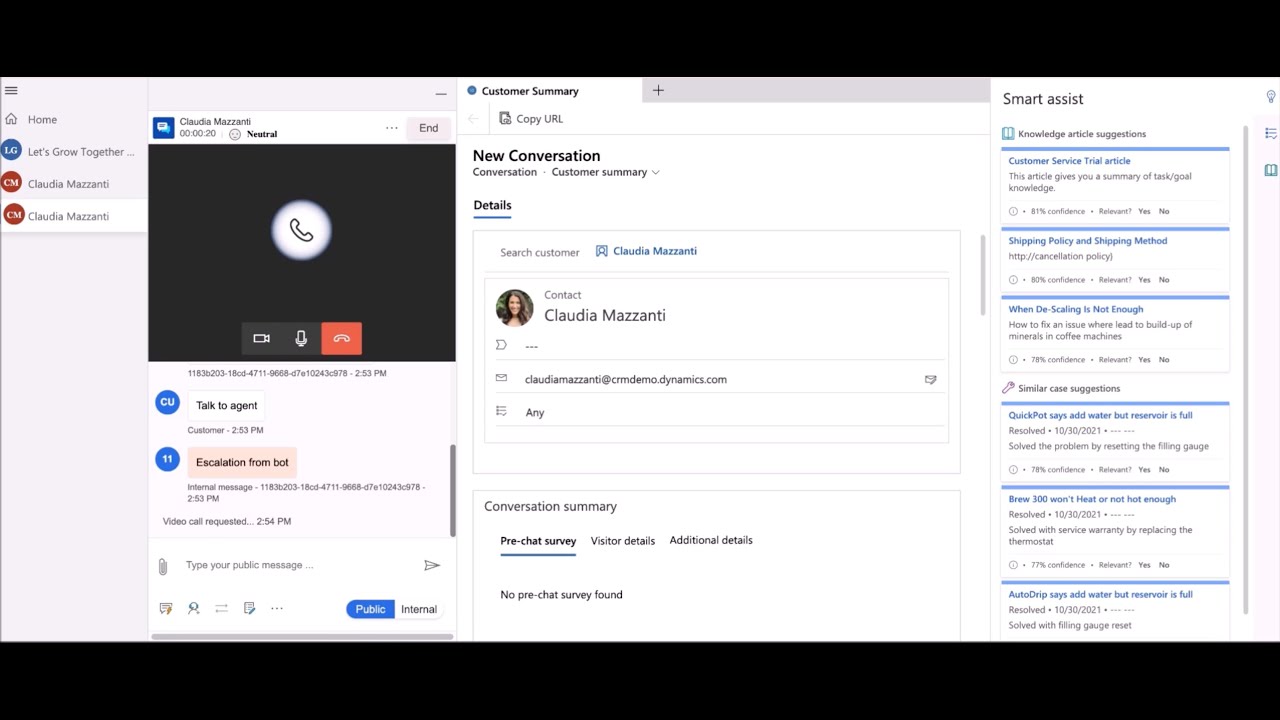
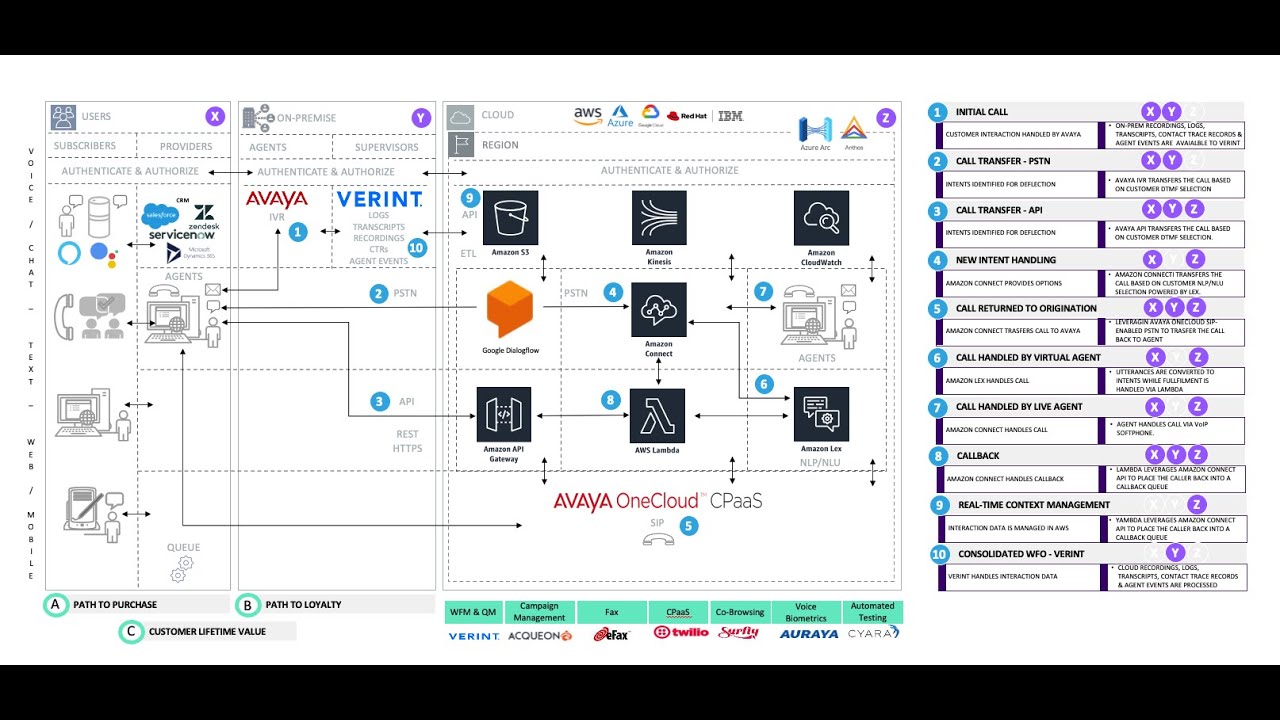
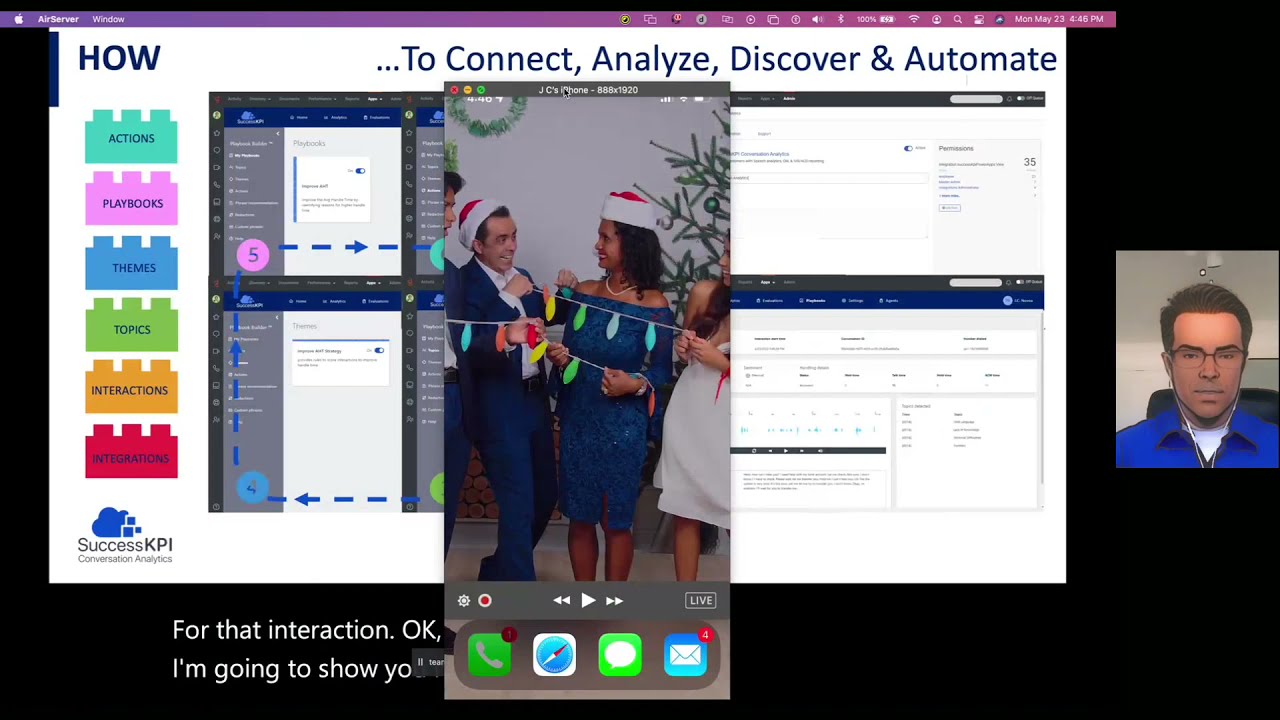
Hello and welcome to another installment of a CX journey map to success KPIs platform. Here I will show you how to connect, analyze, discover, and automate your contact center in the cloud. So why is this important to you in this Netflix, Amazon Prime, and work-from-home gig economy? Customers' expectations are changing. Everything is remote, 24/7, 365 days a year. Instant same-day access to products and services is becoming the norm. Consumer-facing technologies like these ones you see on the screen are a huge factor in recasting customer expectations, and consumers have come to expect the same when interacting with our customers. This is why. Our proposed solutions are based on 4 guiding principles. One, we want to help solve external problems for your customers and improve the overall customer satisfaction. 2, we want to help you act based on data insights and introduce efficiencies of scale by consolidating data silos. 3, we want to help modernize the underlying technology stack to support a true omnichannel experience by integrating disparate systems. And 4, we want to also solve internal problems for your workforce and partners by improving agent performance through automation and artificial intelligence. We believe this approach will help you move away from merely describing what is happening in your business and in your contact center to diagnosing, predicting, and proactively prescribing automated agent-assisted next best actions. So what is required to successfully connect, analyze, discover, and automate omnichannel interactions, you may ask? Well, to unleash a 360-degree view across all channels and data sources, you would first need a conversation analytics engine to depict end-to-end customer journeys. Second, to gain a deeper understanding into what customers and agents are saying and feeling, you will need a speech and text analytics engine to automatically parse through it all. Third, in order to automagically take actions to improve business outcomes based on what is happening in real time, you will need a playbook builder with predefined templates based on best practices. And last but not least, In order to take agent performance to the next level with supervisor and automated scoring, you will need a quality workforce management space to coach and empower your agents. So how does SuccessKPI enable you to achieve all of this? Easy, by providing a series of predefined building blocks in the form of integrations, interactions, topics, themes, playbooks, and actions, each of which builds upon each other like Lego pieces. This process is cyclical. It doesn't have to end for as long as you want to improve your customer experience and your performance. Let's see it in action. Let's start by understanding the turnkey option to integrate Success KPIs platform with a contact center as a service provider like Genesys. It truly really is enabled with a click of a button in the App Foundry marketplace. Once you've done that, it will be available through the integrations and you'll be able to easily configure within the platform. Now, how does it look when embedded in the platform? It looks like it belongs. How does it all work together? Let's start with a well-defined playbook. As in football, a playbook defines what needs to be done win the game. It contains all the pieces and parts that make up your company's approach for taking actions for improving the overall customer experience. Okay, so when we look at a playbook, it is made up of conditions and actions, and these conditions can be topics or combined topics into themes, right? So a theme is a combination of multiple topics, and within the topic you'll find the particular different utterances or key phrases that the speech-to-text analytics engine will be able to parse through to identify the topic, the theme, and the actions to take within the playbook, right? From an action perspective, you can have an action built into it, and that action can take multiple actions from it, and we'll delve into it in a little bit. Now from an interaction perspective within the platform, you'll be able to see the ANI, the DID. You'll be able to see when the interaction happened, you know, the conversation, the sentiment. You'll be able to play the actual interaction within the platform and look at the transcript and all the topics that were detected for that interaction. Okay, so now let's try this live. I'm going to show you my phone and I'm going to make a call. Hello, thanks for calling for customer support in English. Press 1. Transfer to— So now I'm going to pretend that I am the customer, right? and the agent at the same time. So let me, um, start by pretending to be the agent and greet the customer. Hello, welcome to Success KPI. How can I help you? And I'm gonna pretend to be the customer and say, I need help with a report. Can you help me with that? And now, uh, the agent, you know, is going to trigger all of these phrases that were part of the topic, and we're gonna actually, um, go through it and just pretend that the, uh, that the agent is, uh, trying, right? So I'm gonna pretend this will be the agent in trouble. Hold on, let me, let me help you with that. Let me, let me check. I'm not sure, um, I'm trying to find that report. I can't find it. Hold on, please wait. Give me a second. I'm waiting for the system. The system is slow, very slow. It's so slow. I think the system might be down. Now the customer is gonna acknowledge. It's okay. I just want to make sure that it's not me making a mistake and there's a problem with the system. Now the agent may acknowledge and say. I can't hear you. I couldn't hear you. Say that again. I'm sorry, I didn't understand. Please let me, let me maybe transfer you to somebody more technical that can help you. And then the call will end, the disposition will happen, and all the data will start flowing automatically into the SuccessKPI platform. And within the platform, you'll be able to look at the on-demand interactions and select a particular interaction, look at the data within, and send it to an evaluation workplace if that's what you wanted to do. You can then look at smart selections perhaps, and when you look at and click on a particular interaction, you'll be able to look at the interaction player You'll be able to look at the conversation, the transcript, the topics, right, that were discovered during their interaction. You'll be able to play it here if that's what you wanted to do, and then you'll be able to actually select an evaluation form and select an evaluator and send it, send it to them right now. From a reporting perspective and going back to the integrations, let's take a look at the ACD. Reports, and let's look at the queue dashboard. Now within this report, I'm just going to run it for the past 7 days. You'll be able to look at a mechanism by which we can add external data, and this data can come from a slew of predefined connectors that are industry, industry standards from where you can pull this data and, and further augment the interaction data to be able to take action on it. Now, from a playbook perspective, you don't have to start from scratch. You can actually select a particular playbook from our library, copy the playbook itself, and once that playbook is, is copied, you'll be able to see, uh, the themes associated with that particular playbook. In this case is the Identify Call Reasons strategy and the topics you know, within that theme. For example, recent billing, recent reset password, technical difficulties, or what have you. And then select an action that exists or create a brand new action. And from within that action, you can determine whether you want to send a request to an API, an HTTPS REST-based API, send an SMS message, message integrate with an AWS Lambda function, which can then spawn off other out-of-band processes, and then also send to the evaluations if that's what you want to do, right? So when it comes to having it all together, again, just to recap, the power of the platform is not just the reporting, it's the ability to integrate, analyze the interactions, Identify the topics, coalesce them into a theme, group them into playbooks to take actions on your behalf, and that's it.