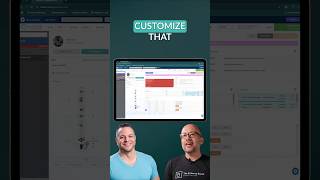
A walkthrough of ChiroHD's doctor interface, focusing on the SOAP Note module. The screen splits patient info and notes side by side, showing diagnoses, tags, trackers like pregnancy status, and links to past notes you can reuse. You can customize fields and pin your preferred starting pane.
Chapters
If I'm on the doctor screen and I click into that, it's going to pull up the SOAP Note screen or the SOAP Note module so that they can do their note efficiently. So this screen is broken up into a few sections. Obviously we've got a patient with a lot of listings that they've, that they've set up here. You can see that this, this is a free form type. So they have some things that they've put in here, but they've also used like a Fusion, that's a free form type that they had a fusion at L5 that they wanted to note on here. So they, they can customize that however they want. A lot of this is this screen. You'll notice that we're split into two sections, patient info and the actual note. You can specify which you want to land on first. Some docs don't really care about this information on the adjusting piece and they'd rather just jump straight into the note so that you have that flexibility to pin which one your preferred starting point is. But you'll see we've got information about any their diagnoses, tags, any of their trackers that they have set up, which tells you where they're at in their care plan, recent visits. You can view all their previous notes, you can reuse a note from a while ago. This patient happens to be pregnant. So we have a pregnancy tracker that tells you lots of information about where they're at in their pregnancy, if you know the genders, they're twins, et cetera.