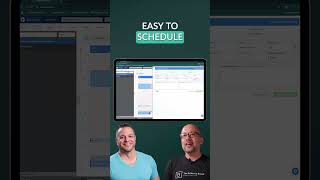
Jeff Langmaid shows how ChiroHD books new patients in seconds. Click a time slot, enter a name and phone number, pick the appointment type, and you're done. No unnecessary forms slowing down your front desk.
Chapters
Most people like in Google or any other calendaring system out there, you start with the appointment time and then kind of back your way into it. So we mimic that where if I'm looking to schedule someone at 10am I click on the 10am slot and from here I can do a patient lookup right here or I can click the new button and and now fill out a new patient form. So you have a It's very, very quick and easy to schedule into this and create a new patient appointment. You'll see we have options for different case types and different appointment types. You can schedule that all from right here but very simple. And when you're scheduling an appointment, you know we're not asking you for every about them. We're just trying to focus on what you need to. You know, if a patient's calling in and wanting to schedule, you're not. You don't have to get too granular. Get first name, last name contact information, whatever you need to get them scheduled. But really simple scheduling options there.