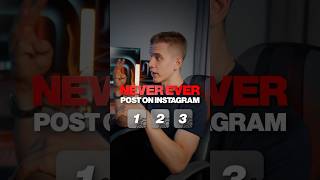
Before posting a Reel, enable three Instagram settings: recommend Reels on Facebook to reach more users, upload at highest quality for better visuals, and turn on account suggestions to appear in other users' suggested accounts.
Chapters
Yeah, this will go viral. Stop! What? Never ever post before doing these 3 things. Okay. The first thing will literally help you reach millions of new people. Go to your settings, open the cross-posting section, and turn on recommend reels on Facebook. All right, what's next? Great. Now we need to make sure that you're uploading your reels at the highest possible quality. Go to your settings, scroll down to media quality, and turn on upload at highest quality. Got it. And what's that last thing? Yeah, for this one, you're gonna need your laptop. Go to your profile, click on edit profile, and turn on show account suggestions on profiles. This will let you steal followers from bigger creators and competitors. Perfect. So if I turn on these 3 settings, my post will go viral, right? I wish it was that easy, man. Knowing how to post the right way is just one small piece of growing on Instagram. Oh, okay. So what should I do? Oh, just follow me and I'll teach you how. Also, so now I'm sure that