Should you be uploading in 1080 or 4K ⁉️
4 Jun 2025 · 1 min
0:33
Instagram compresses all uploads to 1080p anyway. Film in 4K, export at 1080p 30fps, then enable Instagram's highest quality setting when you post to get the best result.
Instagram compresses all uploads to 1080p anyway. Film in 4K, export at 1080p 30fps, then enable Instagram's highest quality setting when you post to get the best result.
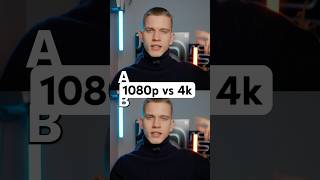
One of these videos was uploaded in 4K and the other one in 1080p. Can you guess which one? Well, A was actually the one that was uploaded in 1080p, and it looks so much better, right? But why? Well, it's because Instagram compresses every video down to 1080p to make their app run faster, but it does ruin your video quality during that process. I know. So now you're thinking, so what settings should I use? I got you. First, filming settings. Make sure you're filming in 4K 30 frames per second. Then once you've finished editing, make sure you're exporting the video in 1080p 30 frames per second. And finally, make sure when you're uploading on Instagram, you're turning on the upload at highest quality setting. Make sure to save and follow for more valuable tips.