Microsoft 850 Wireless Desktop - Unboxing Mouse, Keyboard and Fragile USB Dongle
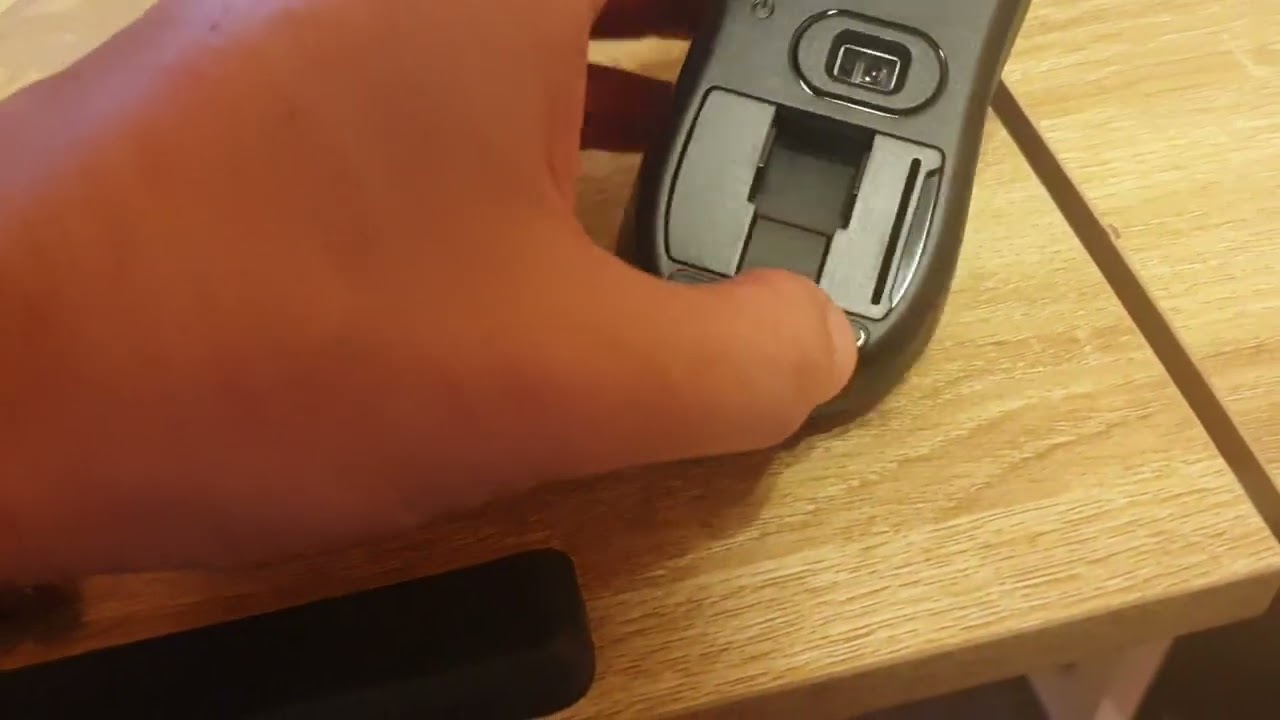
In this video, Mario Sebok demonstrates the unboxing and initial setup of the Microsoft 850 Wireless Desktop kit. He removes the protective plastic, extracts the keyboard and mouse, and opens each device to install the required batteries (AA for the mouse, AAA for the keyboard). He explains the correct polarity orientation, shows how to toggle the mouse power switch, and closes the battery covers. After inserting the USB receiver into a computer, he confirms that the system emits the connection sound and that both the mouse and keyboard function immediately, typing and moving the cursor. He also notes a minor production issue—difficulty handling the camera without a tripod—while performing the hands‑on demonstration.
Chapters
More from Mario

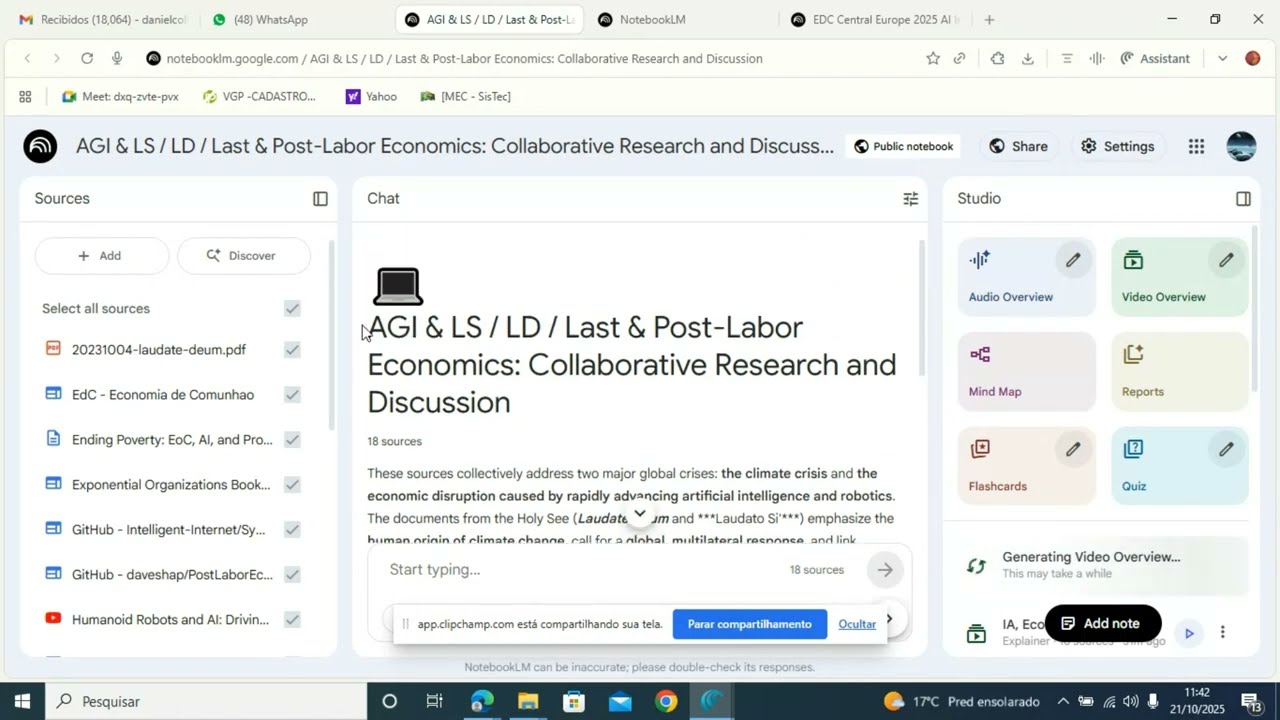
Boost Learning with Studio: Turn Your sources into Audio, Video, MindMaps, and More





Anima Christi - Beautiful Choir Performance in Corpus Christi 2025 - Stockholm - Sweden