0:51
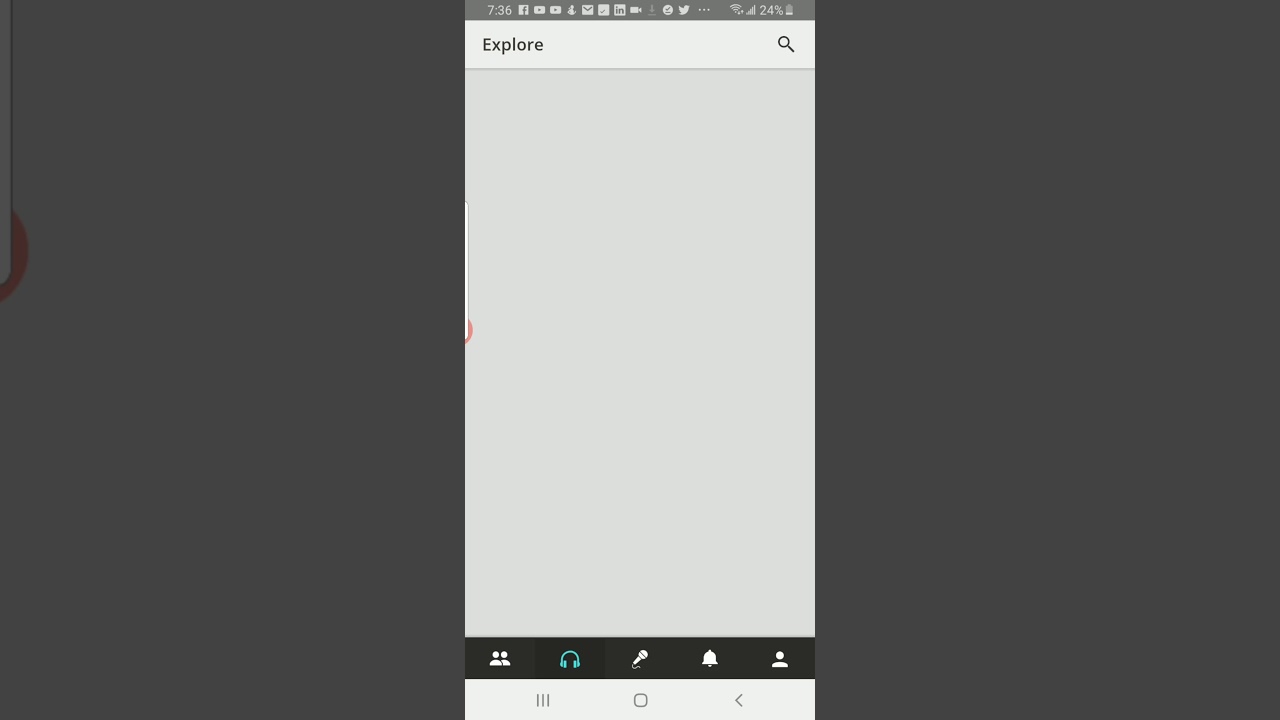
In this brief instructional video, Mario Sebok walks viewers through the process of singing with a featured artist on the Smule app. He demonstrates opening the app, tapping the earphone icon, selecting the "Artist Invite" option in the header, using the "Select All" feature to view available artists, choosing a specific artist (e.g., Ed Sheeran), clicking "Join," and then starting a recording session. Mario explains that users can record with or without video and simply press "Start" to begin the jam. The tutorial emphasizes the simplicity and speed of the workflow.
Chapters
More from Mario

youtube.com
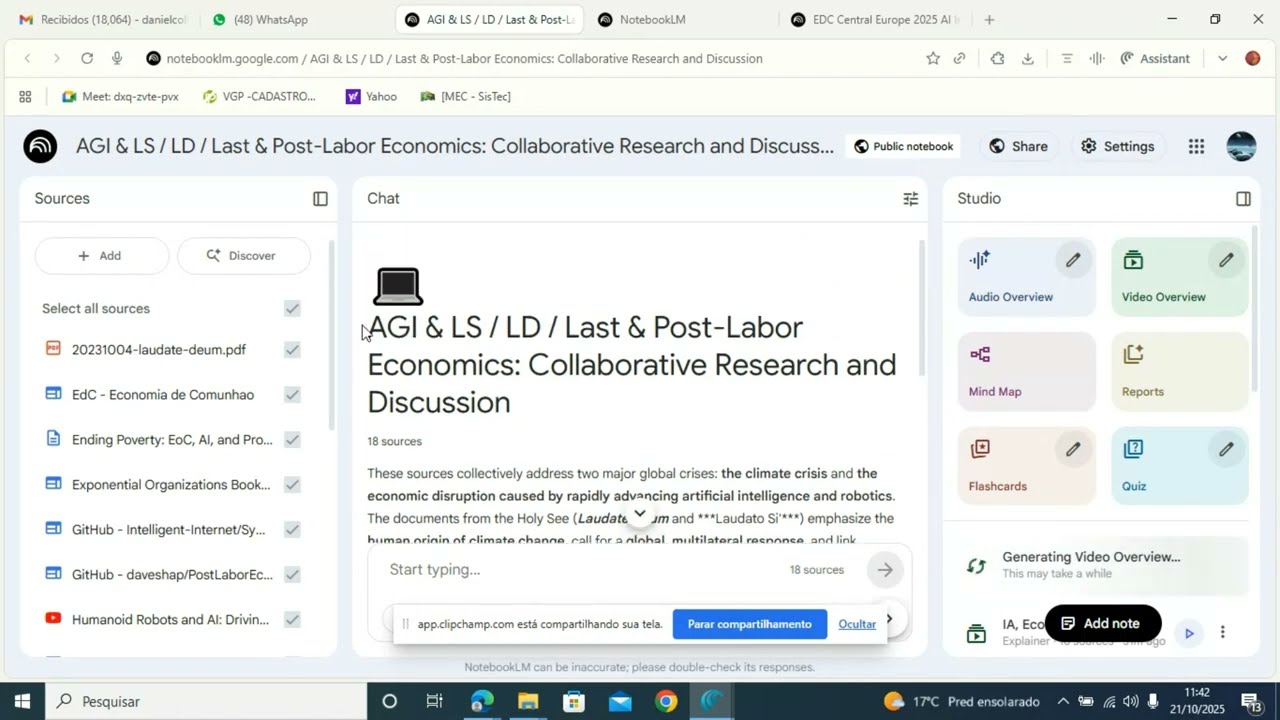
Boost Learning with Studio: Turn Your sources into Audio, Video, MindMaps, and More
1y ago





youtube.com
Anima Christi - Beautiful Choir Performance in Corpus Christi 2025 - Stockholm - Sweden
1y ago


See all content
