Matic Support: How to Clean the Vacuum Filter

21 Feb 2025 · 1 min
0:34

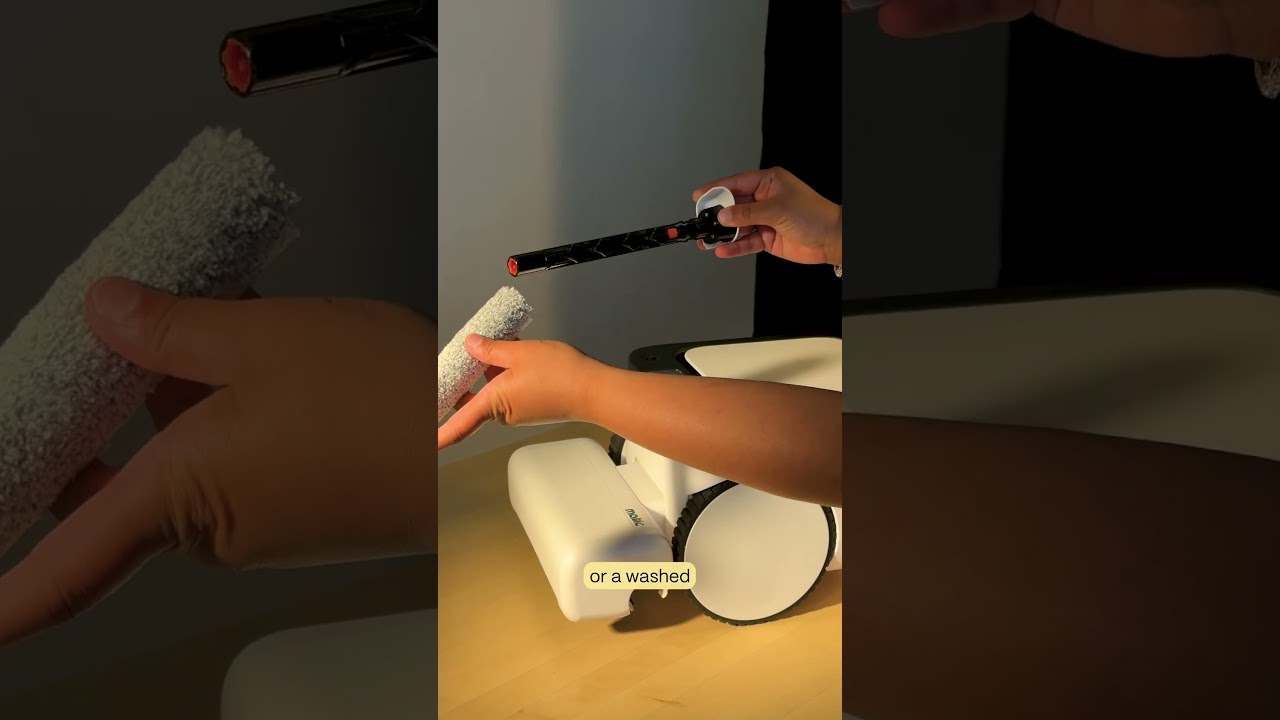
The video provides a concise, step‑by‑step guide for cleaning the vacuum filter in a Matic device. The presenter instructs the viewer to open the Matic lid, remove the HEPA bag, locate the vacuum filter at the back‑right of the bag cavity, and use a small coin inserted into the filter’s top‑center groove to pry the filter out. The filter is then cleaned with a paper towel to remove debris, optionally rinsed with water, and fully dried. Finally, the filter is reinserted with the coin‑groove side up until it clicks, the HEPA bag is replaced, and the lid is closed.

More from Mehul

0:36
youtube.com

First American Robot Company to get FCC Approval

2d ago
2:05
youtube.com

Introducing Cues: Voice & Gesture Control for Matic

2w ago
1:22
youtube.com

The Matic Manifesto: 9 Years Building Robots for Real Homes

2w ago
1:18
youtube.com

Episode 7: Everything Inside Your Matic's Accessories Box

1mo ago
1:19
youtube.com

Episode 6: How to Troubleshoot and Get Support for Your Matic

1mo ago
1:38
youtube.com

Episode 5: How Matic actually Cleans

1mo ago
1:44
youtube.com

Episode 4: All the Ways you can Clean with Matic

1mo ago
2:08
youtube.com

Episode 3: How to Start Your First Clean with Matic

1mo ago
2:03
youtube.com

Episode 2: Customize Your Zones, Floor Types, and Room Boundaries

1mo ago
1:39
youtube.com

Episode 1: Downloading the Matic App, Pairing, and Mapping

1mo ago
1:06
youtube.com

Matic Support: How to replace the Mop Roll

1mo ago
See all content