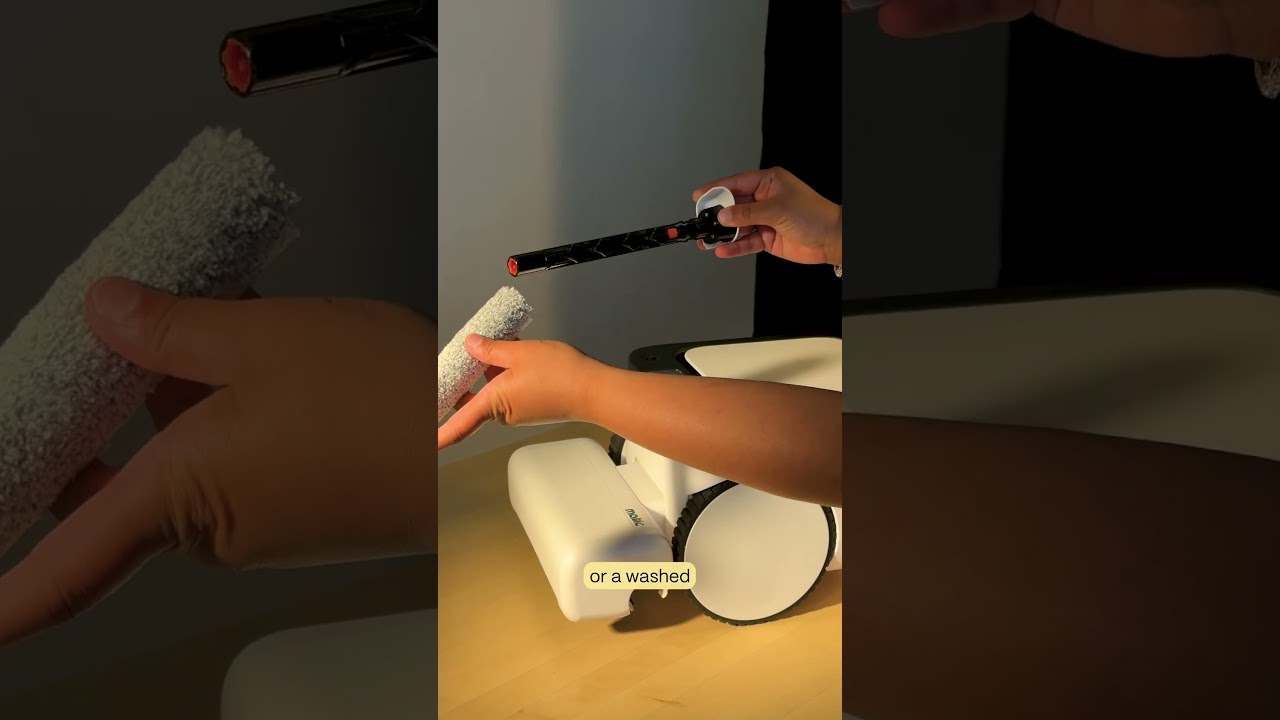
Matic Support: How to Clean the Mopping Cavity

The video provides a detailed, step‑by‑step maintenance guide for cleaning the mopping cavity of a Matic robot vacuum/mop. The procedure begins by opening the robot’s lid, removing the HEPA bag and water tank, and flipping the unit onto its left side. The presenter then locates the groove at the back of the cleaning head to pull out the mop roll, removes the orange wringer, and inspects the metal mop driver for hair or debris. The mop roll is slid off its holder, and the larger orange button is pressed to release the mop idler; the idler is cleaned, re‑inserted, and locked with the smaller orange button. The wringer is wiped with a paper towel and rinsed under water, while the mopping cavity is wiped with a damp cloth. After cleaning, the wringer is placed back, the mop roll is re‑inserted until it clicks, the robot is flipped upright, the lid is closed, and the HEPA bag and water tank are re‑installed.