Matic Support: How to Descale Tank
18 Aug 2026 · 1 min
0:45
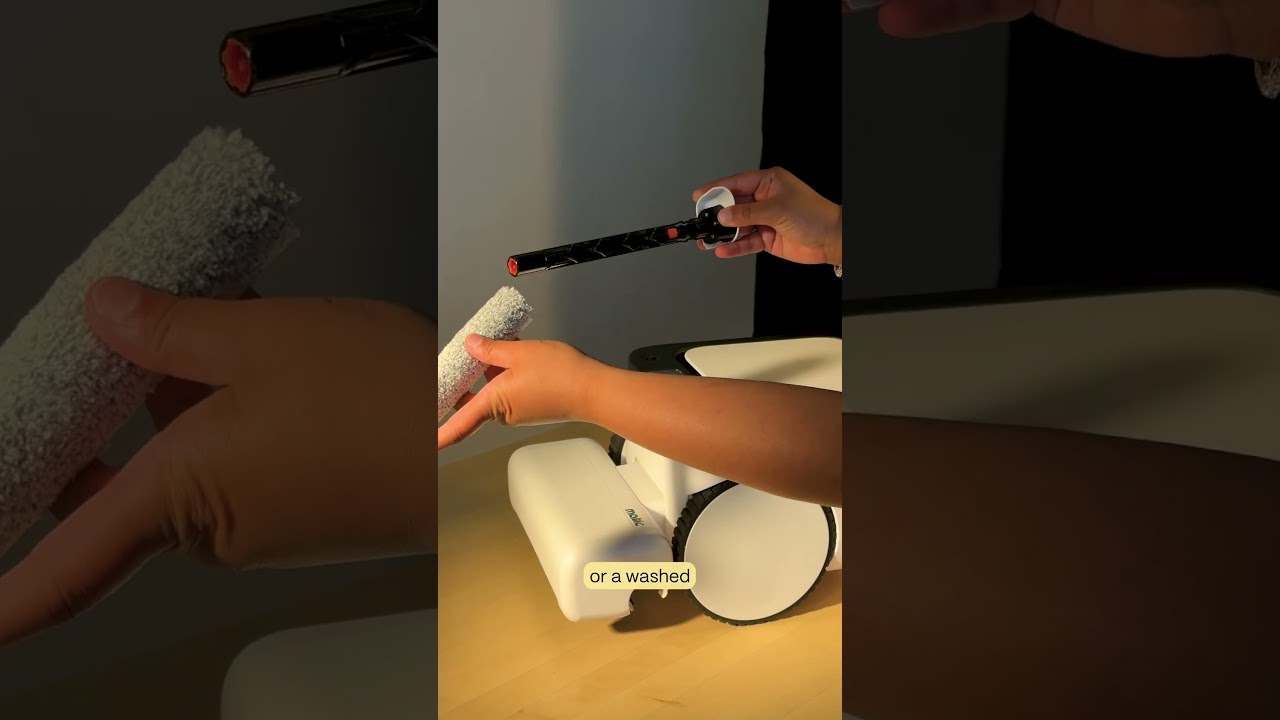
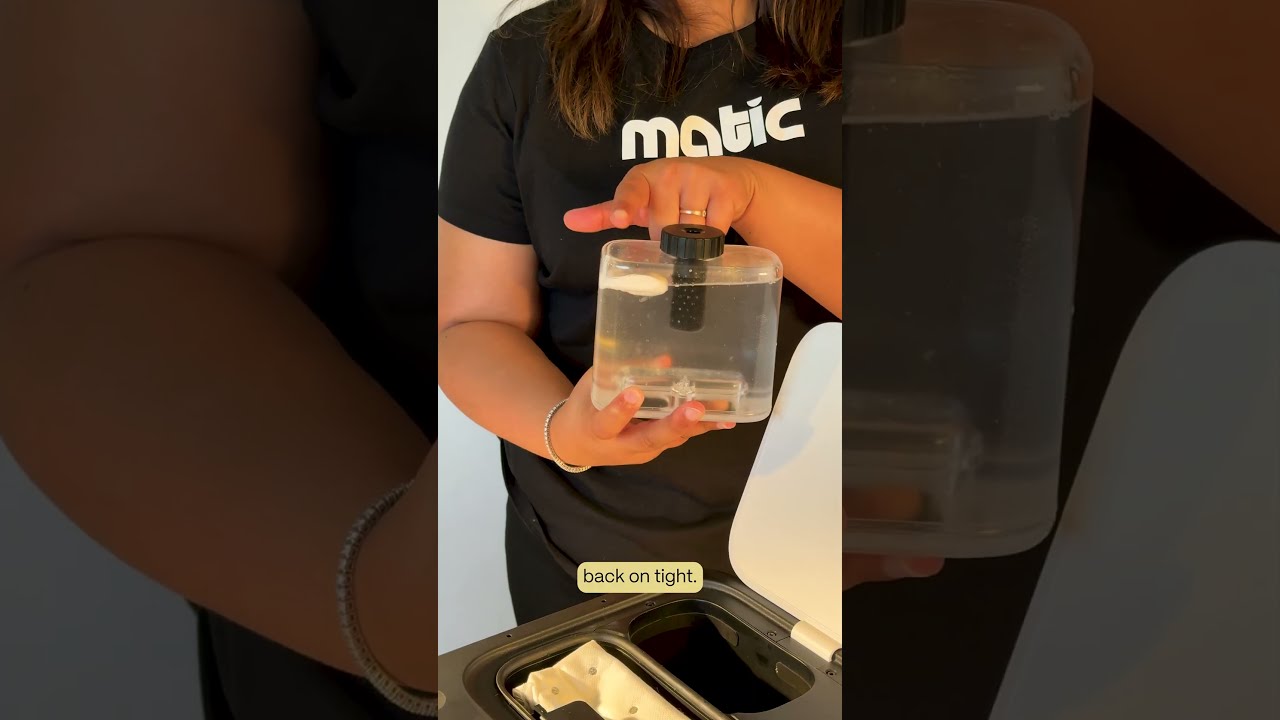
The video provides a concise, step‑by‑step guide for users who receive a descaling needed notification on their Matic cleaning device. The narrator instructs the user to open the lid, remove and flip the water tank upright, unscrew the cap, fill the tank to the brim with water, insert a whole descaling pouch (without opening it), reseal the cap tightly, flip the tank back cap‑side down, reinsert and gently press it into place, close the lid, and then run a normal mop cycle. Completing these actions clears the notification and restores the machine’s performance.