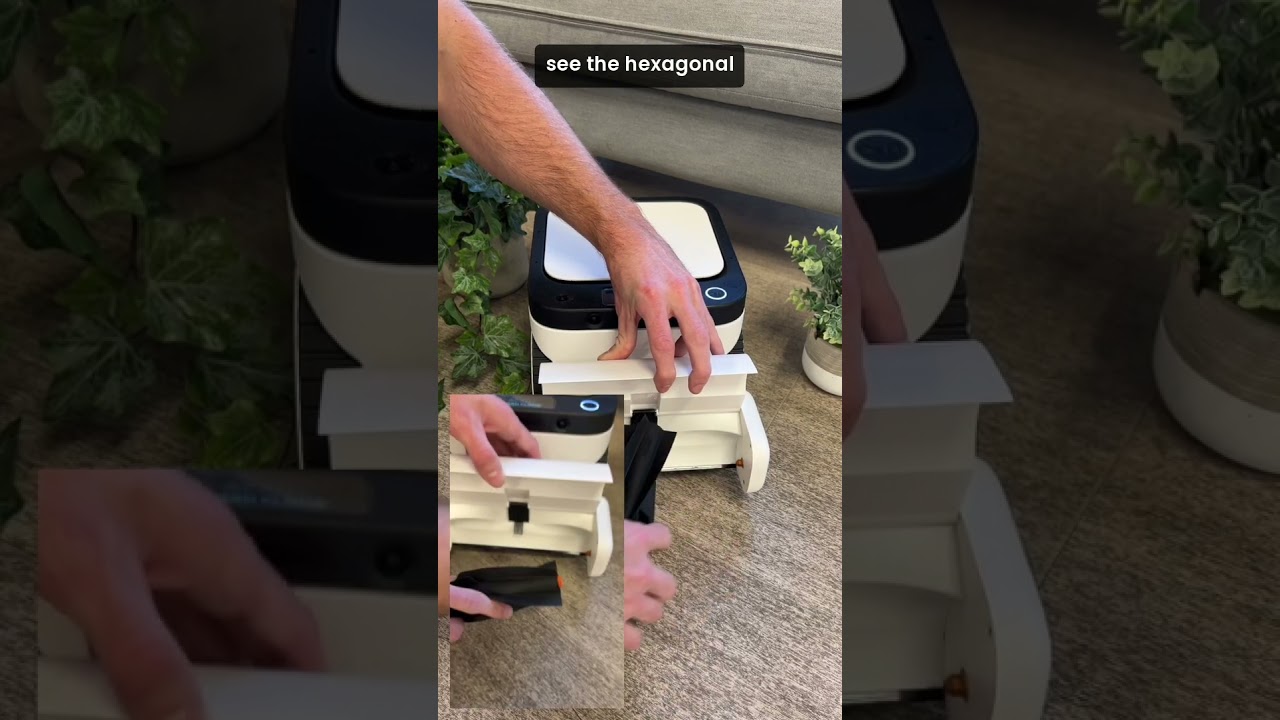
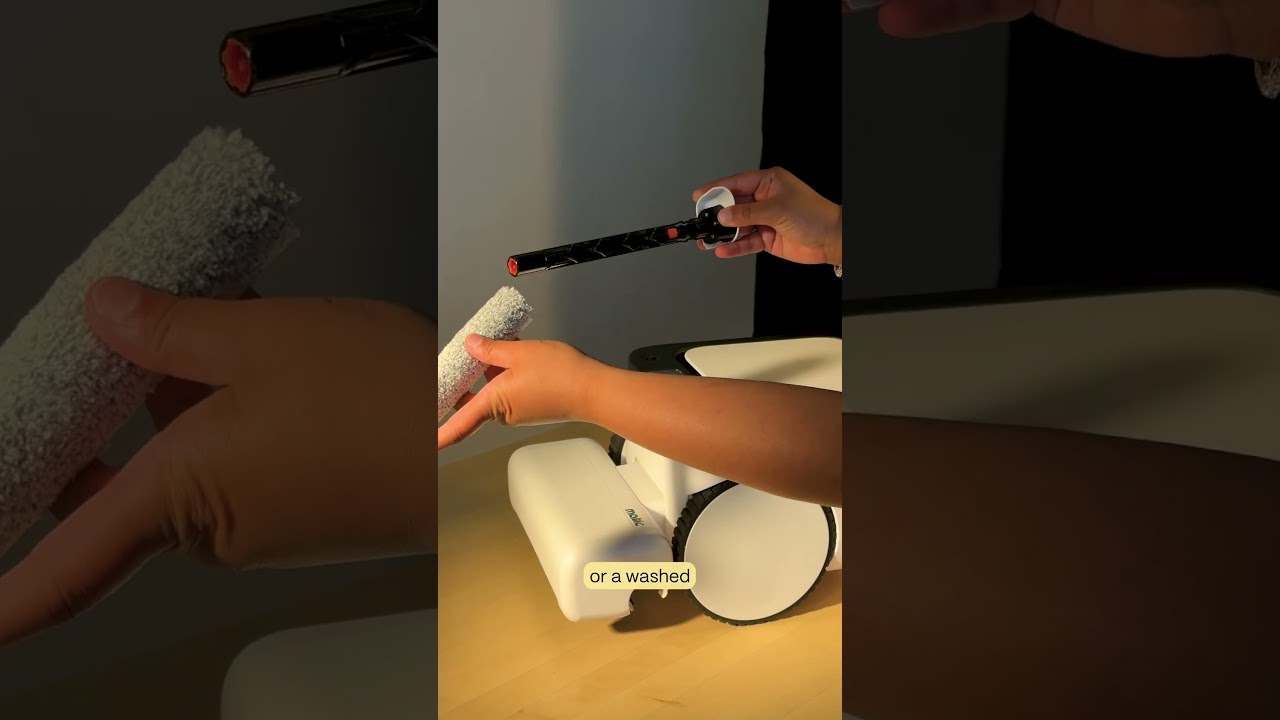
How to remove and reinstall the brush roll on a Matic robot vacuum. Push the left side to release it, then remove the right side. To reinstall, align the orange-tipped end with the orange socket on the right, make sure the hexagonal tip covers the circular bit, and slide the white-tipped end into the left side until it clicks.
Chapters
Open the cleaning head by flipping it open. To remove the brush roll, first push on the end of the brush roll on your left side if you're facing the robot and pull up following the arrow. You will not be able to remove the brush roll without pushing. Then remove the right side. To reinsert, look for the end of the brush roll with the orange tip. This will match with the tip on the right-hand side of the robot if you're facing the robot. Insert the orange tip into the orange end. Make sure you see the hexagonal tip on the brush roll cover the circular bit in the cleaning head. Then gently slide the white tip end, following the direction of the arrow, into the left side until you feel a click. Spin the brush roll a few times to ensure the brush roll is inserted properly. Once done, close the cleaning head, then push the play button to resume cleaning.