Matic Support: How to troubleshoot Brush Roll Jam, Missing or Misinserted Errors
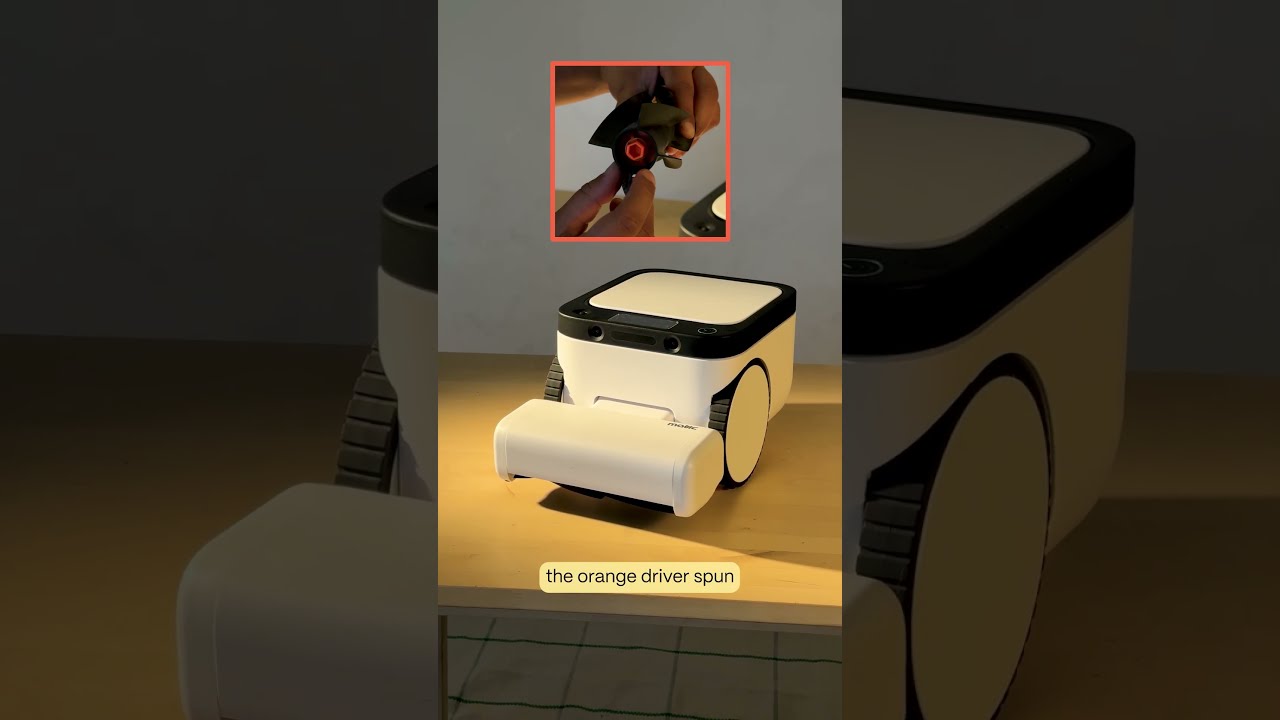
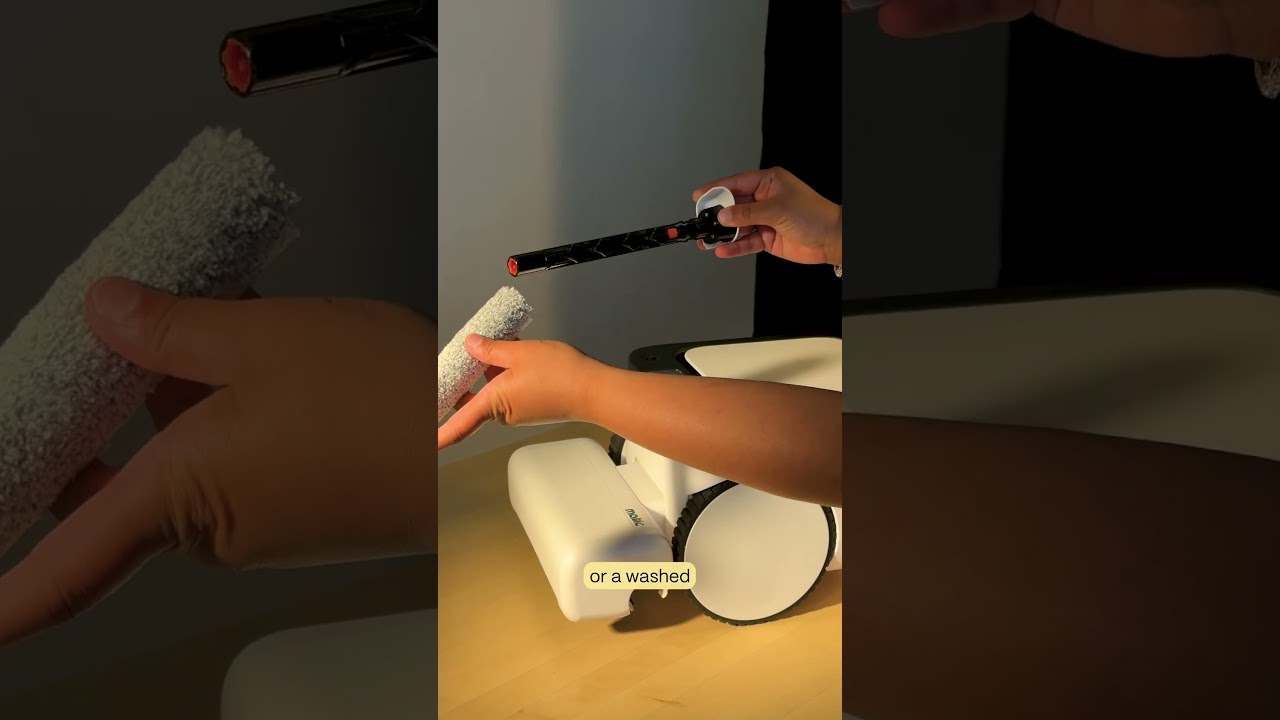
The video provides a detailed, step‑by‑step troubleshooting guide for resolving brush roll errors on a Matic vacuum, specifically when the brush roll is missing, misinserted, or jammed. It begins by instructing the user to open the cleaning head flap, remove the brush roll, and clear any hair or debris wrapped around it. The guide then explains how to correctly reinsert the brush roll by aligning the orange hexagonal end with the orange tip inside the cleaning head, sliding it in following the arrow direction, and confirming a click. After reinsertion, the user should manually spin the brush roll 3–4 times, clear the error with the play/pause button, and resume operation. If the error persists, the video directs the user to perform a visual inspection of the orange hexagonal end for wear, replace the brush roll if needed, and capture a photo of the end. It then walks through accessing Settings → Troubleshooting Data → Advanced Controls → Motors, running the brush roll motor test to verify the orange driver spins consistently for about a second, and finally advises contacting support with the photo of the orange hex and the motor test result.