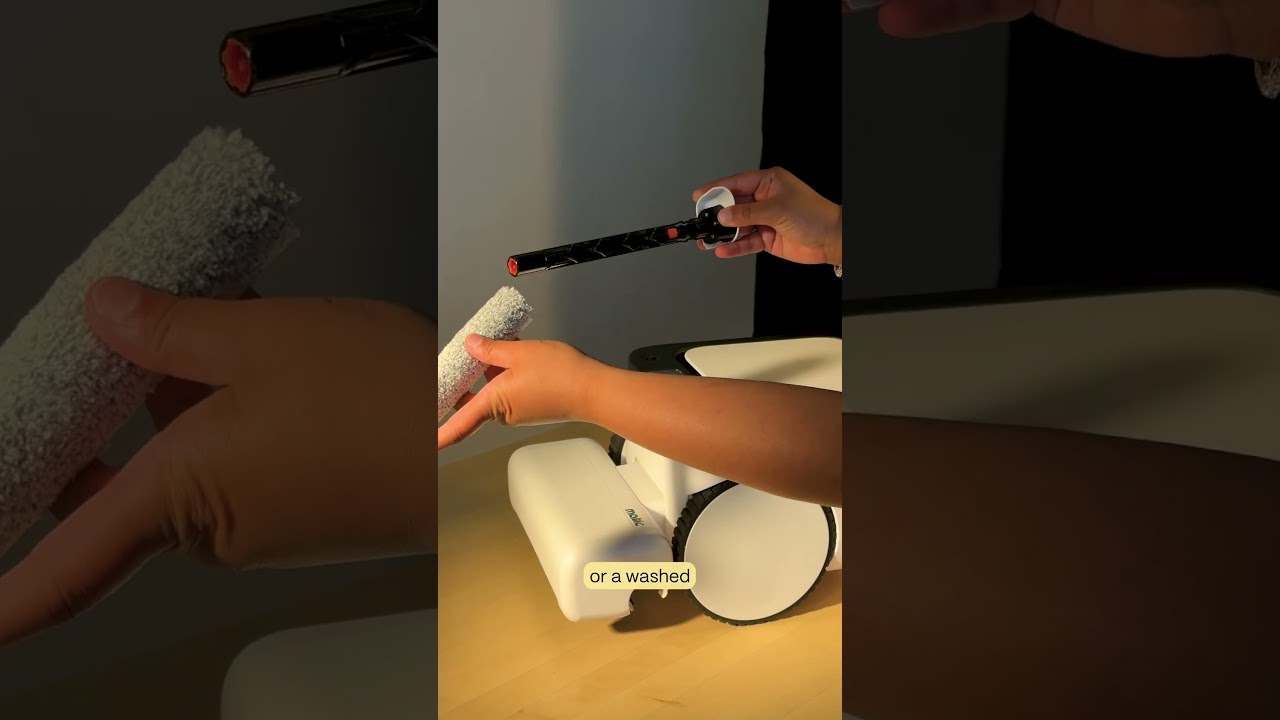
Matic Support: How to troubleshoot Side Brush Malfunctioning Error

18 Aug 2026 · 1 min
0:57

In this instructional video, the presenter walks viewers through a step‑by‑step process to resolve a side brush malfunction error on the Matic robot vacuum. The guide begins by removing the water tank and HEPA bag, then laying the unit on its side to inspect the side brush and the cavity beneath it for tangled bristles, hair, debris, or other obstructions. After clearing any blockage, the side brush is reattached until it clicks, the unit is flipped upright, and the water tank and HEPA bag are reinserted. The presenter then advises running a test vacuum to see if the error persists. If the error reappears, the viewer is instructed to contact Matic support, providing detailed findings to aid diagnosis. The video emphasizes a systematic, hands‑on approach and encourages thorough documentation when escalating the issue.

Chapters

More from Mehul

0:36
youtube.com

First American Robot Company to get FCC Approval

2d ago
2:05
youtube.com

Introducing Cues: Voice & Gesture Control for Matic

2w ago
1:22
youtube.com

The Matic Manifesto: 9 Years Building Robots for Real Homes

2w ago
1:18
youtube.com

Episode 7: Everything Inside Your Matic's Accessories Box

1mo ago
1:19
youtube.com

Episode 6: How to Troubleshoot and Get Support for Your Matic

1mo ago
1:38
youtube.com

Episode 5: How Matic actually Cleans

1mo ago
1:44
youtube.com

Episode 4: All the Ways you can Clean with Matic

1mo ago
2:08
youtube.com

Episode 3: How to Start Your First Clean with Matic

1mo ago
2:03
youtube.com

Episode 2: Customize Your Zones, Floor Types, and Room Boundaries

1mo ago
1:39
youtube.com

Episode 1: Downloading the Matic App, Pairing, and Mapping

1mo ago
1:06
youtube.com

Matic Support: How to replace the Mop Roll

1mo ago
See all content