Matic Support: How to Unjam the Brush Roll

21 Feb 2025 · 1 min
0:41

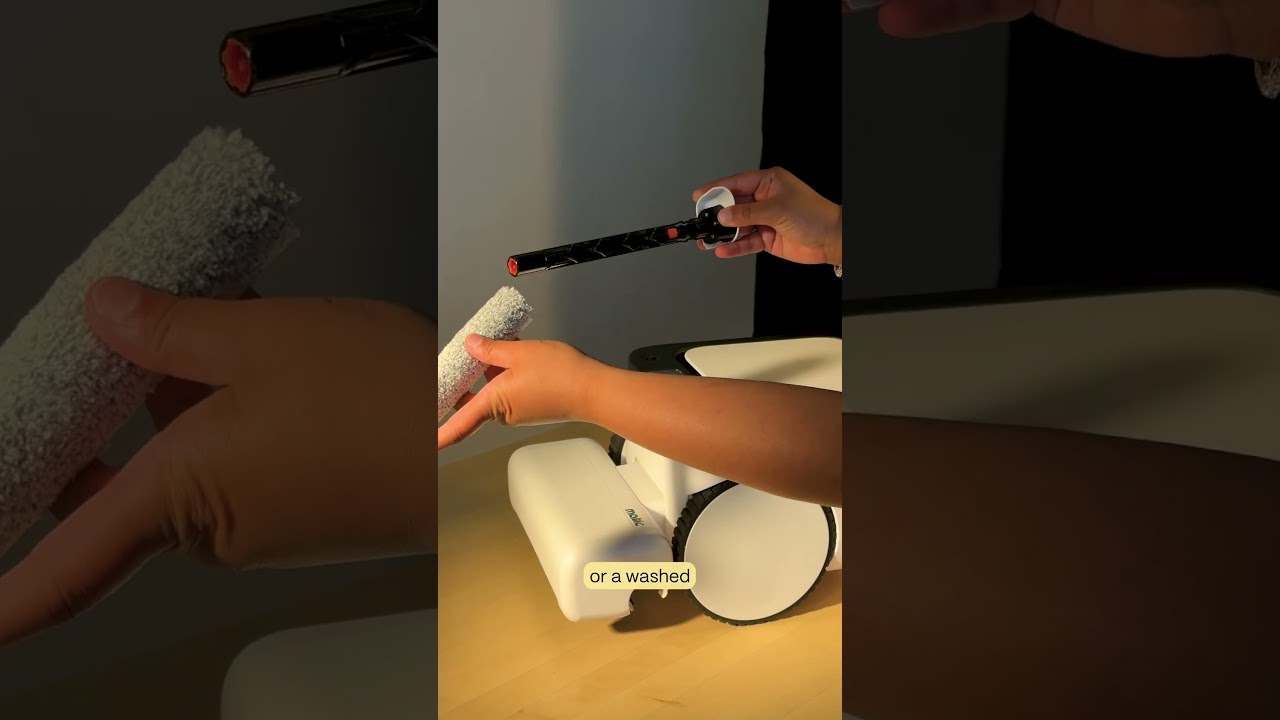
The video provides a concise, step‑by‑step guide for unjamming, cleaning, and reinstalling the brush roll on a Matic robot vacuum. The narrator instructs the user to open the cleaning head, locate the left side of the brush roll, push it leftward and pull up to release it, then remove the right side. Any debris tangled around the roll should be cleared. For reassembly, the user aligns the orange‑tipped end of the brush roll with the matching orange socket on the robot’s right side, ensures the hexagonal tip covers the circular bit, slides the white tip into the left side until a click is felt, spins the roll to confirm proper seating, closes the cleaning head, and presses play to resume cleaning.

Chapters

More from Mehul

0:36
youtube.com

First American Robot Company to get FCC Approval

1d ago
2:05
youtube.com

Introducing Cues: Voice & Gesture Control for Matic

2w ago
1:22
youtube.com

The Matic Manifesto: 9 Years Building Robots for Real Homes

2w ago
1:18
youtube.com

Episode 7: Everything Inside Your Matic's Accessories Box

1mo ago
1:19
youtube.com

Episode 6: How to Troubleshoot and Get Support for Your Matic

1mo ago
1:38
youtube.com

Episode 5: How Matic actually Cleans

1mo ago
1:44
youtube.com

Episode 4: All the Ways you can Clean with Matic

1mo ago
2:08
youtube.com

Episode 3: How to Start Your First Clean with Matic

1mo ago
2:03
youtube.com

Episode 2: Customize Your Zones, Floor Types, and Room Boundaries

1mo ago
1:39
youtube.com

Episode 1: Downloading the Matic App, Pairing, and Mapping

1mo ago
1:06
youtube.com

Matic Support: How to replace the Mop Roll

1mo ago
See all content