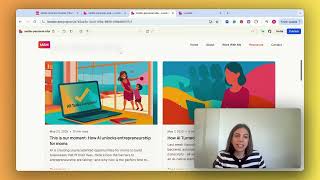
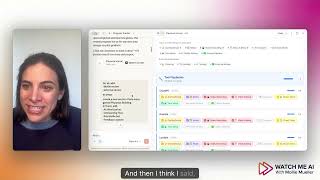
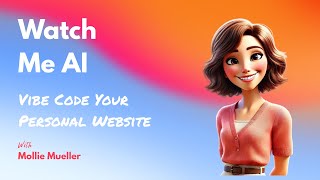
Mollie Amkraut Mueller walks through building a personal website by writing a prompt in ChatGPT, pasting it into Lovable, and letting it generate the site. She then added an AI profile image, a calendar link, and a contact form.
Chapters
Hello. Today I want to share how I built my personal website using my favorite tool, Lovable. So what we're looking at right here is the homepage for my site. And I'm just going to show you how easy this is to do in Lovable. So this is the Lovable homepage. You literally can come in here and start typing if you scroll down here. Here are a whole bunch of things that I have built in Lovable. And the one that I was going to show you is my site. So when I was first building this site, this is my original prompt that I put into that first input box in Lovable. And I actually got this prompt from ChatGPT. So I started in ChatGPT and I said something like, I want to build a personal website. I want it to be about me and showcase the work that I do and how people can work with me and include resources like my blog. And because ChatGPT already knows me, it was able to come up with instructions for Lovable. So I think the prompt to ChatGPT was create instructions. I can copy paste into Lovable to build this site. And so it came up with this prompt that I then copy pasted into Lovable that said, please build me a personal website. Here's the goal. Here's some header navigation. Here's what the hero section on the front page could say. Here's section one about me. So it created this copy so that I wouldn't have to. So that's all in here right now.
It did section two. This has changed since then. But anyway, you get the feel it it did the structure and all of the copy. And then when you're in Lovable, you literally just. Let me show you again on this homepage how easy it is. You just copy paste that whole thing right into here and you hit start and it just builds the whole website for you. So now fast forward and you know, I've made some edits over the last several weeks. So now I've added this AI generated image of me and I've built out the work with me some session. And this now links directly to my calendar, which was pretty easy to do in Lovable. And I've got resources in here and a contact form and I did all of this in Lovable. And you can too.