Building an AI Agent for Creative Production in My Agency
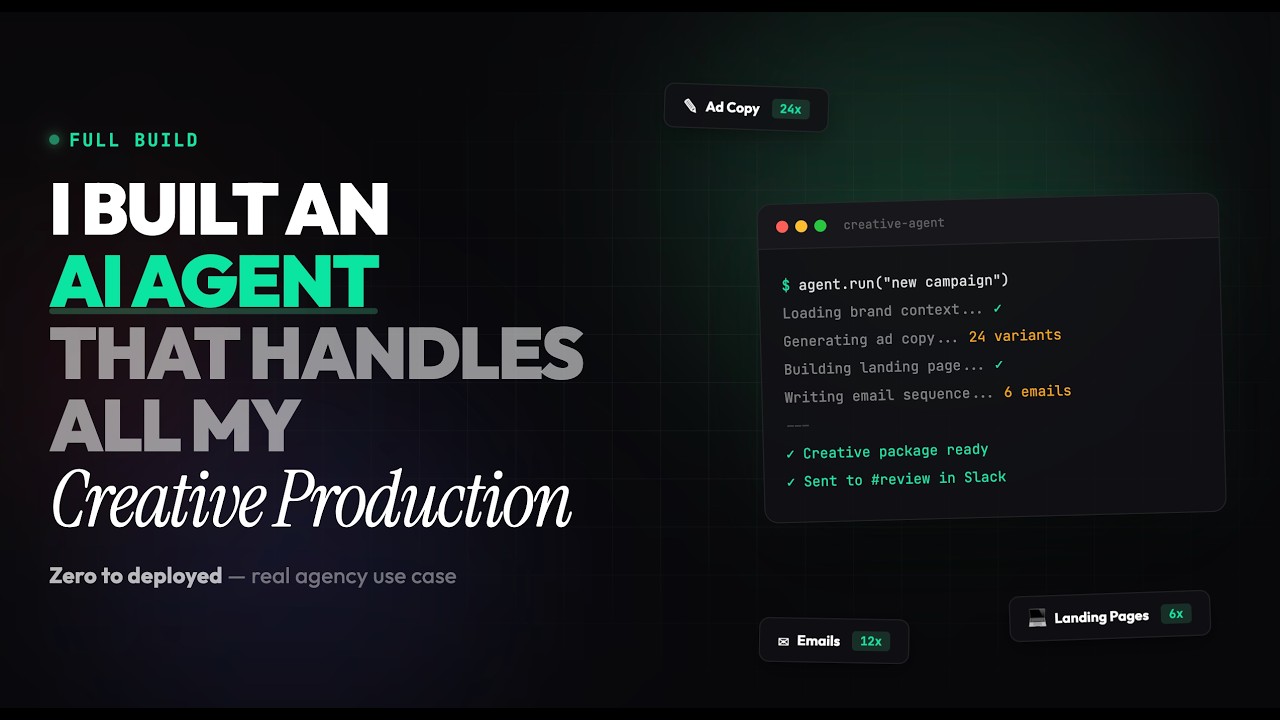
Nicolas Korvessis built Atlas, a Slack bot that automates ad creative production for his agency. A Slack message triggers a form, Claude processes the brief with prompt engineering for hooks and emotional triggers, then four image models generate variations. The whole system runs on a VPS so it works without his laptop.
Chapters
What's going on guys? Welcome back to the channel and thank you for clicking play on this video. This is gonna be a video where I don't know exactly where it's gonna go. But essentially, this is exactly what we're gonna be doing. We're gonna build an AI agent— can't even speak. We're gonna build an AI agent that handles all of my creative production for my agency. Now it's not gonna be finished, but it's gonna be close to finished. I've already started some of the build, so I have some kind of a baseline, but I really wanna refine it. So over the past like month or two, I've been using some of these pre-built agents like Empleetor, for example, whether it's like uploading an image, having a prompt, generating it, and then getting images spit out. That's great. We've also been using things like Creatify, etc. But I really wanted to build something that was integrated into my system. And this is exactly what we're going to do. I'm going to have basically one agent that has a ton of creative output that There'll be a brain, the skills that actually allows it to generate creative that makes sense. And then a workflow as well, where there's queue systems, automations, and it's all outputted in Slack, which is where we build, which is where we work with a lot of our clients. So I had AI just put together this really simple page for me just because I thought I'd have something to show you. But a lot of what we're going to be doing is in Claude Code. The system that I have is in VS Code. I could do a separate video of me building all this. This is one of my first videos with Claude Code. I've been using Claude Code for a while now. I've been using this setup in VS Code for the past week or 2, but I want to show you guys exactly how this works and what I've set up so far and what we are going to go from, from here. So here's my Slack channels. Let me close all this up. And I've basically built a bot called Atlas, which helps with a lot of different things in my company. But I'm kind of equipping Atlas with a creative process. You can see here on Saturday, I started testing this. I'll tag Atlas and say I need creatives. It will send me a form where it'll generate 3 images using 3 different AI models in parallel. So it'll ask me who's the client for, what's the offer. And you can see here, I said it's for me. Here's the offer. Here's the hook. Here's the angle, et cetera, et cetera. Here's the progress. And then it'll actually make 3 creatives. Now they're not that great because I haven't really built the brain behind them. I've built more of like the actual process just to see how it works. So you can see here, like this first one here from Nano Banana 2 looks good. It's just not exactly what I want it to look like. 'Cause it has this random AI person. I probably want more. Images and stuff like that. But you can see the system's working. It's all happening inside of Slack. It's super cool and it's close to what I want it to be, but I want to have an intermediary step where after the creative brief, it runs through a creative brain. And there's a few things that we can do here. Let me walk you through what I'm going to do first. So I built a system inside of normal Claude, um, where We have this creative process, I believe. I think it's got memory. And so this is based off of a lot of stuff that we've developed from some stuff from Alex Hormozi, etc. So what I'm going to do is I'm just going to throw this back into plan mode and just tell it I got a creative output, and it worked.
I now want to refine the brain so the ads come out even better since they are basic and not ideal.
Okay, um, and basically how I have this all hooked up is I have— let me Make sure my API key isn't visible.
Hold on.
I have everything hooked up through pojo.ai. Not sponsored or anything by them, but you could just get super simple API keys for pretty much anything you need, like Sora, Nano Banana 2, really whatever you need for AI image and video. So the idea is that you just give my system those API keys and then it can pull for whatever it really needs. So I'm doing that. And I also have this set up inside of an OpenOcean server that my Claude code SSHs into. And the reason why is so it can be running all the time. So even if my computer's down or anything like that, it's not running all off my local machine. It's all happening inside of the Atlas server that I have on my OpenOcean. Like I said, I'm probably jumping in mid-project here, but you can see up here I'm like, hey, I want to build this creative pipeline, etc., etc. It read through all these skills. And here's basically what's happening. So I have a trigger for the Slack message. It pulls the AI models through my Poyo AI. It reviews it, and then it actually makes all of it. So it's a very simple, like, message and call, and I just have it integrated in Slack. The only difference, like I said, is I have it built out on my local machine as well as an OpenOcean Like VPS. So it's happening there. So let's wait for this to happen. And what we'll do next is I'm gonna go through the brain and let's see what plan it comes up with. Okay, so what I decided to do is go into Claude normally with Opus, and I'm basically explaining to it what I'm doing. I'm saying I'm building an ad creative agent and I want a really powerful prompt that when it receives info for what ad to make, It runs through this whole prompt. I want core marketing principles, attention to detail, and kind of like a virality factor as well. So it's gonna make this content. I have a lot of history inside this Claude. So let's see how it exactly does. What I'm gonna do is tell my agent here I have some ideas below. 'Cause I didn't mind the plan that it gave, but it's not the best. So let's see what this one does. And this is really the big thing with building workflows in AI is you gotta go back and forth. Sometimes making the whole prompt from scratch from your head is gonna take too long. You can get 80% of the way there with AI helping you, and then you can polish it up. And after testing it, that's really where you're gonna see a result. And that's exactly why I kind of built it the way that I did is I just wanted to see like a result happen. And now I can start to refine it even more. So we'll see exactly how it does. I've used the same thing here to build other workflows where every Sunday we get ad copy written and we get landing page split tests written as well for us, which is really, really cool. And then they go into ClickUp and stuff. So like I said, this is my first video. I'm kind of midway through this and I can go back a little bit more and build something from scratch. But let's, let's see what this comes up with. All right. So it gave a pretty strong prompt here. I'm just going to copy it and I'm just going to give it here to VS Code. Let's see what it does. And let me actually read this prompt to Creative Engine, operate in a certain psychology.
Cool.
Specificity, emotional truth, pattern interruption, one ad, one idea. Hook carries the ad.
Yes.
Hook first framework. Hook categories, contrarian, specific result, identity callout, us versus them. This is stuff that I've uploaded into my Claude account. And from a lot of my YouTube videos, we talk about a lot of those too. Um, yeah, the meet, educate, demonstrate, storytell, agitate. CTA should be clear, low friction, urgency driven, and benefit restated.
Yes.
Different awareness levels for ads. Yes. Unaware, problem aware. Awesome. We got an emotional trigger system here. FOMO, aspiration.
Great.
Virality multipliers.
Okay. Okay.
Yes.
Great.
This looks awesome. Okay, cool. So it's upgrading this flow. Let's look at the plan.
All right, let's try it out.
And most of the time you just— like, for me, I'm not as familiar with code, so I'll auto-accept it, see what happens, and then I will end up updating it. So let's let it build it. And let's see what we get. All right, so took a little bit, but everything is now complete. Let's go ahead and run a test and see what this actually looks like.
So I'll go in here, I'll tag Atlas Creative, and then it should ask us this form.
So who's this for? I'm just going to say that it's for myself.
The offer will be the Expert Engine Workshop. Hook and headline, get 100 sales for your book or course every week.
I'll say instead, you know what, I'll change it up a little bit.
Go from unknown to known. And so hundreds of your book or course each week. We'll make the creative angle pain point.
I'll do a story size, and I won't do any store, uh, style or branding requirements. So you can see it's processing. It'll take a little bit because now it's going to go through this full creative brain, which previously, if you look here, so you can see here right now it's doing Step 1, creative brain, and then step 2, generate those 3 images. Previously it would not do that. It just runs the 3 models, hence the less than mediocre outputs, right? Okay, so here's the brief. Target audience, expert-level coaches, course creators, consultants.
Great.
Awareness level, problem aware. Emotional trigger, aspiration. Secondary trigger, relief. Core promise. That's cool. That's cool. Okay, cool. Let's see what it does. Made some pretty good hooks. Has a fear urgency hook, curiosity gap hook, identity callout, contrarian, and a very specific result. So I think that's good. If it's generating 5 hooks, I actually may have it make 1 image or 1 creative per hook. So that's something that I'll probably want to do.
And let's see what we got here.
Unknown last week. That's not too bad. This one doesn't have any text. This GPT one's kind of crazy. So they're not bad, but I think we need to use some different image models. Like if we go to Pletor, we're using Nano Banana. Grok and then ImageGen 4 Ultra. So I think I'm going to ask it to use something a little bit more dialed in.
And let me go ahead and ask it. So let's see. Okay, we'll say every time will the engine make 5 hooks. If so, I want 5 outputs. Also, can we change the other image models to something better? Nano banana is good, but the others are not. I also always Want text in the image with a visual. It should never be just a visual. Cool.
This is really as easy as it is, is just talking back and forth, um, with the system and then seeing what it can do. Having POYO AI makes it a lot easier too because you just link it with your API key and it can kind of pull from so many different models. Which is really great. So let's see what it responds with and then how we can make it even better.
Okay, I'm gonna have it do, uh, 3 hooks on Nano and 2 on SeaDream 4.5.
Let's see, 'cause SeaDream tends to have good, like, text accuracy, so I think that'll be good. Um, let's see, 'cause I wanna make sure that it's got text in the image with the visual as well.
So let's see.
All right, we got a new update here, and we're going to go ahead and try plugging this in again. Let's go for it. We've got Atlas Creative. It's going to go through this briefing. I'm just going to use the same stuff.
We'll say Expert Engine System, and I'll say go unknown to known. So hundreds. Of your book or course each week. Creative angle, I will do pain point stories, and then no style or branding.
So I'm going to do the same thing. It's going to run the creative engine. You can see here it's going to make 5 images in parallel, 3 with Nano Banana 2, and then 2 of them with Seedream 4.5. So we'll see how those do. Outputs should be a little bit better than last time. Okay, so we finally got some outputs, and let's check them out. So unknown expert, known, why unknown experts make more money than famous ones. That's a really good hook. I sold 847 courses last month and nobody knows my name. I think that's really cool. Your expertise is worthless if no one knows you exist. I think that's a really good one as well. The invisible expert who outsells Gary Vee. That's cool. It's just got this random thing and that, that's not Gary Vee. And this one, stop trying to be famous, start being profitable. I think these are really interesting images and I, I'm liking the outputs and the ideas. So I think this is getting a lot more dialed in. I think the last thing I want to do is I do like that it's in Slack, but I almost want everything to run in the background. This form, um, the other, I don't know too much about that. I kind of want these to be custom, like not a dropdown, just type it in. Type the offer, and then select these. There's a few other changes, but you can see how robust this could be. And then what I eventually want to do is link it up to Google Drive. So it's just all plugged in right there in Google Drive. And then maybe even deliver that as a Drive folder or Drive link in Slack versus this long thread, because each of these threads now have like 14 replies, which isn't horrible, but it can be difficult to organize them versus just dropping it into Google Drive. So that's what I'm gonna work on next. But you can see how robust this could be. Like I said, this is my first video I'm doing with Claude Code and whatnot, but this is what we're using Claude Code to build inside of our company. So I hope you enjoyed it. Let me know what your thoughts are and let me know if you want more videos like this and more detailed breakdowns so you can build something similar.










