Facebook Ads Not Converting? Check These 5 Things Before You Blame the Algorithm
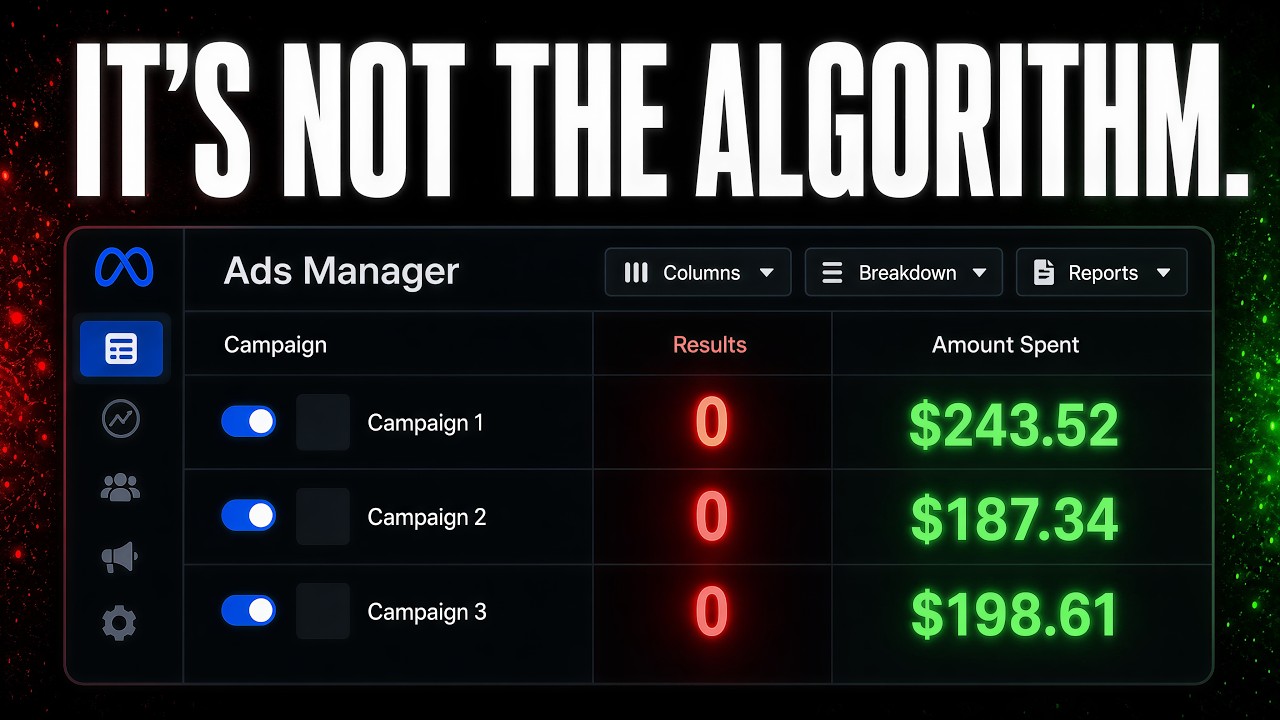
Most underperforming Facebook ads fail because of setup issues, not the algorithm. Check five things: verify your pixel is tracking only qualified actions, refresh creative weekly with new hooks, match your landing page to your ad's promise, use broad audiences and let Meta's AI work, and give campaigns at least 2-3 days and 50 conversions before pausing.
Chapters
Your Facebook ads aren't broken. The algorithm isn't broken, but something in your setup is. And it's probably one of these 5 things that I see in 80% of ad accounts that I audit. I manage ad accounts spending anywhere from $5K a day to $50K a day. And when someone comes to me saying that their Facebook ads don't work anymore, it's never usually the platform. And it's always one of these 5 things sitting in your account, silently burning money. And I wanna show you exactly what to look for in this video. Now, I know I mentioned some pretty big numbers of spend, but even if you're spending between $20 to $100 a day, these same things can be burning money in your account and slowing down the optimization across the board for your paid ads. So let's get right into it. So the first check I want you to do is what event are you actually optimizing for? So here inside the Events Manager, looking at what event you're optimizing for is super important because Meta's algorithm is really, really smart at finding exactly what you ask for. If you're asking for page clicks or page views, that's all you're going to get. If you want buyers, that's all you're going to get as well. And most accounts that I audit are asking for the wrong thing, or they're only optimizing for one thing without maybe going a little bit deeper to get more quality, higher AOV, or whatever that looks like. So what we've been doing recently is using GoHighLevel to actually solve this problem with the Facebook Pixel. And here's exactly what we'll do. For example, in this case, these people are booking a call, but when someone books a call, we only want the Pixel to get the qualified people back to the Pixel. So what we'll actually do is we'll have this condition here that says, hey, if you are not willing to invest any money, because this is a question there that they fill out before they book a call, or this isn't a high priority for you, we tag these people as a disqualified booked call and kind of pull them out of the whole sequence. And we don't even send that data back to the Facebook Pixel. However, if none of those conditions are met and they are a qualified lead, that's when we send that data right back to the pixel. That way we're optimizing for a qualified schedule or qualified booked call. Now, the mistake that people make is they'll only do one or the other. So they'll either have ads running only for qualified calls and nothing else, or they'll have ads only running just for generally any booked calls or whatever the event is that you're optimizing for. But with smarts, you can actually have 2 things going at the same time. You could have one that's more of a volume play, getting people just to book a call to warm up the pixel around generally what you're looking for. And then you can have another campaign that's more directed towards qualified leads, both with different events, both optimizing a little bit differently. I've even done this a step further where you do qualified booked calls and then like super qualified booked calls, and you can kind of go about it that way as well. The same thing goes with average order value and whatnot. You could only send pixel data back or have another event on top of your normal purchase event. To send back purchases with an AOV higher than X amount or whatever that is. So make sure you check that out inside of your Events Manager. If you're not sure what's being optimized or how it's set up, and maybe you're not the one managing it, reach out, comment below, and I can see if I can give you some guidance. And then while I'm in here, just checking and doing some audits is really important, like making sure that you confirm that these domains belong to you are super, super important. A lot of the times you can have ads running to your domain, Facebook just isn't sure what they are. And if you don't review them and approve them, you won't get any events actually sent back, which is super, super key. So that's the first thing that I want you to dig into and check out. Next is checking and optimizing your ad creative. Look and see when's the last time that you've launched truly different ad creatives. This is an account where we're spending around $20 grand a month. For purchases, and every single one of these ads and ad sets are totally new and totally unique creative. And this is what's driving a lot of the results for us. You can see in the past month, we've had almost 2,000 purchases and generated over $100,000 from just $20,000 in spend. And the reason is because we're actually following a full ad production SOP. I think what's super important with this is making sure that you're not just making ads, but you're making ads with new angles, new hooks, and actually testing different ideas behind the creatives, not just swapping colors or a different background or a few different words. You really wanna have diverse reasons in each of your ad creatives across the board. So a few things that I like to do is look at your onboarding form if you work with someone or fill out like an onboarding form of yourself. What pain points do your customers have? What are their desired outcomes? What are prospects asking about on your sales calls? What language are they using to describe their problem? Check your organic content. If you're posting on YouTube, Instagram, wherever, look at which posts, topics, and videos have the highest engagement, comments, and retention, and you can use those in your ad testing queue as well. You can also use tools like the Facebook Ad Library or Foreplay to actually spy on competitors and see who's doing what. If you're not doing this consistently and then using that to generate new angles, new scripts, um, and all that kind of good stuff, and then actually producing them into assets, that's where you're going to be falling behind. Super important to do that. It's what drove the results of this account and many others that we work with. So make sure you're doing the exact same thing as well. Next one is a really simple one, but a lot of people don't look at it too much. And that's your landing page or your destination. Does that destination align with what people are actually seeing in the ad? If the ad is saying, get this deal for $499 or whatever it is, you've got a 50% discount, whatever the core promise of that ad, you want to fulfill on that promise on the next page. So if you're talking about one thing, go see if it's actually happening on the landing page. It's super important. You don't want to have a bait and switch because people are going to bounce in a few seconds and Facebook is going to punish you with higher CPMs. The ad and the page need to feel like the same conversation. Same language, same visual style, and same promise. When there's a disconnect, conversions die, and then people end up blaming the ads for that issue. Okay, the next one is that you're targeting too narrow. A lot of people love to look at the different audiences that you can target inside of Facebook, and the truth is what's working the best for us is just broad. You'll see these campaigns here, a lot of them are pretty broad, or we'll maybe add 1 or 2 interests in here, but they're very broad interests and our audience sizes are very, very large. You don't want to have 47 different interest targets stacked on top of each other because you're just handcuffing the algorithm. Meta's AI is a lot better at finding your customer than you are. It has more data than you'll ever have. So make sure that you actually have really strong creatives that are really speaking to the ideal target avatar, because the audience in the detailed targeting section is not really what's controlling that. It's more so the creative. So go broad, Let the creative do the heavy lifting. And that goes back to the previous kind of note is that you need to have someone that's actually producing and testing new creative constantly. Last but not least is you're making decisions too fast. If you're killing ads after 24 or 48 hours, you're not giving Meta enough data to optimize. The algorithm really optimizes and needs 50 conversion events before it stabilizes. And depending on your budget, it could take 5 to 7 days. However, something that I think is super important is to make sure that you understand your KPIs as well. This is a KPI sheet that I like to use and I like to show people and teach. And if your KPIs are starting off outside of the key benchmark, that could give you some reason to kind of kill those ads a little bit sooner, right? Super important to kind of keep an eye on those. If you're a day in or 2 days in and your cost per link click is $20 or $10 or even $8, that could be a mean and a reason to actually, okay, let's lower the budget, let's drop the budget down and optimize things a little bit. Something is wrong. Super important. Give your ads a little bit of time, but not too much time. I'd say between 2 to 3 days is usually the max. And then you can start to make optimizations, adjustments, and then actually look at the data and make some changes based off of that. Now, if you notice something about these 5 checks, only one of them is actually an ad setting. The rest of them are creative problems, landing page problems, and decision-making problems. And that's the pattern that I see over and over again. Business owners will come to me and say that their ads don't work, but when I look at the account, most of the time their ads are okay. It's everything around them that are broken. The creative is stale, the page doesn't convert, and nobody's looking at the full picture. And that's why when we do work with people, we don't just manage ads, we manage the full system. Because if any one of those pieces breaks, the ads look like they failed, but the ads are never really the problem. If you check 5 of those things and you're still not sure what's wrong, it could be something deeper, a strategy problem, not a settings problem. So if you're interested in getting more help with this, just comment below, reach out, or click the link in the description. I'll give you a free audit of your account if you're spending more than $3K or more per month, and I'll actually walk through what exactly we would do, give you some creative ideas so you can walk away with something. If not, take everything that I shared with you in this video, apply it into your account, and look at kind of repeating that process over and over again every week to come up with new creative angles, triple-checking the alignment with your landing page, and giving time for decisions on top of everything else. I'm posting videos like this every week, so if you found this useful, subscribe so you can stop guessing what to do with your ad spend. I'll see you in the next one.










