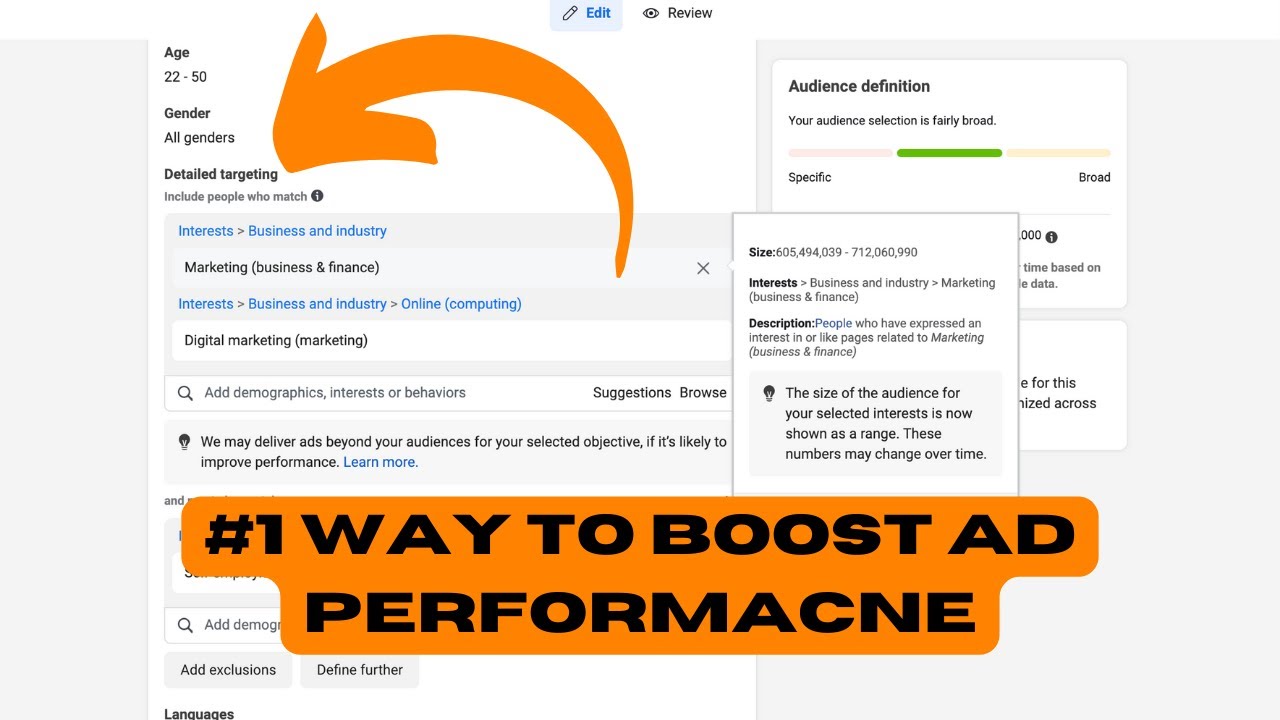
Nicolas Korvessis shows how to lower Facebook ad costs through weekly audience tests. He ran 5-7 small tests at $5-$6 each, testing single interests and narrow age ranges, and dropped his cost-per-acquisition from $50-$60 to $19 on a $37 product. Once an audience proves profitable, you scale it.
Chapters
In this video, I wanna give you some really actionable steps that you can go and execute inside of your Ads Manager to lower your cost per acquisition and get more sales in the process. So let's take a look at the Ads Manager. If you guys like this video and you wanna see more stuff like this, just comment below, like, and subscribe so I can keep making stuff just like this. Let's get right into it. So here inside the Ads Manager, um, this is actually one of our ad managers for my company. I wanna show you, um, a really cool trick that we've done recently that has shown some really, really good success as a whole to drop our cost per acquisition. So overall in the past couple of months we've been running ads to a really simple product. The product by itself is around $37. Our average order value is around $60 to $70, just depending on the week. And we used to be getting paid customers for anywhere around $50, $60, sometimes more dollars, right? So it's pretty expensive to get a paid customer. We maybe broke even, sometimes we'd even lose money. And we realized there's really one big easy test that you should be doing every single week if you wanna get better results with your ads. We actually implemented this test, I believe, on Tuesday. So Tuesday we launched it, and you can see immediately, boom, we picked up one purchase at $4. It's continued to run since then, and since then we haven't really spent much money, but it just shows you how even with small budgets you can implement some of these really easy tests and get a ton of really good results. What exactly is the test that we did? It was an audience test. I think that every advertiser inside of Facebook Ads, Google Ads as well, should be running audience tests on a really consistent basis every single week. The more times you're testing audiences, the more results you're going to have, the more potential for a good result you're going to have because you're constantly resetting the initial conditions inside of Facebook or the paid ads manager that you're using. Now to show you exactly how we did this, we basically launched 3 different, or sorry, 4 different audience tests. Each one of these we chose were basically individual interests, and we were really specific in choosing the exact age range that we wanted and the placement that we wanted as well. Super important here. So with audience tests, what I would recommend doing is to launch anywhere between 5 to 7 new audience tests every single week and set it up exactly like this. Make sure you're excluding people that are in your current audience. Choose your location, choose the demographic age range for the people that are your ideal customers. So that's gonna be good. And then make sure for the targeting you only put one piece of, like, one interest, one piece of targeting in there at a time. Don't fill this up with multiple. The point of these audience tests is to only choose one interest at most, right? Even this one, I probably don't want to, I don't like that one. Just choose one interest only. The only other thing I'd recommend doing is when you're setting these audience tests up is to make sure you choose manual placements and just choose Facebook, Instagram, and the core placements like feeds, stories and reels, and the in-stream stuff. If you do audience network, it could get crowded with people that have seen your stuff before, it could get crowded with people that have seen the ads. You really want this to be as cold as possible to get you the best data. And you can see here this ecommerce one that was set up how I wanted it to, with the one single interest, it produced that sale at $19. We went from paying $50, like I said, sometimes $60 per sale, all the way down to $19 on this one initially, which is really great. The only other thing I want to say is with audience tests, when you launch these things, start them off at really cheap budgets. We launched these ones at around $5 or $6 per audience test. And the reason why is because the goal isn't necessarily to have an extremely profitable, um, you know, something that's producing a lot of volume. This isn't like your workhorse campaign. The purpose of the audience test is to just validate an audience, figure out if an audience works, because if it does, then you're in really good shape. You can basically know that that audience works, have the confidence then to take it and scale it. So if you're watching this and you're running ads, I'd really recommend to launch anywhere from 5 to 7 low-budget audience tests a week. Remember, the goal isn't for it to start producing 100 sales immediately. The goal is to validate the audience, and then you can take that audience and test it in a ton of different ways as well. So if you guys like this video, be sure to like and subscribe. Let me know if you have any questions. And the last thing I want to show is that we have this really simple funnel diagnostic sheet that'll kind of give you all the metrics you need, what they mean, how to affect the metric, and how to improve it at the end of the day. So check the description to see how you can get access to that for totally free. Hope you guys enjoyed this video. Test more audiences, and I'll see you in the next one.