How to Get More Qualified Leads From Your Facebook Ads (Exact Setup & System)
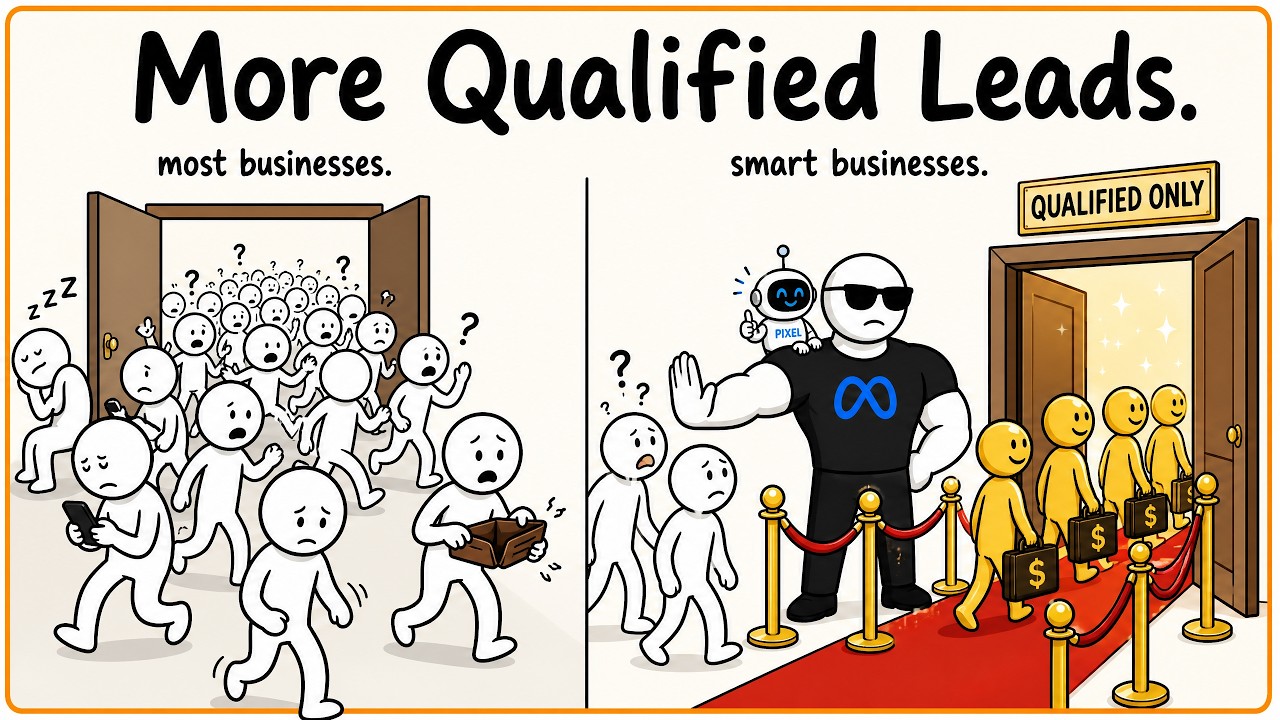
Nicolas Korvessis shows how to fix underperforming Facebook ads by using specific creative hooks, broad audience targeting, and a dual-event pixel setup that only counts qualified leads. A client turned $2-3K in ad spend into $18K in contracted revenue with these changes.
Chapters
You're probably just a few small changes away from getting a ton of qualified leads from your paid ads. If you're spending money and you're not getting qualified leads, your sales team is complaining, you're talking to people that just are not the right fits for your business, I'm going to show you those 3 things and maybe even a few more of them through this video so you can fix that problem for good and you're not dealing with this up and down ebb and flow of great leads one day, horrible leads the next, and not sure where to look, or what to fix. Now, this is all based on things that we have personally seen work inside of our company and working with tons of different clients. And even within our own business and our own ads that we run, this is something that has really changed the game for us. You can see here, just recently this past Wednesday, I had a client that we've been working with. They've been running ads for a really long time and they're spending plenty. They're not really underspending in any way, shape, or form. But with just a few small changes, we've turned things around big time for them. And just on this last workshop that they did, they do a workshop campaign specifically. They had $7K cash collected from only $2K, $3K maybe in spend, $18K in contracted revenue. And everything is going much better for them as far as quality. They were getting the worst people on their calls. No one was closing. And we only changed a few things, which I'm gonna show you in this video. And it really turned things around for them. Now, the things I'm gonna show you in this are gonna be applicable to you pretty much no matter what stage you're at. Even if you are getting qualified leads and you just want more, or you want it to be more consistent, this is gonna work great for you. Now, I understand I can't go through every single scenario. So if you're looking for a one-on-one audit, I will gladly audit your full account totally for free. No obligation, no pitch, nothing like that. If you're interested, check the first link in the description. Book a call with me, not with a salesperson. You'll literally talk to me and I'll audit your account and kind of take you from there. But let's get right into it. So the first one that I really want to walk you through is the ad creative. Now in the ad creative, whether you're doing a video ad or an image ad, the most important thing is what you say and really what you say in the hook of the first few seconds of if it's a video ad and the first line, if it's actually in copy or if it's just a static image ad. And I want to give you an example of that in action. So this is a client here that we actually fixed a lot of those issues with that I just showed a little bit ago. And the 2 things that we changed right off the bat were, first off, this hook right here, um, that's at the start of the caption as well. So we're targeting people that are in a coaching business, that have a coaching business, and that have money to spend. So they have some kind of success. So first things first, we called out people that are in a coaching business because they were not getting people that were in their coaching business. And literally not even a second into the video, the first thing that I have her say in every single video is, if you are a successful coach, listen up, or some kind of effect to that. So if you're not getting qualified leads and if one of your ads is not saying the right thing, talking to your ideal target avatar, you're going to be missing the boat. You're going to be missing out on a lot of qualified leads. And it's not really gonna be great for you if you've been struggling with that. Now, some of you may be thinking, okay, does that really make a difference? Is Facebook that smart? Yes, Meta's algorithm is extremely smart. It looks at everything that you say in your ad copy. It looks at everything you say in your ad creative, and it'll base what you say on how it's targeting and how it's finding people. So the old days of how this would work is you would go to set up your audiences, And if you knew that you are looking for coaches, maybe you're looking for people that have some excess money, you would drop in all these different interests to try to find and target those kind of right people in your audience. Nowadays in the audiences, you go broad. I don't really put anything in my audience targeting. So what ends up happening is Facebook, to find your audience, is using all these different input signals. It's using maybe input signals from your image, from your ad copy, from the first line of your video ad and your hooks, and then maybe a little bit of your page and whatnot. And more importantly, your pixel, which we'll talk about here in just a moment. It's taking all those elements, feeding them into a big pot, and then Facebook is going within your big audience and finding pockets of the people that are gonna be your ideal target avatar. And then that's where it's gonna go and actually target people and bring them through. But if they're not a part of your target audience and they're not kind of fitting the bill, it's not gonna do that thing. It's not gonna find them. So make sure in your creatives, the first thing, be very specific, be uncomfortably specific. If you think, oh, this is too specific, I don't know if anyone's gonna kind of look at this, that's exactly what you wanna do. You wanna be as clear, as specific as possible. The more specific about someone's situation you can be, the better. I'm going to use this coaching business as an example. If you're looking for people that have a coaching business, you could have a few different angles. You could say, if you're a coach and you've spent money on other coaches and they've promised you the world and it hasn't worked, this is for you. That's a person in a very specific situation with a very specific pain point that you can kind of attack and then bring them solutions to in your business. I could go down the list, but that's the first very, very important thing to make sure you're looking at. As far as your targeting goes, and as far as getting more qualified people from your Facebook ads. The second thing is a really big one, and it's gonna be your Facebook Pixel. I'm actually gonna show you how to set this up now, but first I wanna show you how this exactly works just to make it extremely clear. Inside of Facebook, when you're setting up a brand new ad, you're presented with this option here where you can choose awareness, traffic, engagement, or any one of these different campaign objectives. Facebook is very, very literal. If you tell people, if you tell Facebook that you want traffic, but you send them to a page that you know converts, you know it gets purchases, or you know it gets booked calls, and you know the page is not a problem, but you choose traffic, Facebook is only gonna send you traffic. It's literally looking for and optimizing for people that are only going to click and do nothing else. You can see the objectives are link clicks, get people to click a link, Get people to view the content, get people to visit your profile, get people to Messenger to start a conversation, etc., etc. And it's very literal. It's not like, oh, because traffic is cheaper, is it going to be cheaper overall? You're just going to get no one to actually do the thing that you want them to do on your landing page or wherever it is that you're sending them. So my first rule of thumb, be literal. If you want leads, if you want booked calls, you're going to be choosing leads. If you want purchases, You're going to be choosing sales. Super simple. Don't really steer away from that. After that point, Facebook kind of allows you to then choose which event you're actually optimizing for. And I think some people get confused here, but you'll see in this section, you can choose which pixel you'd like, and then you can choose what conversion event you're optimizing for. So there's things like lead, schedule. There's lots of other events that you can choose. And I just want to explain this really quickly. If you have 2 events, and this is kind of ideally where you can set this up, and actually I'm going to back up and explain the whole pixel as well. So here's exactly how the Facebook pixel works. You have an ad, you're sending traffic to your landing page, and people will take some kind of action, purchase, submit a form, book a call, whatever. The pixel's job is when that action that you've defined happens, This is the completed action. That completed action is sent to the pixel and the pixel gets sent back to the ad and your ad account. And Facebook knows, okay, great. Nick was asking for people to book a call. That event happened. Awesome. Let's find more people that are going to be like this person who booked a call. And the cycle continues. Now, the mistake that people make is they think that it just is as one-dimensional as that. There's nothing more that they can do. However, you should actually be setting up some kind of conditional logic So only the best of the best people are the people that are firing this event to send back, or else you're just going to muddy the waters. And Facebook doesn't really know the difference between qualified and not unless you define it. So you have to define it, or else you're not going to be in control of who's qualified and who's not. And I'm going to show you how to set this up in just a second inside of GoHighLevel, because I want to talk about one more thing, and that's actually having 2 events. So what I actually like to do 'Cause some people aren't spending enough on ads to necessarily have enough pixel events to optimize for the qualified people. They're still getting a mix. So what I like to do is I'll actually set up 2 events. One of them maybe is a lead, and the other one would be like a qualified lead, right? And let's just call the lead just a lead event, and we'll call the other person an application being submitted, right? So now what you can do is the same ad is sending people to the same landing page. Some of those people are gonna be qualified, like in this top event here, but other people are gonna be unqualified and just a lead here. You can send both of those events back, but what's gonna end up happening is in your ad account, you're gonna have 2 campaigns. One campaign is gonna be optimizing for your qualified lead event, right? Which you'll choose here. And then the other campaign will be optimizing for just your normal leads. Now, once your qualified leads take over the normal leads, you can shift all your campaigns over. Just depends how your business is structured. Maybe you do want volume and you're okay with paying a little bit less and having more leads available so your team can do something with them, but you'll just want to keep that in mind. So let me show you now how you go about setting this whole thing up. And I actually like doing this in GoHighLevel. It's super easy, even if you don't use GoHighLevel for your main subscription for your CRM and all that kind of stuff. I'd highly recommend using it just for this because it's so easy. So first, what you're going to do is you'll have your trigger or your thing that actually fires off everything. So say someone books a call. Now what we do is we want to optimize for people that are qualified that book a call, and we ask them a few questions when they book, and that's what this workflow is going to kind of determine. So someone books, great. I run them through this condition. I say, hey, listen, do you have the time and money to invest? If you don't, That's it. Nothing else happens. But if they do, if they do have the qualifications, this is where I'll input this Meta Conversion API action, which is just an action you can find here in GoHighLevel. And what I'll do is I'll put in my access token, my dataset ID. I have other videos on my channel on how to set this up. And then you choose the event name and you can have pretty much 2 automations, right? You could have one workflow where people are being optimized for lead, just like I was explaining, and another one maybe where it's optimizing for start trial, submit application, subscribe, and that's your more qualified person. That way you're only sending the data back that actually matters. This is honestly the most important thing. You could really dial in your ad creative. You could dial in pretty much everything else in your audience targeting, which maybe could help, and creatives for sure will help. But this pixel is the big thing that people just don't understand. They feel like it's very one-dimensional. It's not. You need to have an expert come in and optimize your pixel appropriately. Or you're gonna be spending without any cause. Like I said at the beginning of this video, if you want us to audit your account and show you how we would set up your pixel correctly, we've done this for hundreds of businesses over the past year, and almost thousands of businesses since being in business since 2017, 2018. I'd love to audit your account for you and really show you where those gaps are so you can kind of figure out what to do from there moving forward. So I hope this video helped. That's how you're gonna get much more qualified people from your Facebook ads, and I'll see you in the next one.










