Q&A Productive Working From Home! (+ My LinkedIn Learning Course is Live!)
Paula Rizzo shares practical tips for a productive home office setup, from natural lighting and camera placement to shutdown routines that signal the end of your workday. She also announces her new LinkedIn Learning course, Organizing Your Remote Office for Maximum Productivity.
Chapters
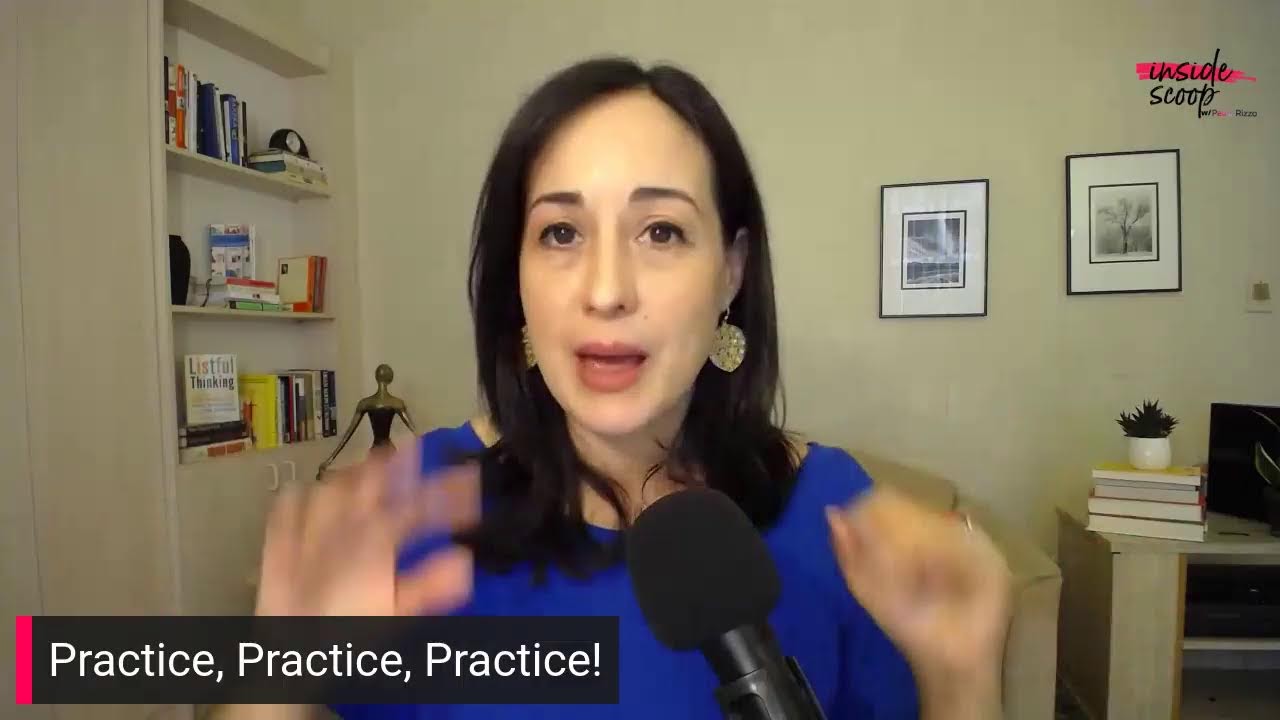
Hello. Good afternoon, everybody. Paula Rizzo here, and I am so excited to join you on this Thursday. I'm all pumped up because my LinkedIn Live course is live. It's actually not called LinkedIn Live. It's called LinkedIn Learning. LinkedIn Learning, which is an amazing platform. Um, if you have not been on it before, it is worth your while for sure. And I created a course that is called Organizing Your Remote Office for Maximum Productivity. And I actually have taken many courses on LinkedIn Learning in the past. Um, you know, when you work for a big company, a lot of times they will, um, you know, have access for you and you can learn all kinds of things. Like if you want to learn how to take better photos or you want to learn how to be a software developer or whatever, uh, you can learn that, but you can also learn productivity tips and things that will really help you to elevate your career. And also for people who are looking for a job, to differentiate you from other people, right? You want to be the person who stands out as someone who is, um, you know, very, very, uh, doer. You're the doer, right? You're the one who gets stuff done. I found that that has been really helpful in my career. So, um, I announced that this happened yesterday because the course just came out yesterday. So it is in the library right now. You can check it out. All you have to do is put in my name, Paula Rizzo, uh, and you will find it there, which is fantastic. And ever since I said, hey, I'm doing this, this thing, and it's out in the world, people have been asking me, um, some questions. So I thought, you know what, let's do a little Q&A, uh, and I'll be happy to answer any questions that you have when it comes to productivity, getting things done, and being less stress, because that's the whole point of this, right? To create an environment that makes you not only productive and get stuff done, but then at the same time you want to be able to do the things you really want to do that will recharge your soul. Okay. So we have our first question. I'm going to see if I can show it. Oh, awesome. Okay. So Julia Andrews is asking, uh, how do we get access to your new course? I'm so excited to check it out. Awesome. Thank you, Julia. Uh, well, the way that you check it out is that you go to LinkedIn Learning. So here is, Um, the thing you, you're on LinkedIn, hopefully, and, uh, if you're there, if you have a premium account, you have access to the entire LinkedIn Live library— LinkedIn Learning. I keep calling it LinkedIn Live— LinkedIn Learning library. And so that way you can check out every single course that they offer. So if you, um, are not a member, if you're not a premium member, you can get a free trial for the month and check it out. And so then that way you'll be able to Um, you know, check it out or you can buy courses outright. So you can just, you know, um, just decide, okay, I want to take Paula's course, which, um, I told you is called Organizing Your Remote Office for Maximum Productivity. So you can decide, hey, I just want to watch that course. So I will just purchase that one course. But I do think it is worth checking out the LinkedIn Premium option because you get so much more than only the LinkedIn Learning. Only the LinkedIn Learning, uh, library, which is fantastic to have all of these resources at your fingertips. But also there's a lot of other features, ones that I don't even know off the top of my head, but there's a lot of comparisons on, you know, um, like salaries and things like that if you're looking for a job. So it's definitely a good thing to have. Um, so let's see if there's some other questions. Um, I would love to take them, but someone actually earlier had sent in a question about how do you set up the perfect remote office, which is great because That is what I talk about in the course. And the most important thing that I can tell you to do is to first think about what do you need to do in that space, right? What is the most important task that you do for your job? For me, because I'm a media trainer and because I am a trainer of, you know, and do a lot of workshops and things like that, I'm always on video. So for me, video calls are the most important part of what I do to connect with people. So I need an office space that gives me great lighting. So I make sure that I am right, that I have a huge window right in front of me because that is the best lighting that you could possibly have is natural light when you're doing videos. So whenever I come into a new space, because I typically do travel a lot, uh, not this year, but usually I do. The first thing I think is, okay, well, where is the light coming from? And then I'm going to be able to, um, you know, choose that as my, my best place for me done in that space so that, um, I think Mercury's in retrograde, which means there is actually travel issues that happen. So, uh, I, um— oh, that's so nice to hear. I'm so happy to hear that. That's awesome. Thank you. That's really, really sweet. Okay, so Paula Rizzo is asking another follow-up question as far as video goes. She's saying, besides lighting, what else do you recommend to look better on video? Okay, so video meetings are here to stay, right? There's, there's no getting around it. This is part of your workday now, is talking to the camera like it's a person, which is what I train a lot of people to, to do, corporate and authors and all of the above. And one of the best tips I can also give is to boost up the camera. You want the camera to be eye level with you. And this is something that I also go into in the course in greater detail on exactly, uh, you know, the steps that you want to make sure that you look great on camera. And that is one, because you want to be eye level. You don't want people looking up your nose and you don't want to be looking down at people, right? So that's— and you don't have to buy any fancy equipment. You know, I have a, um, a, like a desk stand for my computer that boosts it up, but you don't have to do that. You can just get some books and just boost it up. I also recommend that people have a microphone. I have a professional microphone here with me that I recommend, and I think it makes the sound a lot richer, so you do feel a lot closer. The person who's listening to you feel that you are with them. Them, you know, that you're right there. Those are the things that I commend. Some LinkedIn people are saying congratulations. Uh, let's see what questions we have coming in. For putting these questions up, I appreciate it. Okay, another question is, how should I structure a day? Okay, this is a fun one. What I have to say is that you do need to be able to tap into your own personal productivity style. What does that mean? Okay, if you're not a morning person, don't become one. Figure out what The— I work better in the afternoon. I'm not a super morning person. It's just not my thing. I like leisurely. I like to have a cup of tea. Get more productive. I know that, so I start my day that way. You should do the same. And in the course, I do walk you through some exercises to your perfect productivity. This one, and if you fight it, then you're not as productive as you could be, and we don't want that, right? Uh, so I have another question coming in about— let me see, um, what is the biggest mistake that people are making, uh, when working from home? Okay, now that everybody's working from home. 100%, the biggest mistake people are making when they work from home is that they're not getting dressed for the day. Okay. People are— I get it. You want to be in your yoga pants if you're doing, you know, I just read a New York Times article about the Zoom shirt. I guess this is the thing that people put on their Zoom shirt if they're going to go do a Zoom call. Uh, cause it's like the new, the new thing, right? You have to be, just have your clothes on from the waist up. I have been working for myself and at home for the past 3 and a half years, 3 years, 4 years. Uh, I dressed as if I was in an office. I love work in a way that really makes you feel like you are there for a purpose. Not just there because it's snowing. People on the East Coast know what a snow day feels like. And from home, to be back, you know, before COVID-19, working from home, so you're like kind of half working in your PJs on the sofa. That's not productive. Really work and make sure that you're set up for success. And the best way to do that is to get dressed, put makeup on, do your hair, all of that. It is very, very, very important. So that is, that's a big one. You have a lot of things that you can do, um, to set yourself up for success as far as, you know, working from home. And I hope a couple of details and, and ways I linked live right now, it's all about how to set up a productive remote office. So that's not only at home, that's if eventually you are on the road to, you know, get into the world a bit. You will be able to take your office with you, and I give you a lot of great solutions for that. Plus, there is also a fun little section about how to optimize small spaces. So typically in my apartment in New York City, I have a separate little section in my apartment which is called called my smuffus. It's basically— it's a small office. It's a closet space that I created to have a place to put my stuff at the end of the day. Because if you don't close the office for the day, you just keep working and you keep going and keep going and keep going. And nobody wants that because then you never shut off for the day. So for me to be able to have that extra space to just put things in and close the door has been a game changer. But there's a whole little section in the course all about how to adapt to smaller spaces and how to make it really work for you. All right. Well, I'm thrilled that we got to chat a little bit. I hope you check out the course. If you have any other questions, you can leave comments below. I'll continue to check this out and I can't wait to connect with you. And if you do take the course, I'd love to hear what you think. There's a Q&A section in the course so you can just put in your, your comments. If you have questions, I'll be checking back there quite a lot to engage and see what you're all up to. All right. Well, thanks and have a good and productive day.