Gregory Shepard walks through Startup Science's new Advisory Module, which lets admins match advisors with founders, advisors set their expertise and availability, and founders access a shared workspace to request matches and complete activities. The system tracks sessions, notes, and impact scores.
Chapters
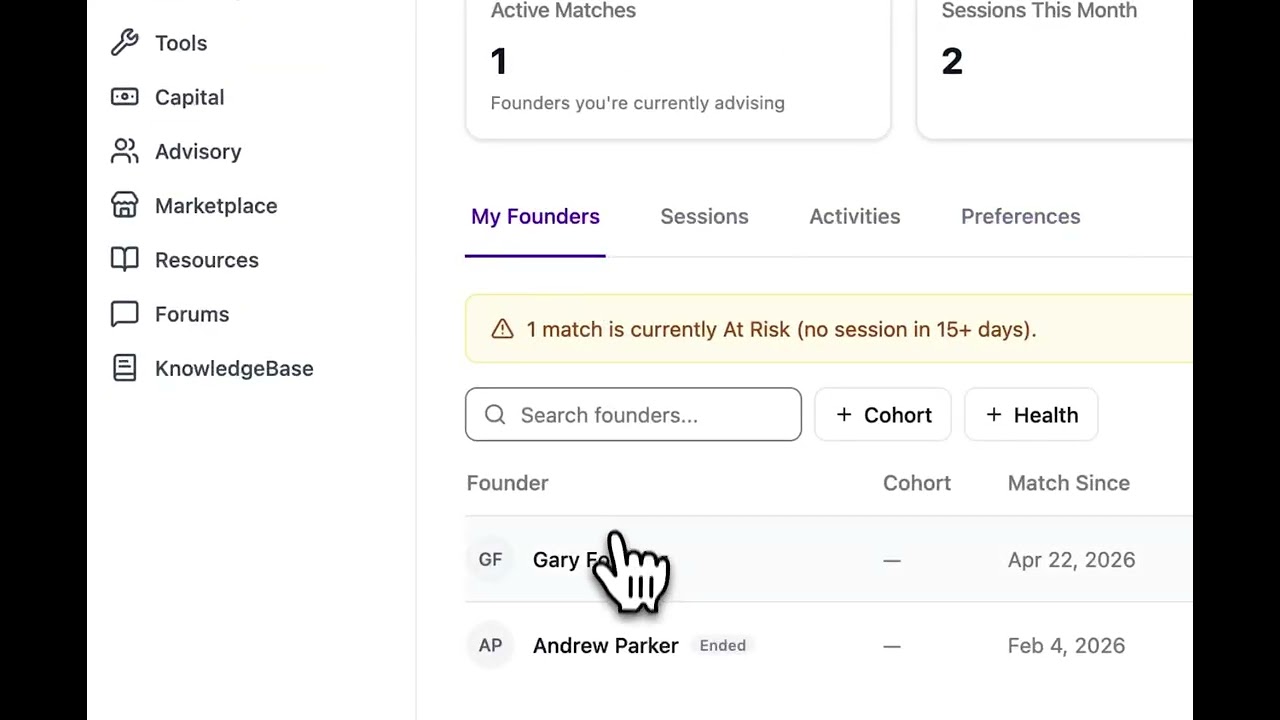
Hi, I'm excited to tell you about Startup Science's newest release, the Advisory Module. This has different components for different roles, so I'm going to be jumping back and forth between different screens to show you what it looks like for a portal admin, an advisor, and a founder. In the Advisory Module, you can create matches between advisors and founders. Simply click this button, select your founder, and select your advisor. Once you create this match, uh, the founder and advisor will have a shared workspace where they can complete activities, register sessions, share resources, and review notes. You can control which advisors are available to your founders. You can have it be available to all your founders or only to specific cohorts. You can review which founders do and don't have matches. You can review all sessions that have been taking place, see what notes or action items came from those sessions. View an impact score for how your advisors are engaging with your founders, and then set settings, notification rules, session rules, et cetera. For your advisors, they can see which founders they've been matched with and any new requests. They can set preferences for what their expertise is, which stage they like to focus on, which industry, and how many active matches they'd like to have at one time. And this is the shared workspace. So founders, advisors, and portal admins have view to this. Mentors can assign activities to founders. They can register sessions where they're meeting with the founder on specific topics, sharing notes with them, and they can write private and public notes for the founder. The private notes are only visible to the advisor and the portal admin. You can see our recent activity and how healthy the relationship is based off how recent their sessions have been and how many activities have been completed. And for the founder, they can view that same workspace and complete activities with their advisor and register any sessions that they've had. If they don't have an advisor, they can look for advisors that are available within your portal and request new matches. And they can set in their preferences exactly what challenge areas they're currently experiencing. If you have any questions on how to best set up your advisors and your founders with this new tool, please reach out to support@startupscience.io. Thank you.