9:23
Learn PHP's basic syntax: opening and closing tags, single and block comments, and echo statements. The presenter shows how to embed PHP in HTML files, save your work, and view the rendered output in a browser.
Learn PHP's basic syntax: opening and closing tags, single and block comments, and echo statements. The presenter shows how to embed PHP in HTML files, save your work, and view the rendered output in a browser.
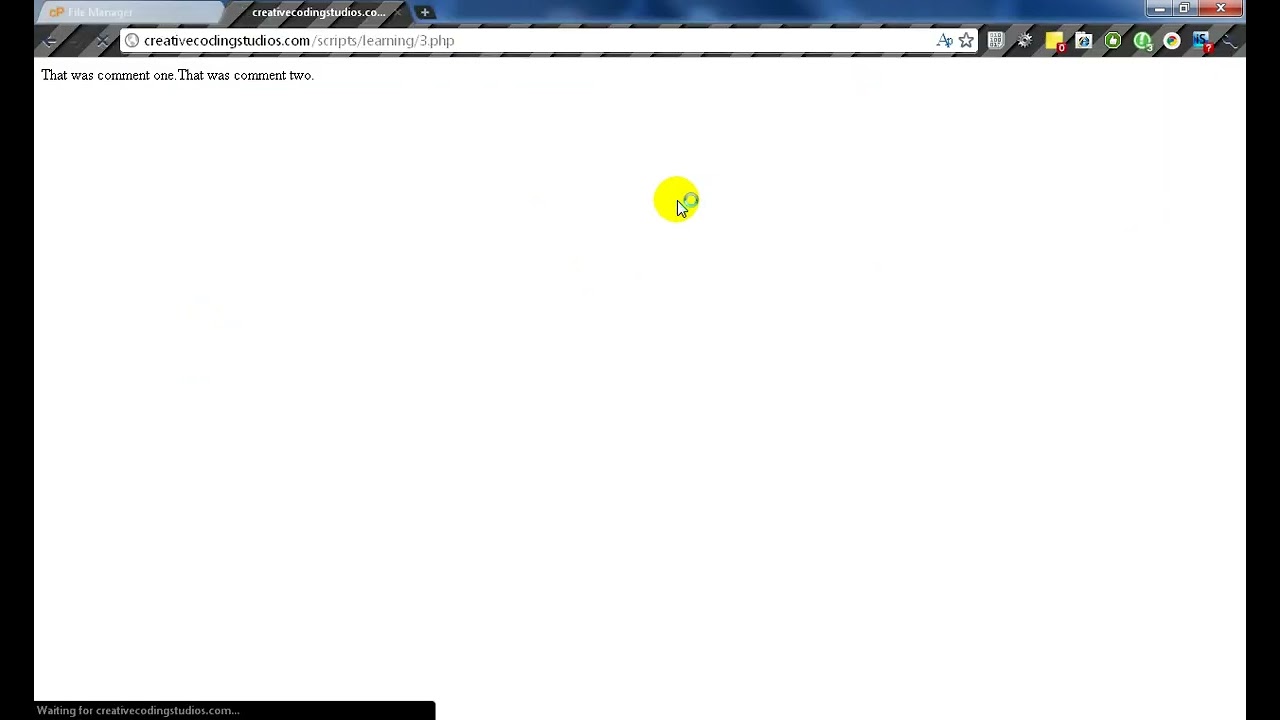
Hello and welcome to Lesson 3, Learning PHP Syntax. Today we're going to be learning the basic syntax of PHP and stuff such as the opening tags, commenting, stuff like that. So first of all, let's create our PHP file. Actually, this would be 3. And let's open it up in our code editor. Now the opening tags of PHP are rather simple. It's just the less than mark, question, PHP. That is all. Now of course, if you have short tags enabled, you can remove the PHP from that. Making it a lot shorter. And if you're inserting PHP into HTML, then it will make it a lot shorter for you, which will be easier to read and such and such. But just for this, we're gonna make it like that. And then to end it, we do our question mark and then greater than sign. Okay, so let's start on con— comments. Now, the regular creates a line comment, just like this. Comments are not read by the engine, so they're not processed. It doesn't really do anything except for it's for your own benefit of labeling your code. Of course, a lot of people like to Name, the creator, what it does, stuff like that. It's really useful for if you're selling your PHP scripts. Okay, now that's a regular line comment. Here's a block comment: slash and asterisk, or star, asterisk, slash. That's basically it. And right in between here, you can have anything and it won't be rendered. Of course, for neatness, I usually insert these. Just looks a lot better in my opinion. To show that, uh, the comments are not rendered— or do I keep on saying render? Sorry. Run or executed. We can insert these echo tags and also put an echo inside of one of our comments. Let's save that. That was comment 1, that was comment 2. As you can see, it ignored our comments. Let's continue on. Most PHP is written in between or inside of HTML code. But a lot of people disagree that, or say that we shouldn't do this as for it makes sort of a mess. But personally, I don't really care. I'm able to read my own code and I'm fine with that. We would wrap it in normal HTML tags. Not gonna get all fancy with them. Anything out of these PHP marks will be rendered as HTML. Now we can F5. And of course you won't see it because we didn't do anything, but if we view our source, we can see that's wrapped in HTML tags. Thank you, that's the lesson for today.
We'll see you next time.