Variables in PHP start with a dollar sign and follow naming rules: no leading numbers, but underscores and letters work. Use the equals sign to assign values, the period operator to concatenate strings, and embed variables directly in HTML elements like buttons and textareas.
Chapters
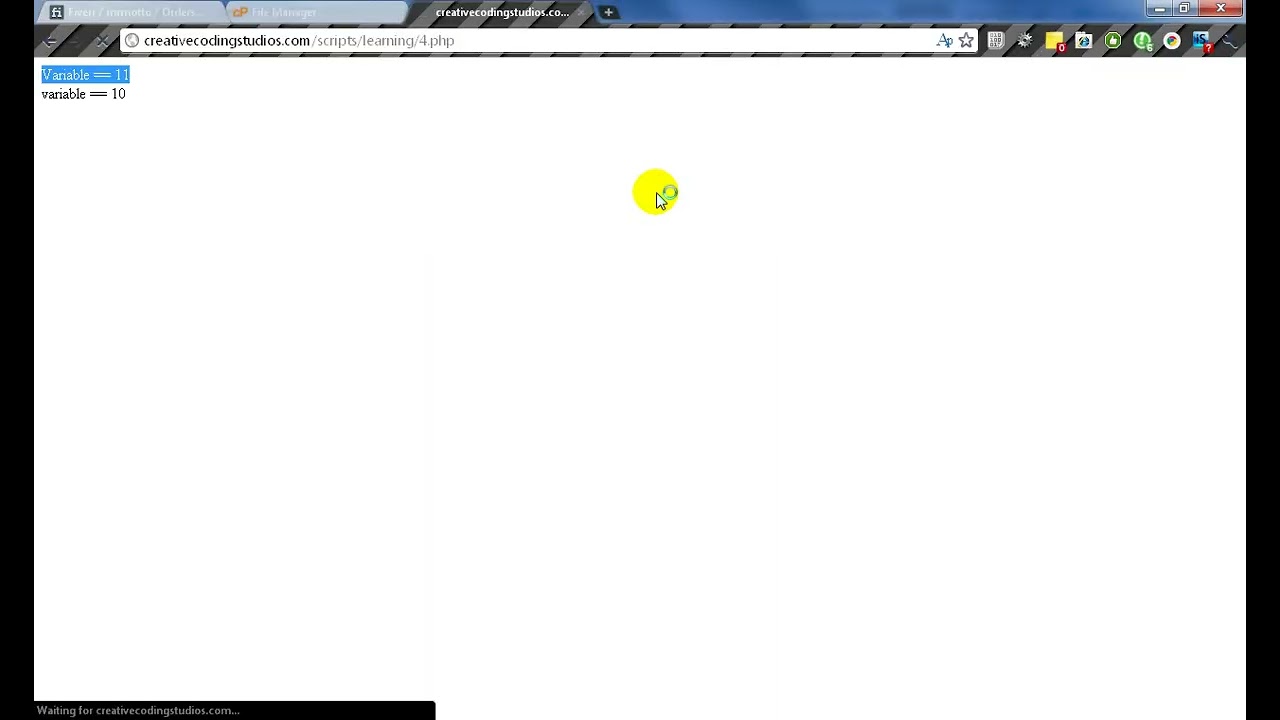
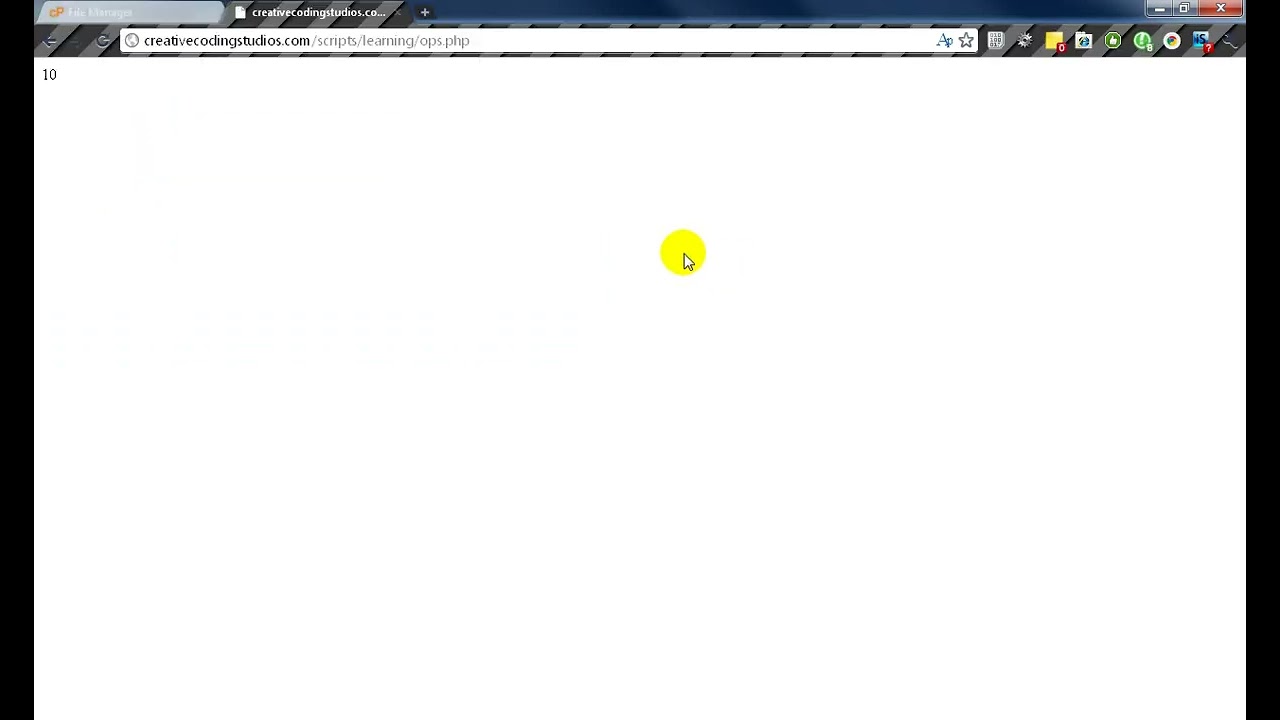
Welcome to Lesson 4, Variables. Variables are very simple inside of PHP. All we need to do is have the, the dollar sign and then our variable name. That's basically all you need to do. Now variables cannot start with a number. This would be invalid. Variables can start with an underscore, but after the underscore, underscore, it cannot start with a number. However, it can start with a number score and then some letters. And also you can have letters and then numbers. To assign a variable, all you need to do Is write down your variable, and then equals, and then whatever you want it to equal. Just like that. You can also assign it here when you first declare the variable. And we are also able to use our variables in multiple situations, such as an echo. We put a period in between our string, our main echo string, and the variable. This basically connects the two. Of course, you can also just do echo variable. That works too. Now if we save this and then go to our page— oh yes, of course, our invalid variables are causing some problems. There we go. Now you can see that our first variable is equal to 11, and then since we reassigned our variable, it now equals 10. We can also use the variables in ifs. And, well, stuff like that. You can echo it out, print it out. Basically, you can do everything with a variable. Ah, also, combining just a quick little tip, if you're using HTML, I'm going to write up our little tags. We can put our variables inside of parts of our HTML. So if we have a button or textarea— I'm not sure if this is right, just guessing right now— we can echo out our variable. Into, say, text areas. And perfect. Now this is our text area, and you can see that we echoed out our variable into here. We can also have multi-line variables. Just like this. Far equals. This is line one. This is line two. This is line three, and that would be valid. Oops, spelling problem. Forgot to end it. There we go. And we could also echo that out. If you have a problem with the quotation marks, such as you want to store some piece of HTML code, You can change it to a single quotation, and a single quotation can only be ended with another single. So then after you start and end with these singles, no matter how many doubles you have, it won't affect the line. That's basically all for variables. Thanks for watching. Hope to see you next time.