Learn how to use a seller-lead tracking dashboard to monitor leads from first contact through closed deals. Filter by date or status, see which marketing campaigns generate the most leads, and track each rep's progress from initial outreach to signed purchase agreements.
Chapters
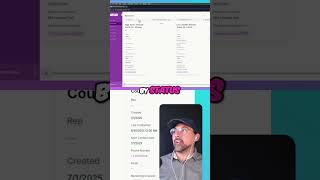
We have all that good to go, but what happens when we actually start getting leads? What does that look like and how are we able to successfully track every lead throughout the lifecycle and then being able to transfer leads into acquisitions and all that good stuff? So what you can see here is I have all open seller leads pulled up here and you can filter or take a look at all of your calls for, uh, for today when it comes to seller leads, all of the deals that you've won, or excuse me, all of the leads that you've won over receiving a signed purchase agreement and everything that is closed that didn't, um, unfortunately come come to fruition, right? So you could see very similar to the campaign console, we have it filtered by status. We have new, attempted contact, offer needed, offer ready, and offer sent, as well as an offer being accepted. So very similar again to the campaign console, you can see all of this information. So key information that's needed, is there a rep or team member assigned to this? When was this created? The last contact and next contact date, phone number to reach out to them, email, marketing channel, parcel number, reference list, as well as marketing campaigns. Like I mentioned in the last video to track how many leads you get per marketing campaign.