This is a YouTube video titled "How to Automate HR Data Entry 🎬 Part 5" containing a tutorial-style explanation from September 12, 2023, demonstrating how to automate the process of converting time off requests from HR software Gusto into records in SmartSuite using Zapier. The content focuses on setting up email forwarding and mailbox creation to streamline HR workflows.
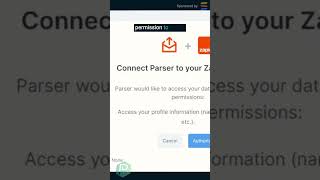
I want time off requests like the one you see here generated from our HR software Gusto to automatically become records assigned to whoever's approving them in SmartSuite. I want those requests to show up here so people aren't having to work in their email. Make sure you grab at least one example of what this email looks like and keep it on hand. So on this page, we're going to go ahead and log in with our Zapier account, then give permission to talk to each other, because we are going to need that. Then once we're in here, we can start creating mailboxes. We're going to click Create Mailbox. Once we do that, we're going to see a page like this that allows us to take a URL to a specific inbox that Zapier created. So locate that original email and click forward to send it to your relevant inbox. This is what's going to kick it all off. Once you send the email, you can wait till Zapier refreshes to look for new email button. Once you do, you should see something like this pop up, which tells you that the email inbox has received your email. It should have the contents of your email, even if it looks a little funky.