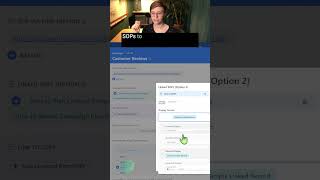
Five ways to link Standard Operating Procedures to records in SmartSuite: URL fields, linked record fields, help text, Smart Doc fields, and checklists. Pick the method that fits your workflow.
If you want to connect your SOPs to SmartSuite records, you've got five options available to you. Option number one is to use a URL or a link field in order to have the URL of your SOP attached to the record you want to connect it to. Option number two is to use a Linked Record field where you can set things up using multiple field options to connect those sops to your records in a more structured way in whatever display format you prefer to use. Option number three is to skip fields altogether and add help text into the fields you already have. Moving on to option number four, you can use a Smart Doc field, a long form text area, and use things like callouts to add your SOP into the doc itself. Finally, we have option number five, which is to take a checklist that you're typing in, and in that checklist just use your text to write the link of the sop. When you add a URL into a checklist field, it'll automatically become a hyperlink and allow you to click it to view the SOP where the actual task or action item is stored.