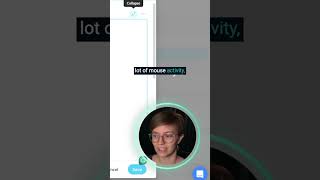
SmartSuite's long form text field lets you expand your note-taking space and add emojis, videos, images, and checklists. The full-featured editor gives you more control over how you capture and organize information.
This area is a long form text field that we can actually expand out to cover an entire page. Pretty much the nice thing about this area, beyond just being nice and spacious is that we also have full featured editing here. While it's not stuck to the top of the bar by highlighting any text, we can choose to have different stylings and layouts to make this data feel nice and formatted. If you're someone that doesn't like to use a lot of mouse activity, you can also type a slash to also incorporate different elements. So for example, we can add emojis, videos, images, attachments, divider lines, dates, and of course more sophisticated things like checklists, table of contents and so on. All of this fun stuff allows us to format our text and have fancy callouts that allow us to have notes that truly reflect what we're trying to pay attention to and make sure that things don't just come in as a wall of text.