How to Use The SmartSuite Team Meeting Template
30 Mar 2023
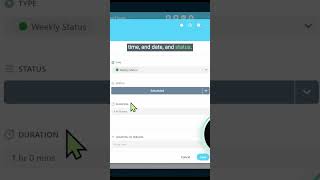
A walkthrough of SmartSuite's team meeting template, showing how to track meeting details and agendas using relational database connections to organize team meetings.
A walkthrough of SmartSuite's team meeting template, showing how to track meeting details and agendas using relational database connections to organize team meetings.
What this template allows us to do is track our notes around certain meetings. And because it's a template that has a lot of cool stuff baked in, it also allows us to actually map out our meeting agendas in a more dynamic way. Let me go inside this meeting for the marketing team to show you what this looks like. Here we have our first section, which is our general information. This is where we can track who's in charge of the meeting, the duration, the time and date and status. Below that general information section, which we can collapse, we can see the purpose, agenda and location. Normal stuff you'd expect. Love the fact that it includes the meeting id. That's a time saver. Below that, we have discussion topics. This is how we're using a little bit of networking to connect this area here where we're tracking meetings with these topics that we can track later. This is using SmartSuite's relational database features to allow us to connect information housed here and connect it to meetings housed over here. These two things happen to be in the same solution of team meetings, but just know you could connect things from anywhere if you so choose.










