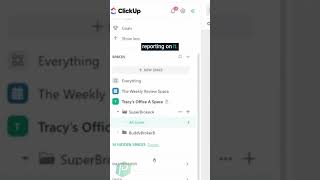
A walkthrough of building a ClickUp dashboard to track and assign work. The video covers setting up task widgets and reporting features so you can see who's doing what and balance the workload across your team.
I'm going to invite another human being so we can pretend we have some different processors on here so our two processors and I'll even put a note up here for good documentation to say on this list, processor equals assignee. Anything else we are translating we want to make sure we say so. Task name equals loan id. We want to make sure we have those clear documentation because ClickUp does not yet let us adjust those values. Once we have this in here, we can start reporting on it. And how do we do that? Well, let's head into dashboards and look at different ways to break down our data. The data we can report on is generally just the data attached to the task. That's our little issue in this setup. Right now we've got things broken out by broker in the vertical hierarchy and office in the vertical hierarchy. Those details are challenging to report on in dashboard widgets without just creating multiple copies.