This is a YouTube video titled "Prepare for a Meeting in ClickUp" containing a monologue or tutorial from March 6, 2023, explaining how meetings are prepared and managed within the ClickUp platform using tasks to represent meetings, agendas, and notes. The speaker describes their process-driven approach to organizing meetings efficiently.
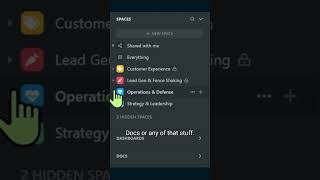
Prepping for a team meeting. This is a really common task I have because we have quite a few meetings and we have a very like agenda first approach to meetings to make sure that they're a valuable use of time. So that means good amount of prep before each meeting happens. The way we manage meetings in ProcessDriven is actually inside our ClickUp hierarchy. We don't use Google Docs or any of that stuff. It's inside our operations area, inside our teams area. And then we have this meetings and notes, I don't know list structure spot. Inside this particular list we have two views, meetings and meetings calendar. And basically we use tasks inside ClickUp to represent a meeting. If I go inside this sample task here, you can kind of get a rough idea of what this looks like. Basically every meeting is a task with its agenda and notes inside the description of the meeting. You can see all these different sections we have during our normal meetings which are all filled out beforehand so that the meeting can flow really smoothly.