This is a YouTube video titled "Set Permissions for Notes in SmartSuite" containing a monologue or presentation from April 25, 2023, explaining how to duplicate note-taking fields for different users within SmartSuite, set granular permissions, and automate actions based on these fields to improve organization and privacy compared to traditional document methods.
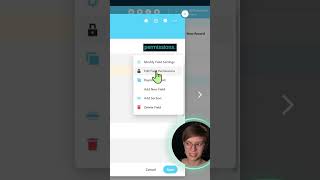
I can take this field and I can duplicate it so I can have multiple note taking documents entirely separate for different users. So I have Layla's meeting notes here, John's meeting notes here. Now why that's extra cool is because these are fields we can now automate and set permissions just like we can on all other fields inside of SmartSuite. We can have certain automations happen when Layla's meeting notes are filled in and different ones when John's are filled in. We can also of course adjust these field permissions. For example, maybe I want to have the CEO's notes from say this marketing meeting. Maybe I want it to be private so only certain teams such as the leadership team can see those notes and maybe editing. I only want Layla to be able to edit this because this is her note taking area. This kind of granular permissions and the ability to have automations based off of these same kinds of fields is the kind of stuff that you do not get when you have all of your stuff just stuffed in to an unstructured and non databasey Google document or Word file.