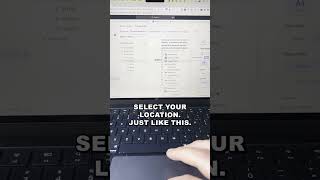
ClickUp lets you turn meeting notes into tasks in one step. Create an agenda, take notes during the meeting, and convert them directly into actionable items without leaving the platform.
Here's how to make your meetings at ClickUp way more actionable. First, what you need to make sure you do is you create your agenda and take meeting notes inside of ClickUp. Then what you're going to want to do is at the end, you're going to want to have a list of action items from a specific meeting. Then I can easily come in here, I can highlight this text just like that, and you'll see I have the ability to create a task. Create a task. Select your location just like this. Let's put it right there. Add in your assignee, add in your due date, add in your time estimate, and then go click Create Task. Looking for weekly productivity tips inside of ClickUp? You've come to the right place. Subscribe below to become the most productive ClickUp user in the world.