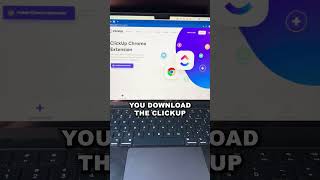
This is a YouTube video titled "Turn Your Emails into Actionable Tasks with ClickUp 📨 #shorts #clickup" created on August 16, 2023. The content is a tutorial or promotional clip explaining how to use ClickUp and its Chrome extension to convert emails into actionable tasks, aimed at improving productivity. The speaker provides step-by-step instructions on using the tool effectively.
Do you get a ton of different emails and forget to answer them? Or maybe there's an action item from that email and you forget to do it? I know this happens to me all the time. Here's how to make sure nothing slips in the cracks. First step, make sure you download ClickUp. Second step, make sure you download the ClickUp Chrome extension. Third step, all you need to do is go to an email and you're going to see this ClickUp icon in the left corner right here. You click this add to ClickUp, come down here and you'll see. I now can create a task. I'm going to click Add New task. What I need to do is choose a location where this will live, name the task, add a description, change the due date, the assignee, the time estimate and all I need to do after this is create a new task. Looking for weekly productivity tips inside of ClickUp? You've come to the right place. Subscribe below to become the most productive ClickUp user in the world.