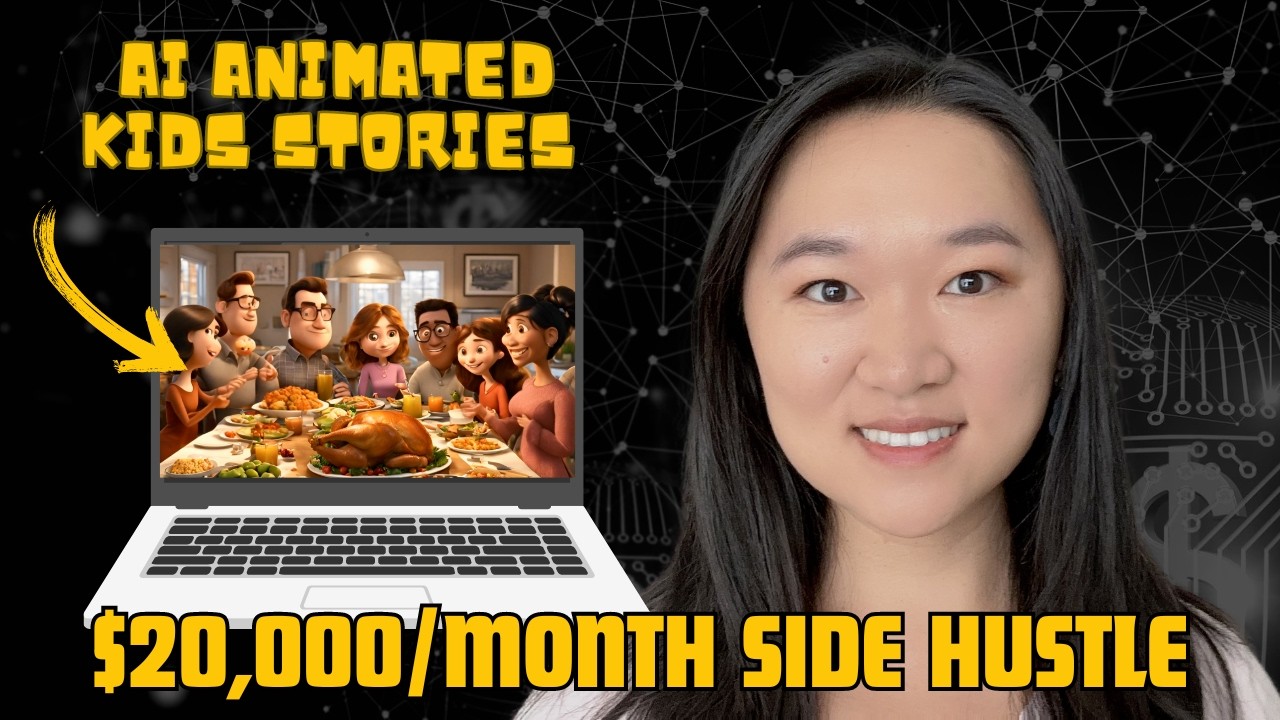
In this tutorial, Helena Liu demonstrates a complete, step‑by‑step workflow for producing a Pixar‑style, faceless children’s explainer video using only AI tools, primarily ChatGPT and Canva’s new Magic Media feature. She begins by positioning AI as a versatile skill set that can replace traditional studio resources, then shows how to generate a script and scene prompts for a Thanksgiving‑themed educational video via ChatGPT. Next, she imports each scene prompt into Canva, uses Magic Media to generate a still image (choosing the best of four options), converts the image into a short video clip, and assembles the clips on a 1920×1080 canvas. She then adds narration by feeding the scene‑specific text into Canva’s voiceover tool, selects a synthetic voice (Natalia), and syncs the audio with the video. After completing all ten scenes, she plays the final video, highlighting how the entire production took about half an hour. Throughout, Helena emphasizes the low‑cost, home‑studio nature of the process and cites a real‑world example of a children’s channel earning roughly $20,000 per year, framing the method as a viable side‑hustle. The tutorial ends with a call to like, subscribe, and join her free AI and automation training.
Chapters
From Neo Cinema, the studio you've never heard of, who are behind Synthetica and The Fifth Kind, brings you the first ever scripted AI animation with real-life actors. If we get 100,000 likes, we'll make more of this.
What?
And this. And maybe even— actually, maybe not that.
I know you have been seeing AI everywhere. It has been the top trending topic for the last year, and for good reason. It's super versatile. It is the one skill set that you can learn to master dozens of other disciplinaries. When you learn AI, you can start coding in any language, you can start generating any kind of text, create any kind of image in any kind of style, analyze any kind of dataset, and now you can even add video producing and editing to your resume as well. So in this tutorial, I'm going to show you how you can make a Pixar-style video similar to what you have just seen. You're going to learn how to create animation-style videos using only AI. By the way, if you got any value out of this tutorial, please make sure you like and subscribe, and don't forget to sign up for my free AI and automations training as well. Now people don't need fancy studios and dozens of employees to create films like this anymore. You can do it just yourself in your home, and you can create videos and films like this and monetize off of it. To show you one example here, I found this one channel that creates children's videos, and they make around $20,000 per year according to Social Blade. So I'm going to show you exactly how to replicate this using just one tool today, and that tool is Canva. So Canva is the top video creation as well as graphics design and image generation tool. Although it's very well known for its graphic design capabilities, not many people know that Canva can now generate videos as well. So once you log into your account, we're going to go up to search right here, and we're going to search for video. And because we want to create this video for YouTube, we're going to select 1920 by 1080, and we're going to create a blank video. Now that we have our video here, we're going to jump into ChatGPT to help us write our script. Now I want to create an educational children's video, and since the next major holiday that's coming up is Thanksgiving, I want to educate these children on the origins of Thanksgiving. Keep in mind that you can use the same techniques I'm showing here to create any kind of video. All right, so here's the prompt that I used inside of ChatGPT. I'm trying to create a children's video that explains the origins of Thanksgiving. I want you to give me 10 scenes, and I just want the video prompts. Just give me the video generation prompts. So ChatGPT is going to work, and it's giving me the 10 scenes that I want in my video. This is awesome. So now that I have all of my video generation prompts, the next thing that I want from ChatGPT is all of the narrations that goes with each of the scenes. So I put in the following prompt: great, each scene is under 5 seconds long, so I want you to give me the narration that will go along with each of the scenes. And this is exactly what the narrator will say. And give me the text for the next 10 scenes. And now I can see that I now have the text for the 10 scenes as well. So now I'm ready to create my video. So now I'm going to copy the prompt for my first video scene. I'm going to jump back into Canva, and I'm going to scroll down on this navigation here and select on Magic Media. So this is a new feature that Canva has recently added in. And now I'm going to put my prompt right in the image prompt section. And the reason I'm generating it as an image first is because I find that when you generate the image first and then turn it into a video rather than using the video tool on your first try. It just gives you better results from the testing I have done. So I'm going to put in create Pixar 3D animation and then put in the prompt that was just generated. And down here for the aspect ratio, I'm going to turn it into landscape. And now we just have to wait a couple of seconds until Our image has finished generating. Okay, and then you can see we get 4 choices out of those that we can choose from. This one is my favorite one. Then to turn it into a video from here, just click on the 3 dots and click on Generate Video. All right, we wait about a minute. And we can see now that image has been turned into a video. And we can just drag and drop that onto our canvas. And we can see now we've got a 4-second video that was just generated. All right, so now that we have our video, I'm just gonna get it to fit our frame. And now we can add in the narration that goes along with that. So I am going to copy the text to go along with it and go down to the next tab, which is voiceover, put in the script. We can also choose our speaker and to test out each of the speakers, you can just click on their name and then click play sample. Dreams come true. Without that possibility, nature would not incite us to have them. Okay, so that was way too animated.
You can often change your circumstances by changing your attitude.
I like this one a lot better. So let's go with Natalia for our voice. And let's now generate the text. Alright, so let's now watch what we have so far.
Long ago, The Mayflower sailed across the ocean carrying people to a new land.
All right, so that's our first scene done, and you're gonna just now watch me repeat the whole thing for the next 9 scenes. Okay, so it's been about half an hour and I finished creating my Pixar-style children explainer video on the origins of Thanksgiving. Let me play it for you now.
Long ago, the Mayflower sailed across the ocean carrying people to a new land. They landed in a new land where the Wampanoag people were already living. That first winter was very hard, and many Pilgrims struggled to survive. But the Wampanoag reached out to help, and they became friends. The Wampanoag taught the Pilgrims how to plant crops, like corn, beans, and squash. Together, they worked hard and grew plenty of food for everyone. To celebrate, they decided to cook a big feast with all their harvest. The Pilgrims and Wampanoag shared a meal, thankful for their friendship and the harvest. They gave thanks for everything they had, surrounded by kindness and joy. Today, we celebrate Thanksgiving to remember this story and to give thanks together.
As you can see, it's actually not bad for 30 minutes of work. Overall, I'm still really impressed. I mean, this would have been a skill set that I would have never been able to get if it wasn't for AI, because I have no video production or animation creating training. So I'm such a fan of AI because it has enabled average people like you and me to be able to create full-length videos in our room. Like, you don't have to rent a fancy studio, you don't have to have millions of dollars in funding anymore. So if you are interested in making faceless videos, definitely give this methodology a try. There's so many use cases for that. There's so many different styles of videos that you can make with this. For this particular style, again, I put in all my prompts, create 3D Pixar animation style videos, but you can do anything you want. So let your creativity run loose. If you got any value out of this tutorial, please make sure you like and subscribe because that will help the YouTube algorithm a lot. And don't forget to sign up for my free AI and automations training as well. And I'll see you next time. Love y'all.