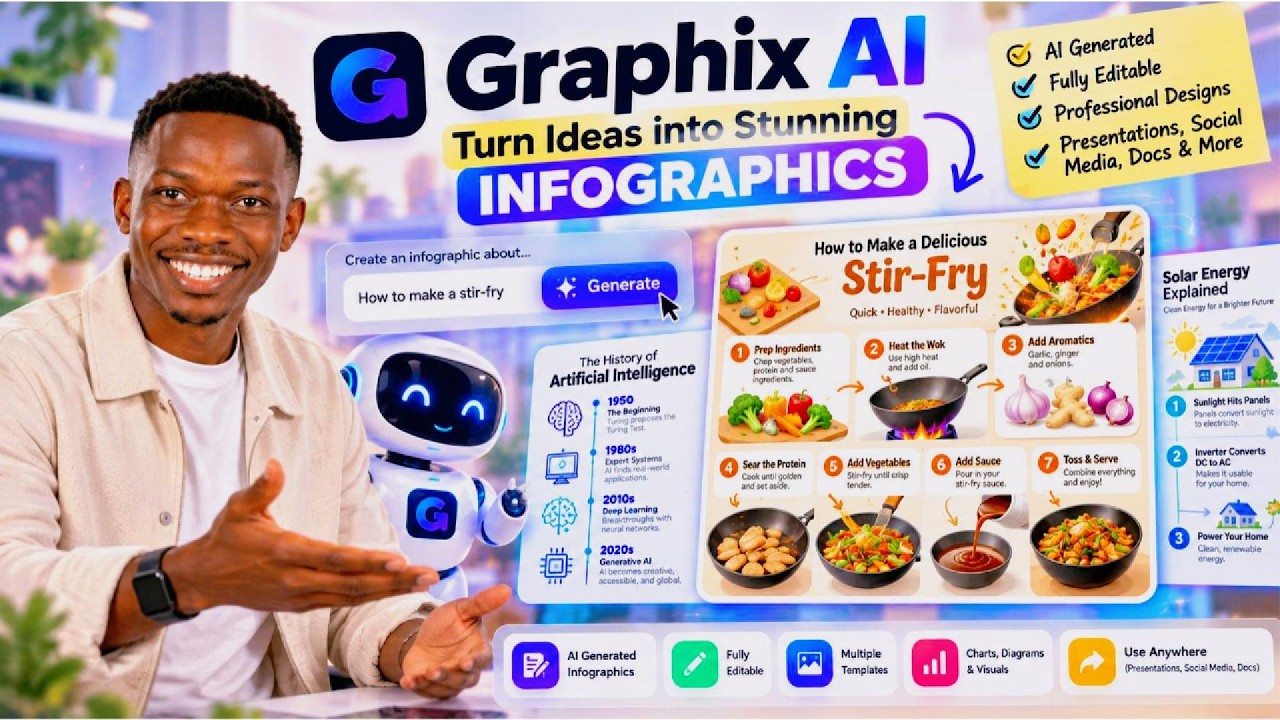
In this Everyday AI video, host Jay demonstrates the Graphics AI web app, which generates fully editable, polished infographics using text prompts. He walks through creating a stir‑fry recipe infographic, selecting a "history" vibe, 16:9 aspect ratio, and medium image quality, and shows how to upload inspiration images. The generated infographic lists steps (prep ingredients, heat wok, add oil, sear protein, toss vegetables, add sauce, serve) and is fully editable for further customization. Jay notes the service’s pricing—approximately a $20 monthly plan—positioning it as an affordable AI SaaS tool. He also promotes his own digital product, a 7‑day prompting ebook titled "Perfecting Prompts," which offers frameworks he teaches to global corporations. The video blends a live demo, pricing overview, and a brief product plug.
Chapters
Graphics is a website that allows you to generate polished and fully editable infographics using AI. If this is your first time here, my name is Jay, and this is the Everyday AI channel where we teach you how you can use AI in your daily lives. I'm going to dive right into this here, and I'm going to say, let me get rid of this. I'm going to say generate an infographic showcasing how someone can make some stuff, right? Why not? I'm a fan of stir-fry. Perhaps you are too. Let's see what this gives us here. So I'm going to select the kind of— we can select the kind of, I guess, vibe we're looking for. Let's go with history. It's going to be quite strange, but yeah, let's go with it. Let's go with 16 by 9 editable. Let's go with image quality. We can leave it at medium. And then what we're going to do is we're going to click generate. I may have to sign in, but ultimately here's what Graphics can do. Basically generate these really interesting and editable, cool infographics, potentially even used as a static ad as well. Let's try this out and see what we get. I've actually just seen you've also got this ability to upload, I guess, a kind of inspiration or images and inspirations. I'm going to click Generate and we'll see what we get here. It's saying— oh, it's saying I've already got one in generation. Let's see here, projects. Uh, okay, let me just double-check. Let's paste that back in here, history. And yeah, let's leave this at 16:9 and click generate. Okay, um, click on that. You have some— oh, okay, so I think it's actually already working, but I can't seem to see the Uh, let's see. Hmm. Okay, so now it's actually shown up. Okay, cool. And we can see how to make stir-fry. Prep your ingredients, heat the wok, add oil and aromatics, sear the protein, toss some vegetables, sauce, toss and serve. Okay, cool. It's quite interesting. You can describe how you want it edited. Of course, this was just an example, but it can be a useful way, I guess, to generate some infographics. So yeah, definitely check out Graphics if you think it would be useful for you. I'm actually pleased to announce I've launched one of my first digital products. Which is a 7-day prompting ebook. I've called it Perfecting Prompts, and it's essentially a 7-day crash course on how you can improve your prompting so that you can supercharge your productivity. So what I'm going to do is I'm going to leave the link to Perfecting Prompts below. I put in a lot of work into it, and in there I actually include some frameworks that I teach to global corporations. Definitely check it out. If we go into their pricing plan, uh, we can see here it's, uh, not terribly expensive. So around that $20 mark. Plan at the $20 mark level for these kind of AI SaaS tools.