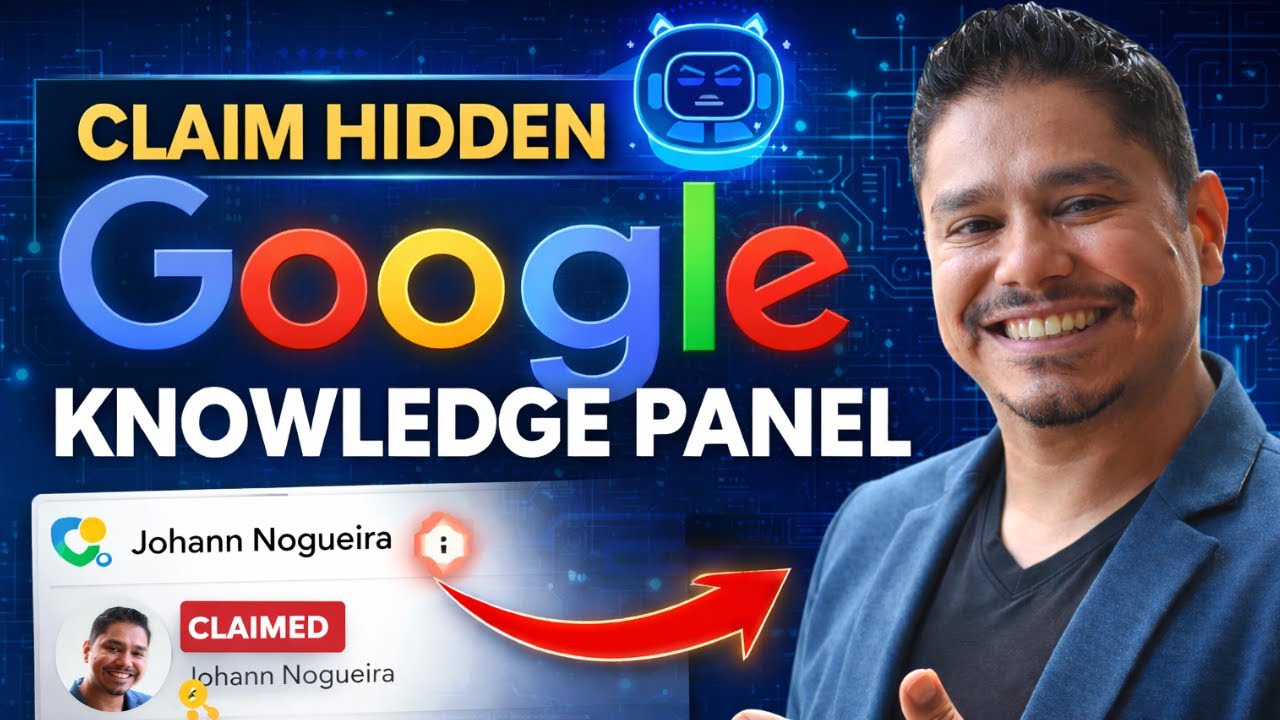
In this tutorial, the creator explains how they reclaimed their Google Knowledge Panel after it disappeared due to inactivity. They start by using the Perplexity Comet browser’s AI assistant to ask how to claim a non‑visible panel, which leads them to locate their Knowledge Graph entity ID. After failing to find the ID via manual search, they use the online Knowledge Graph Explorer tool (kylarqube.pro/tools/knowledge-graph-explorer) to retrieve their entity profile and click “See on Google.” From the Google Knowledge Panel interface they access the three‑dot menu and select “Claim this Knowledge Panel,” which redirects to a Google Form. The form requires personal details and a photo ID; the creator notes a face‑recognition error and suggests uploading a screenshot of themselves holding the ID as a workaround. After submitting the form, the claim is processed. The video aims to help viewers replicate the process.
Chapters
All right. Hey guys, I wanted to quickly make this video. So I've been looking for my Google Knowledge Panel for a long time. A lot of my friends have claimed theirs. I did not claim it when they told me to claim it a couple of years ago. So it disappeared when I went to claim it today. So I went into my browser, which I'm using right now, is the Perplexity Comet browser. And I asked my AI assistant, how do I claim my Google Knowledge Panel when it's not visible on Google Search? Because if you're not active on Google Search, it disappears. I have not posted on my socials for a long time, etc. So that's what they consider activity. So we've come in here and it says, hey, go through here and you can use this thing. I need to find my Knowledge Graph ID. So I couldn't find it. So I said, okay, how do I find the ID? And so I said, how do I check if Google has an entity ID for me? And it brings me over here and it takes me through to this manual search. So I couldn't find it there either. And so I said, okay, use my name to look up a Knowledge ID graph for Google's API. And I come in here and it gives me this tool. kylarqube.pro/tools/knowledge-graph-explorer. It finds my name, I click it, it takes me through to here, and then I can see this is, this is my profile. I click on See on Google. When I clicked on that, it brings up my profile, and then now I have these 3 dots. So now I can click on these 3 dots and I can click Claim This Knowledge Panel. So once you click that claim, it'll take you through to a Google Form where you fill out all the details. Once you find all the details, you fill it out, you upload a photograph of yourself. I had a little trouble uploading the photograph because it kept saying a face was not recognized. So one of the things to do is to take a screenshot of your photograph holding the ID. When you do that, then you can upload it. So try that out. That's what worked for me. And now I have submitted my Knowledge Panel claim. So there we go. I hope that helps you. Talk soon. Hey, hey, hey, hey, hey, hey, hey, hey.