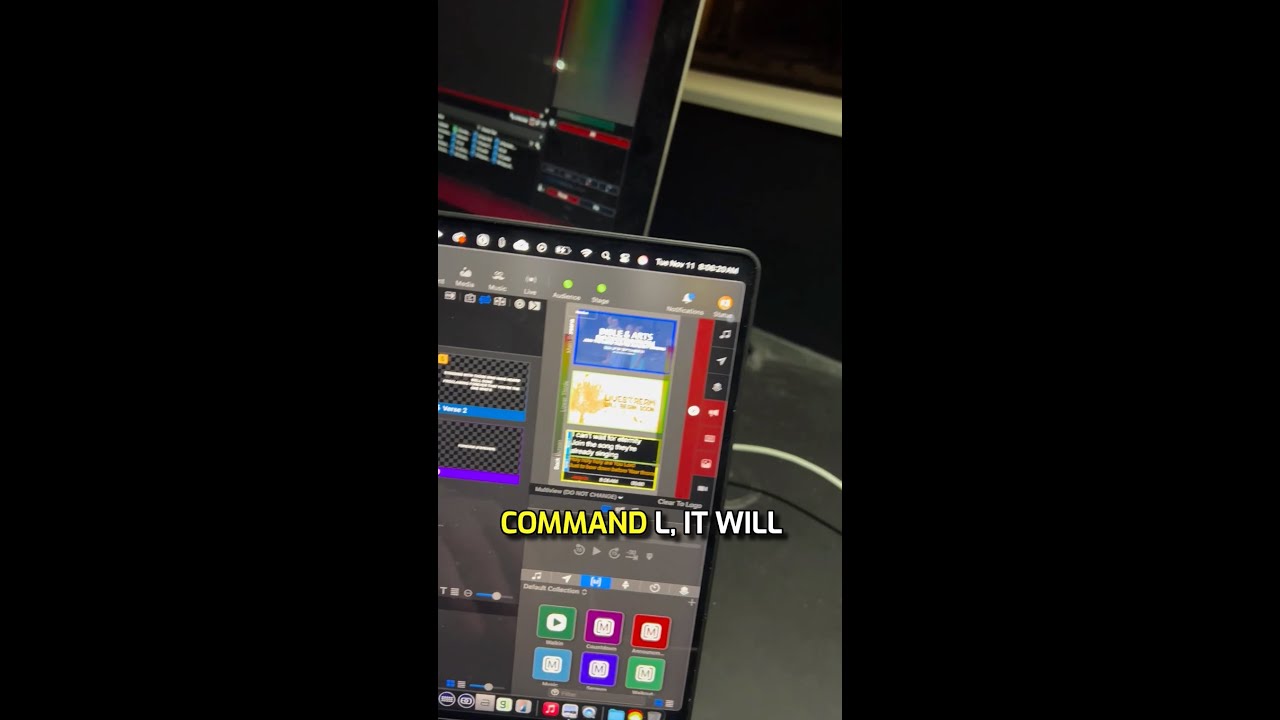
Use Command + L to jump to the currently active presentation in ProPresenter, or Shift + Command + L for the announcements layer. Find these shortcuts under Presentation menu.
Chapters
Hey, here's another ProPresenter training tip for you. Ready? Here we go. Sometimes you may have a lot of things happening and you may not know which slide is active or which presentation is active, either for your announcements layer or your presentation layer. So you can view that if you press Presentation and then see where it says Show Triggered Presentation or Show Triggered Announcement. The shortcut is Command+L or Shift+Command+L. If I press Command-L, it will jump to the triggered presentation. If I press Shift-Command-L, it will jump to the announcement presentation that's triggered. Hey, if you like this ProPresenter tip, be sure to follow for more and stay tuned for our brand new ProPresenter training course coming very soon.