Always see what's on the main screens in ProPresenter with a Windowed Output
23 Nov 2025 · 1 min
0:44
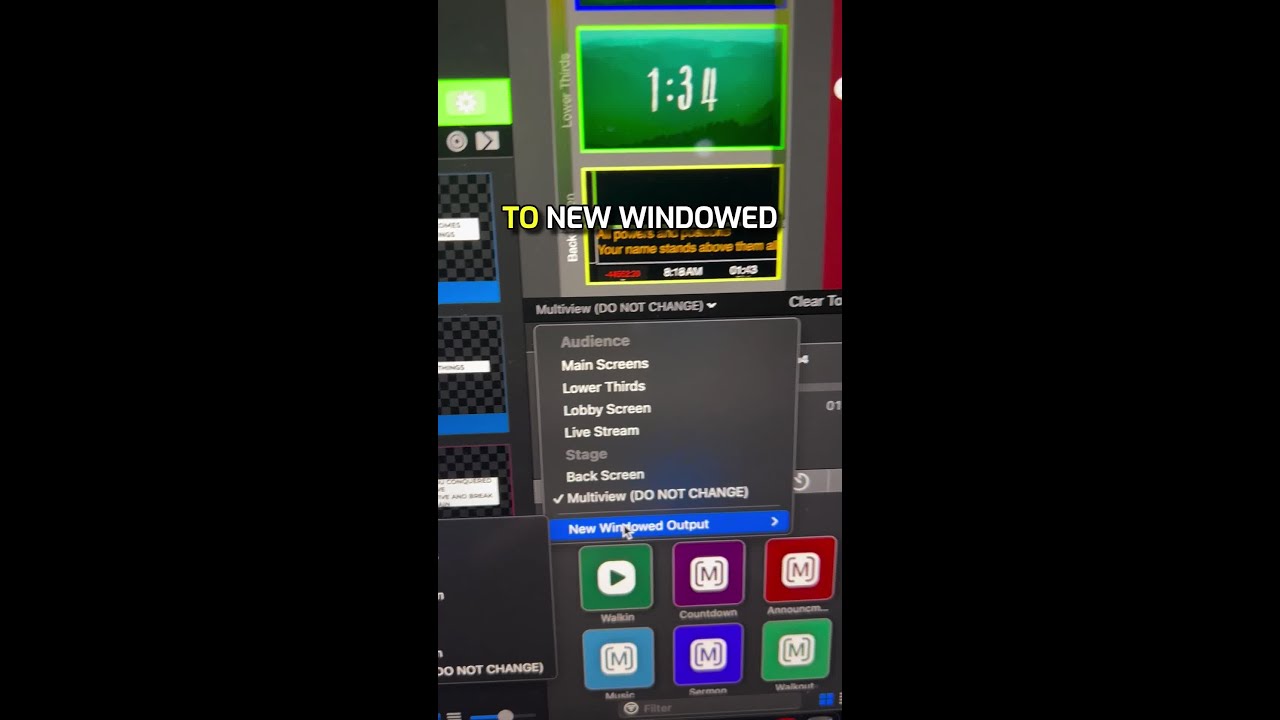
In this concise tutorial, the presenter shows ProPresenter operators how to maintain a constant view of the main (audience) screens while using the multi‑view preview. By opening the dropdown in the preview window, selecting “New Windowed Output,” and choosing the desired audience screen, a pop‑up window appears that can be resized and moved to any secondary display. This windowed output provides a persistent visual of what’s being shown on the main screens, allowing the operator to monitor the audience output at all times. The video concludes with a call to subscribe and a teaser for an upcoming ProPresenter training course.









