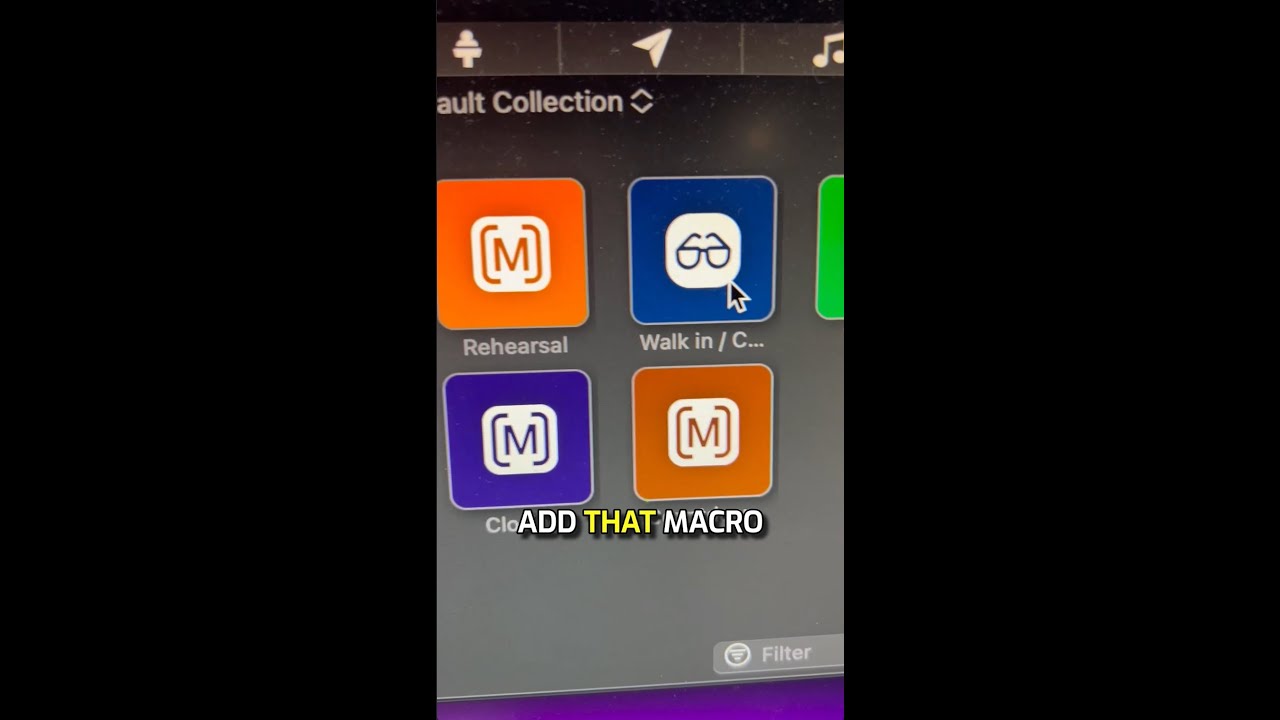
Create a macro for each service element like worship or sermon, then customize its icon by right-clicking, selecting Change Icon, and importing an image. Your custom icon appears on the slide when you run the macro.
Chapters
Hey, here's another ProPresenter training tip for you. Ready? Here we go. I recommend to have a macro for every major element of your service, like walk-in, rehearsal, closing, countdown, worship, welcome and announcements, and sermon. But you may not know that you can actually create custom icons. So right-click on the macro, change icon, add the icon you want. You can even import your own icon. So let's say it's this one, and now when you add that macro to a slide, that macro with your custom icon shows up. Hey, if you like that ProPresenter training tip, follow for more and stay tuned for our brand new ProPresenter training course.