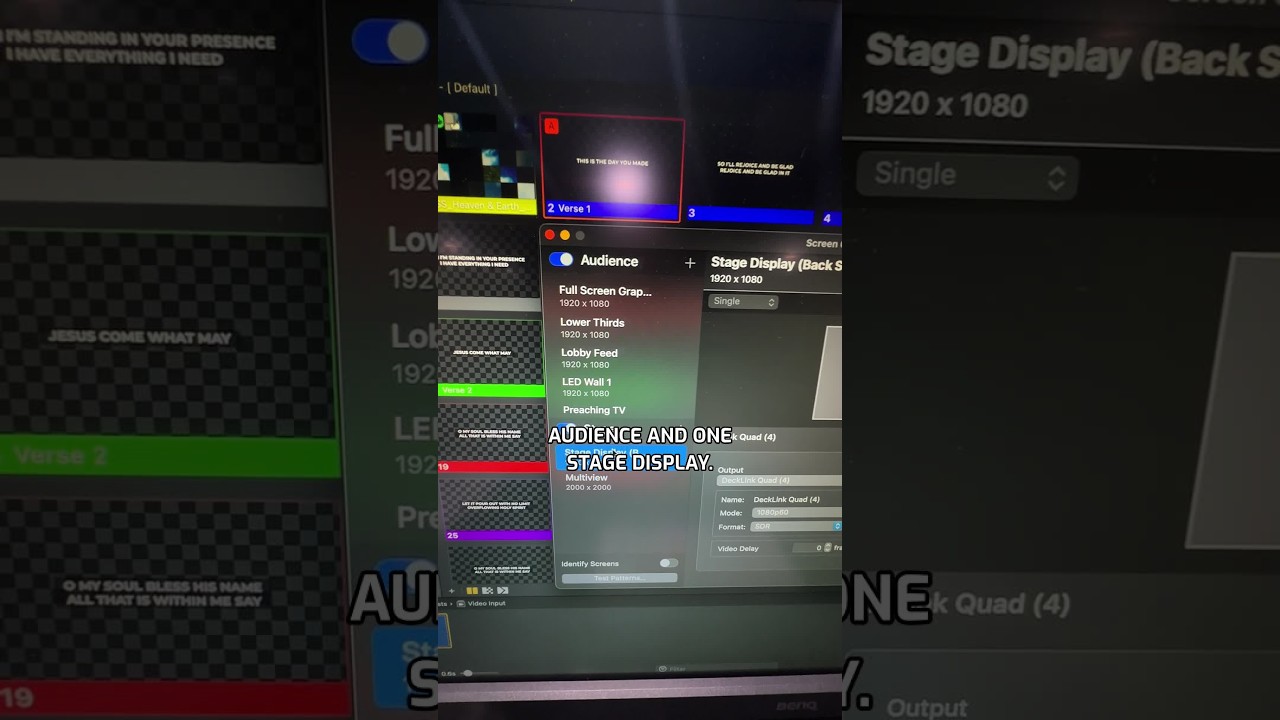
Joshua Riggs shows how to display lyrics on both your audience screen and stage screen in ProPresenter. Open Screens menu, configure your outputs, and select the Music layout on your stage display to show current and next slides while lyrics play for the audience.
Chapters
Okay, I had somebody ask, how do you show lyrics on the front screen and the back screen at the same time? Well, it's pretty straightforward. You first need to make sure you have your screens configured properly. So go to Screens, Configure Screens, and then make sure you have a stage output. And of course you want to turn that on. And then you'll have one audience, so you really just need one audience and one stage display. So then you'll go to Screens and then mouse over your stage display. We call ours back screen. And then you'll choose the layout that you want. So here we have one called Music. It has a current and next slide. So with that selected, now you'll see your primary lyrics on the front screen and then your current and next slides on the back screen. Hey, if you want more training like this, follow the link in the comments for a free ProPresenter volunteer training coming up on September 1st.