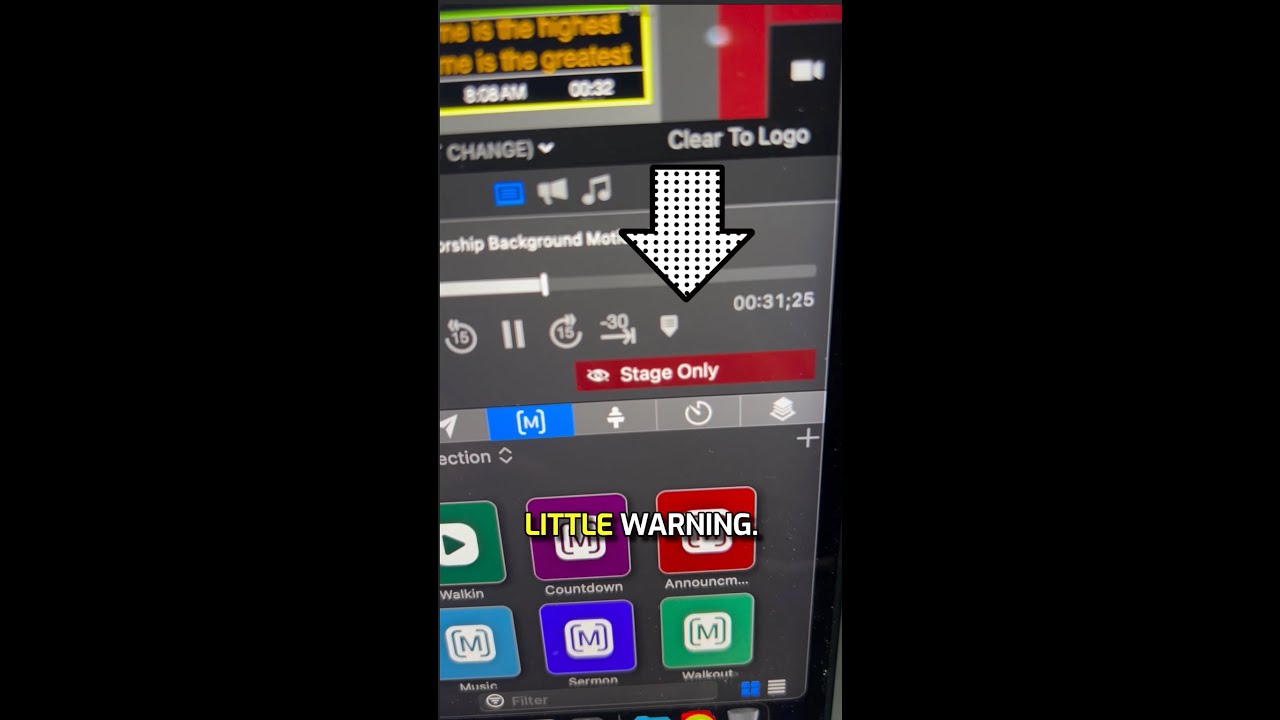
Use Command+0 in ProPresenter to show lyrics only on stage or back screens, hiding them from the audience. Press it again to toggle back to all screens.
Chapters
Hey, it's time for another ProPresenter training tip. Ready? Here we go. Sometimes you may want to show the lyrics only on the back screen or on your stage display but not on the main screens. In order to do that, press Presentation and click Show Slide on Stage Screens Only or Command+0. So if I press the shortcut Command+0, now I get this little notification that says Stage Only. So as I advance through the lyrics, I can see that my lyrics are on my back screen only, and I have this little warning. If I press Command+0 again, that goes away, and now my screens— my lyrics show up for my main audience. Hey, if this video was helpful, be sure to follow for more, and stay tuned because we've got a ProPresenter training course coming very soon.