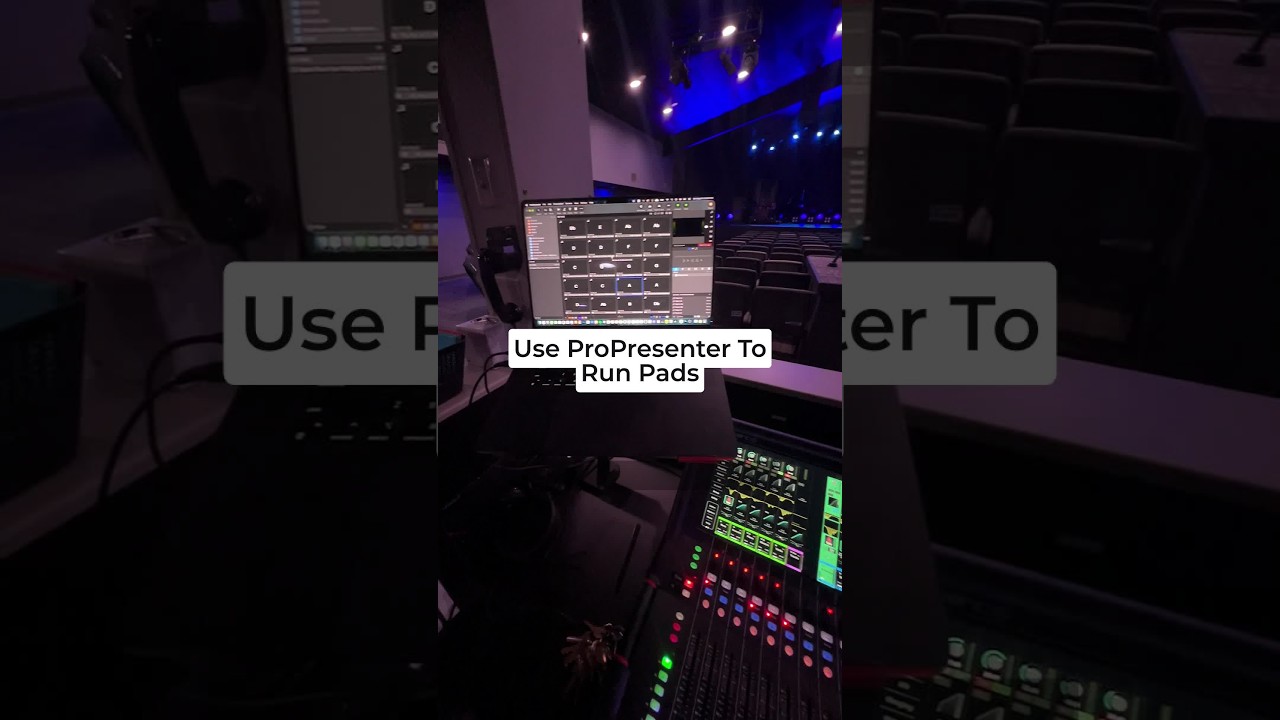
Joshua Riggs shows how to set up ambient pad audio in ProPresenter for worship services. Create slides labeled by key, drag audio files onto them, and trigger pads like E, A-flat, D, or G during the service to blend background music seamlessly.
Chapters
Hey, I want to show you how you can use ProPresenter to run pads for your worship service. So I have this presentation, it's just called Pads, and I have these slides with just big text on the key. Then you just drag your audio file onto the slide. So for instance, I've got this key of E, and then when I trigger it, it plays the pads. And I have it here so I can add in those pads and mix those in for the service. I want to jump around, you can go to your audio, and I can see I've got plenty of time left on this pad. So then as the song changes, we change to A-flat. I click on the A-flat pad of my choice, or D, or G, etc. If that was helpful, if you like that tip, be sure to follow for more. Follow the link in the comments for the free training