In this tutorial, Luke from AccountCloud demonstrates how to quickly create an estimate in QuickBooks Online tailored for a contracting or landscaping business. He walks through navigating to Sales → Estimates, clicking the green “Create Estimate” button, selecting a customer (Diego Rodriguez), adding products or services (e.g., concrete work for fountains), setting rates, applying discount percentages or values, adding sales tax, and reviewing the automatically calculated total. Luke explains how each line‑item description corresponds to a cost code in QuickBooks, shows how to add a custom message and attach supporting documents, and finishes by using the “Save and Send” feature to email the estimate to the client. The video ends with a call to follow the channel for more tips and an invitation to contact AccountCloud for accounting assistance.
Chapters
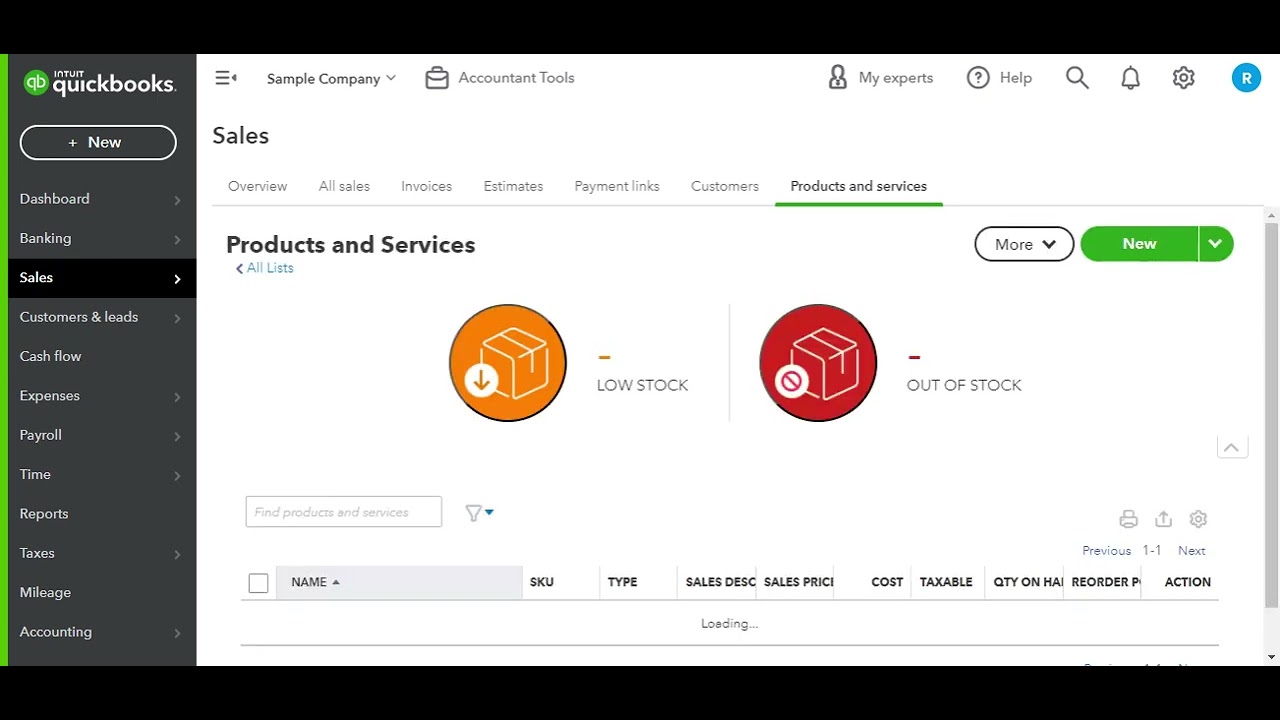
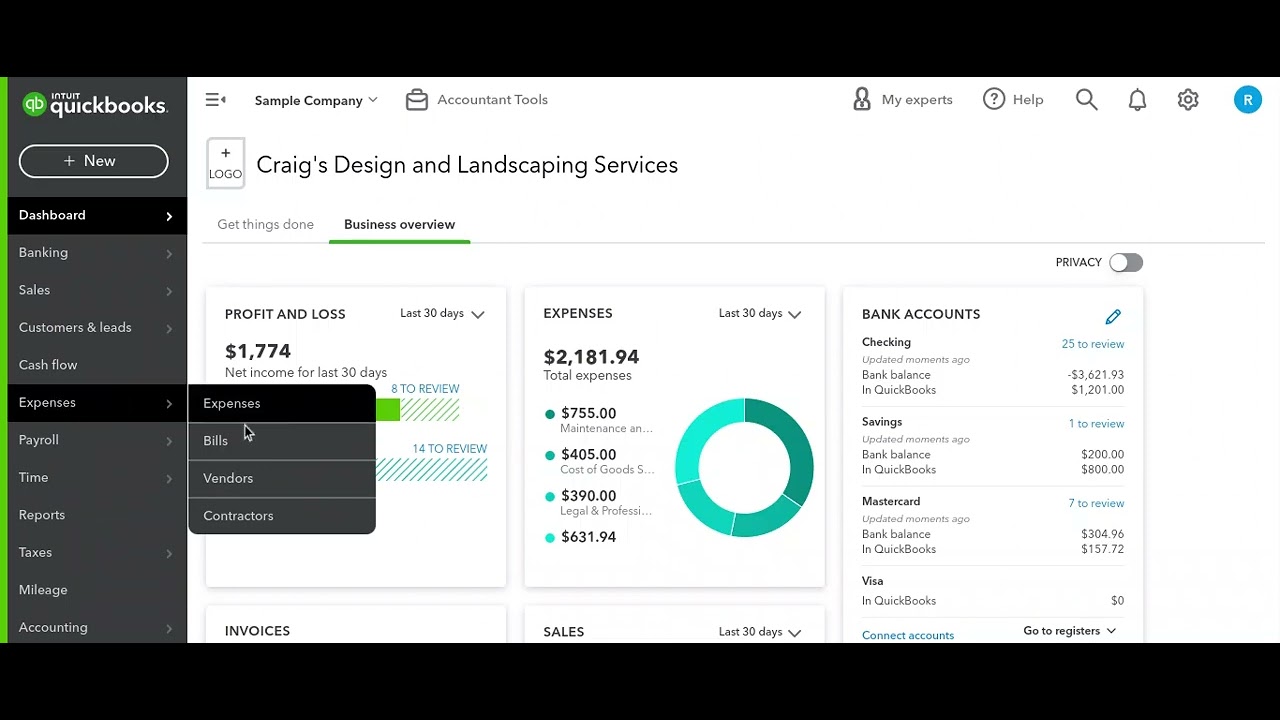
Hey everyone, it's Luke here with AccountCloud, and today I'm going to be showing you how to quickly create an estimate for your contracting business. So creating estimates inside of QuickBooks Online is really easy. First of all, you go over to Sales, then you go over to Estimates, and you'll see the Estimate screen here. There'll be a nice green button that says Create Estimate. Go ahead and click on Create an Estimate, and once it loads, it will allow you to choose a customer. So we We're going to go ahead and choose Diego Rodriguez for this customer. And then it will allow you to choose the products and services that you're offering to this customer as far as an estimate. So, like, for example, if we're going to be doing some concrete work for fountains, we can do that. This is a— this sample company is a landscaping company, so we can go ahead and put in our Our normal rate that we would charge for this type of work. We can also add in a discount percent or discount value if we want to give them a discount for this estimate. And then we can also add in the appropriate sales tax if we need to for this estimate as well, and it will all calculate down into this estimate total. The description line On the line items is just per line item or cost code that you have inside of QuickBooks Online. And we can display a message on the estimate as well as attach any supporting documentation that the estimate might need for our records. Then when we're done, we just go ahead and click on Save and Send, and it will email it out to the potential customer. This is a quick and easy way of creating estimates. inside of QuickBooks Online for your contracting business. To hear more tips, go ahead and follow us on YouTube or subscribe to our LinkedIn, and we look forward to providing you more tips like this. And as always, if you would like us to help you with your accounting or help you set up estimates in your business, feel free to reach out to us at www.accountcloudcpa.com. That's www.accountcloudcpa.com. Thanks, and I hope you have a great day.