QuickBooks Online Vendor Attachments Tip For Construction
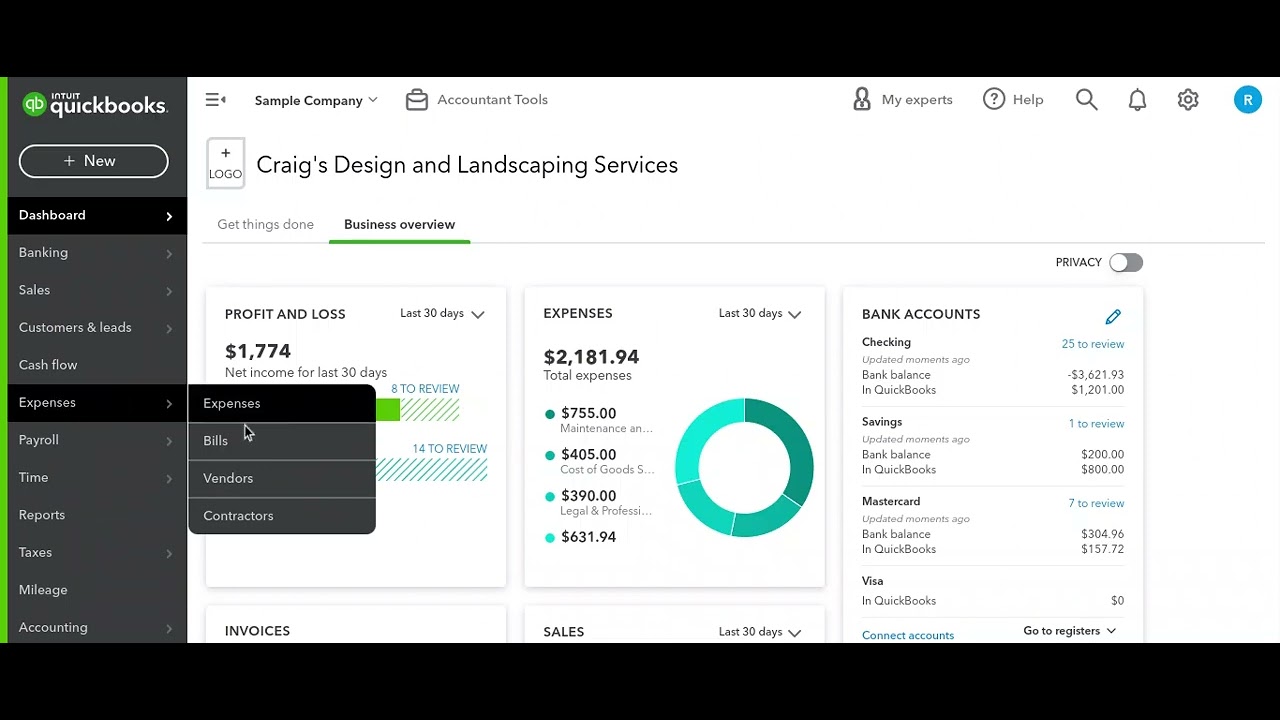
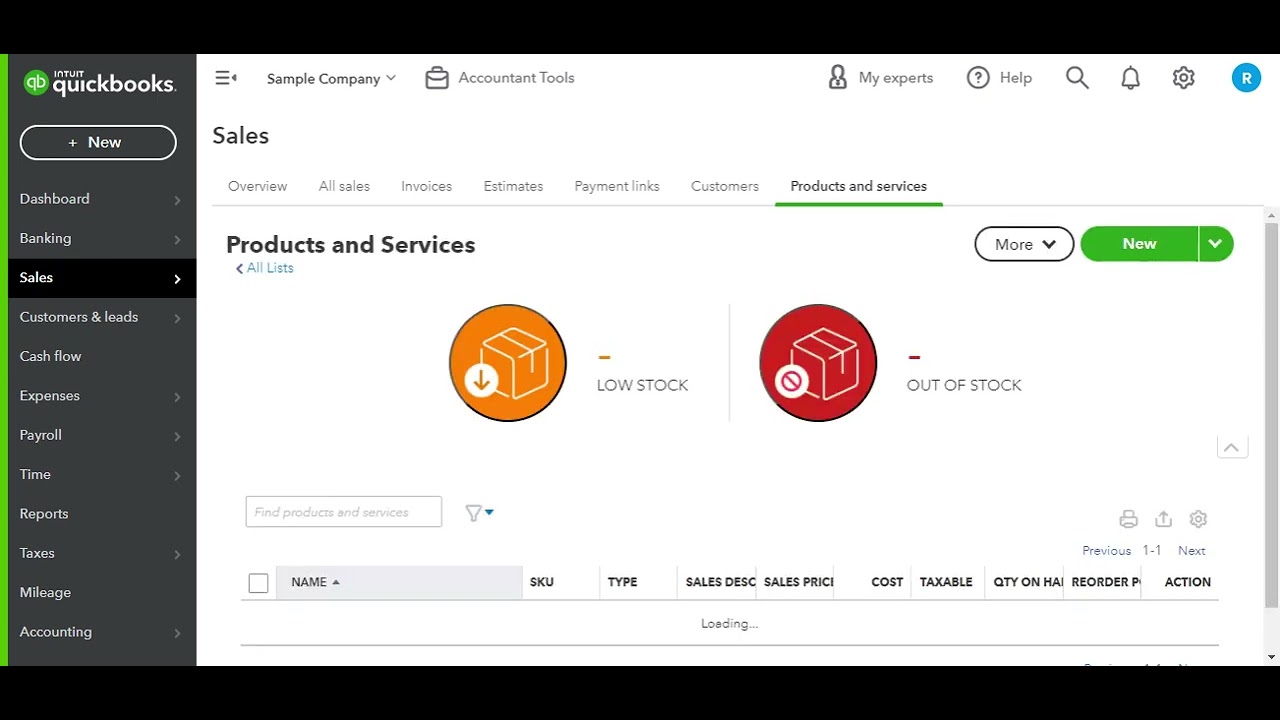
In this short instructional video, Luke from AccountCloud walks viewers through the process of attaching files to a vendor record in QuickBooks Online, specifically for construction businesses. He demonstrates navigating to Expenses → Vendors, selecting a vendor (Tim Philip Masonry), opening the Vendor Details tab, scrolling to the Attachments section, and dragging and dropping documents such as proof of insurance or W‑9 forms. Luke explains that these attached files become permanently linked to the vendor profile, allowing easy access and verification for each subcontractor. The tip emphasizes how this feature helps construction firms keep essential compliance documents organized. At the end, Luke invites viewers to contact AccountCloud for personalized setup assistance and a strategy session with an accounting professional.
Chapters
More from Luke

Account Cloud is an accounting firm specializing in #constructionaccounting for #homebuilders

Taxes Are Due On April 18th 2023. Contact Account Cloud For Professional Help Filing Your Taxes!